EN
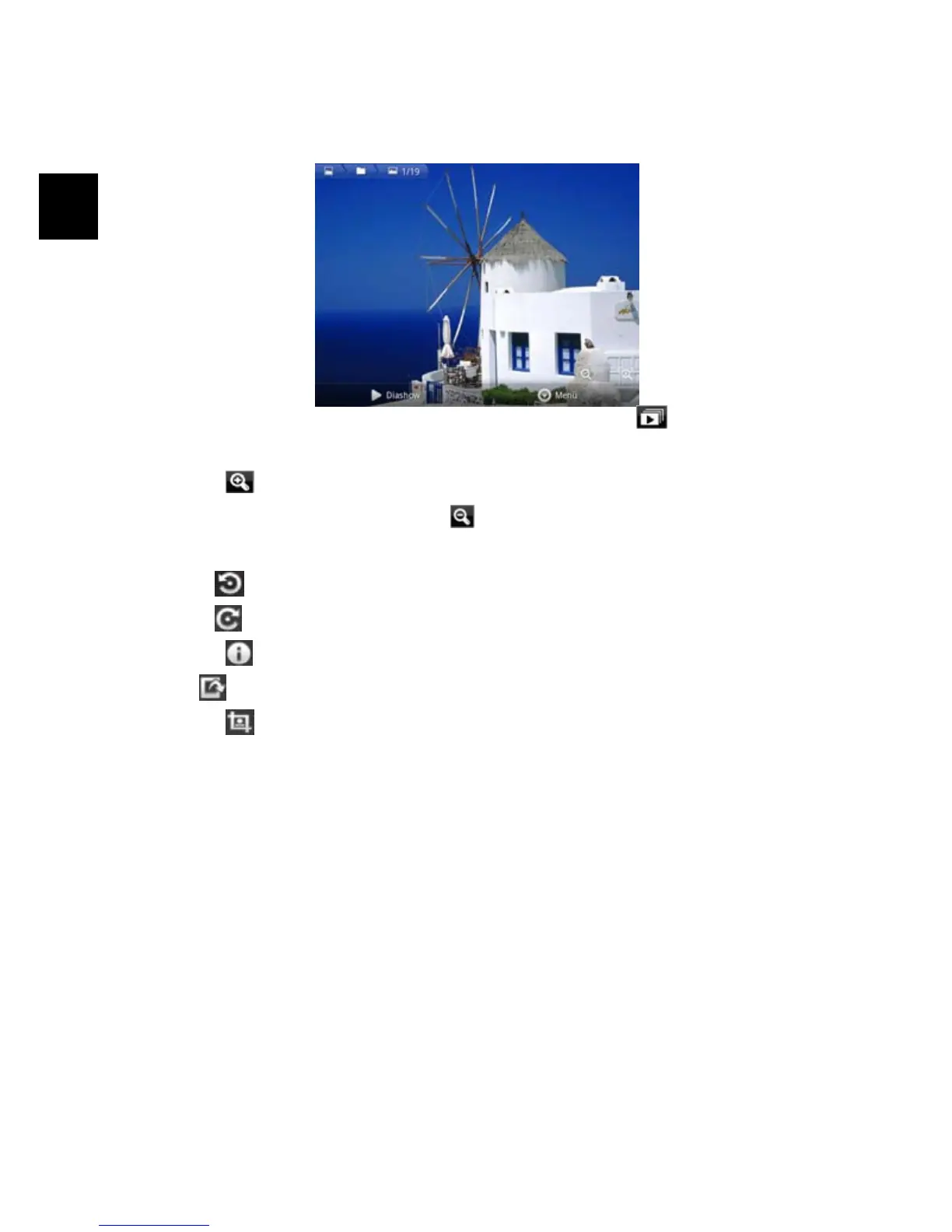
Viewing Photo
When you are viewing picture, you can tap on the screen to show a floating
toolbar at the bottom of the screen.
y To start/pause a slideshow, tap on the Slideshow icon .
y Wipe left or right to move to the next or previous picture.
y Tap on to enlarge the current picture. tap at the enlarged picture and
move to change the view . Press
to zoom out.
Tap on „More“ to access additional options.
y Press to turn the picture by 90° to the left.
Press
. to turn the picture by 90° to the right.
y Tap on to show more details about the current picture file.
y Use to set the current picture as home screen background.
y Tap on to cut he current view.
Select „Save“ to save a copy from the current picture with the selected part
only.



 To Next Page