EN
Reading E-Books
Start Reading
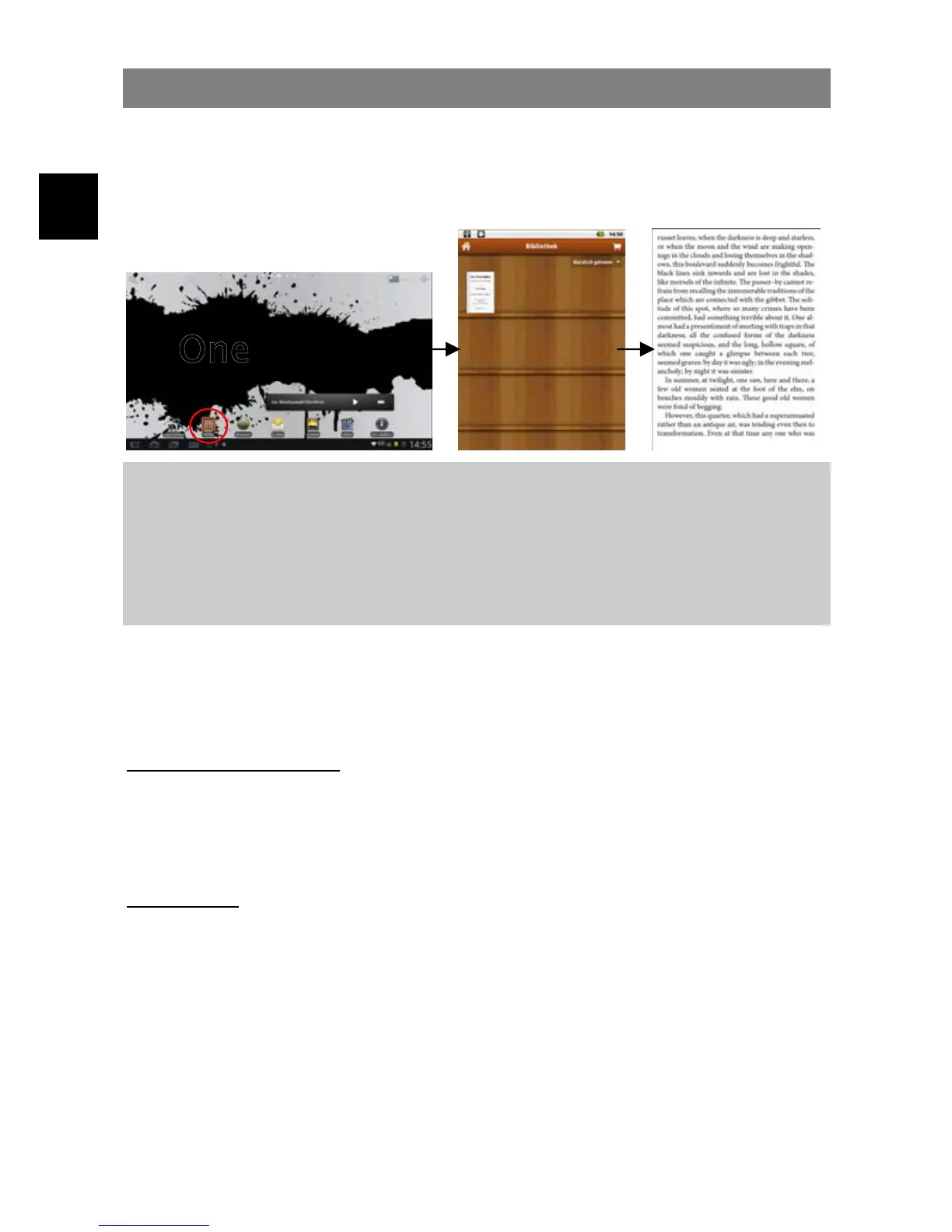
(1) In the Home Screen, tap the Ebook Reader shortcut to enter the e-book
reader mode.
(2) Tap an e-book to start reading immediately.
Note:
a. Make sure your e-books are in format of PDF and EPUB supported by the device.
b. E-book cover will show as defaulted cover by the device if the e-book has no cover data.
That’s why you see some e-book covers are the same.
c. We recommend to modify or disable the automatic display turn off function while
reading.
History and My Library
You can tap “History” to view your reading history or tap “My Library” to enter the
e-book library. “History” shows all of the e-books that you have read by date. “My
Library” shows all of e-books stored in the device.
View e-book Information
In the history or e-book library, you can view information about an e-book before you
start reading it. Tap an e-book, and the book name; author or publication year of the
e-book should display at the top screen.
Sort e-books
In the history or e-book library, you can sort e-books by title, author or file size by
tapping on Title, Author or Size.



 To Next Page