EN
21
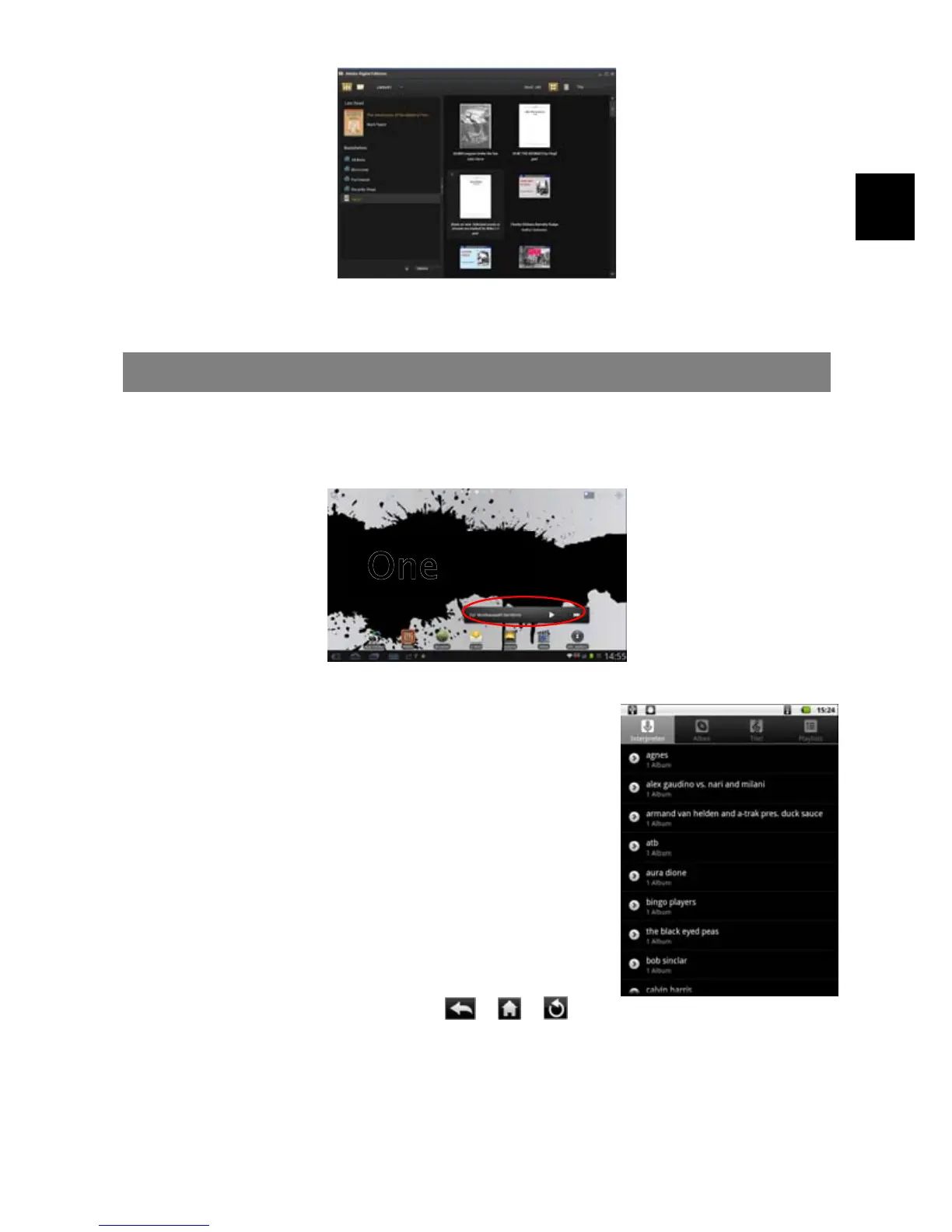
7. Click “Purchase” to see your downloaded e-book and then drag it to your
Tablet.
Playing Music
In the Home Screen, tap the Music icon to enter the music player mode. Optionally,
you can tap the Applications shortcut to display all applications and then tap the
Music icon to enter the music mode.
Music Library
You should enter the music library once you start the
music player. The Music Library shows your music files
sorted by categories (Artist, Album, Genre, etc.) if your
music files contain these song information tags. If some
of your music files do not contain information tags, they
will be classified as (Unknown) in the Music Library.
When new music is copied to the device, the Music
Library will be updated automatically.
y You can drag your finger up and down on the file list
to scroll through the list.
y Tap a track to play a track.
y To return to the Home Screen, tap / / .



 To Next Page