EN
23
Playing Video
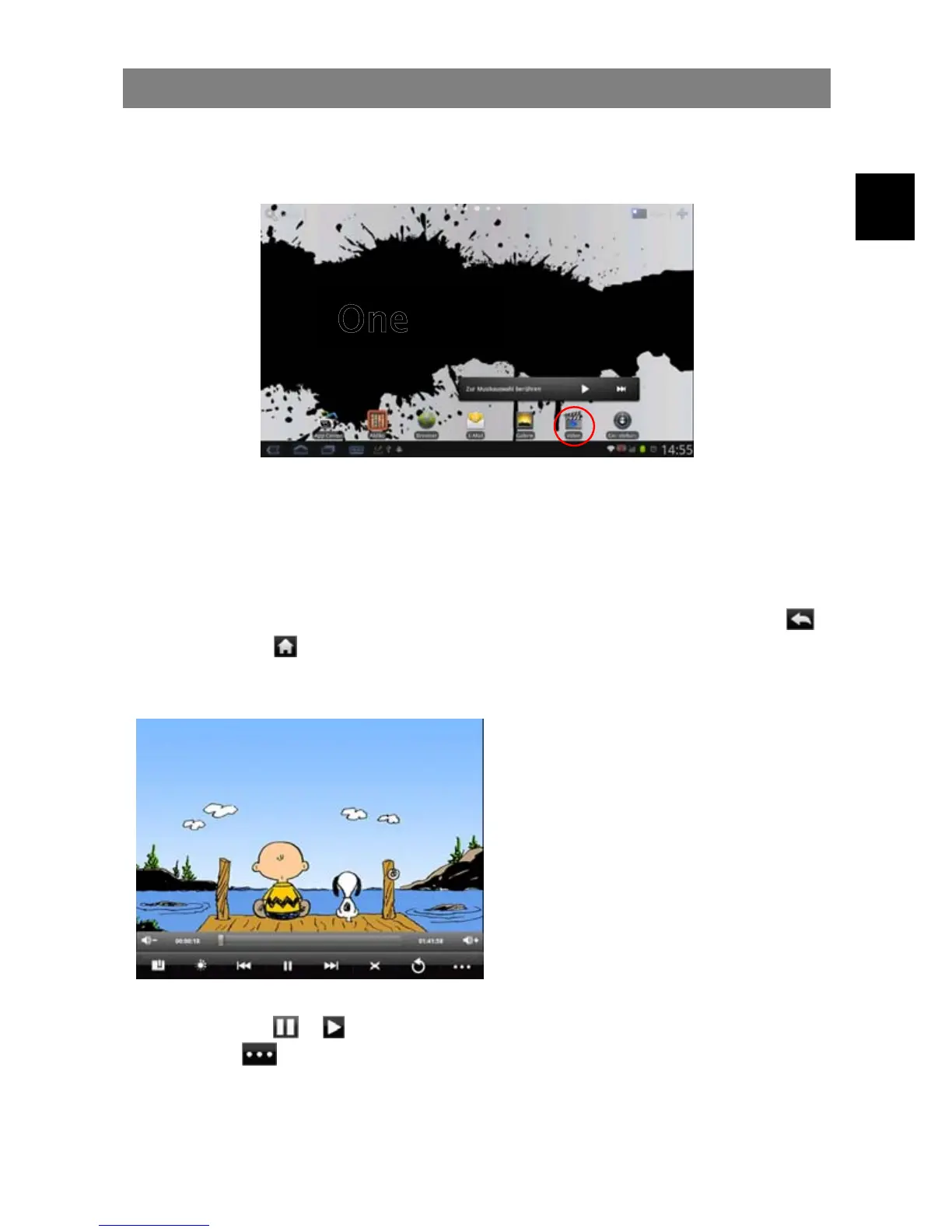
In the Home Screen, tap the Video Player icon to enter the video player mode.
Optionally, you can tap the Applications shortcut to display all applications and then
tap the Video Player icon to enter the video mode.
Navigate through Video Files
You should see the video list when you enter the video player.
y You can drag your finger up and down on the video list to scroll the video list up
and down.
y Tap a video to start playing.
y You can go back directly to the Home screen by tapping on the Return icon
or Home icon .
Playback Screen
y Tap on the
/ icon to pause/resume the video,
y Tap on “
” to display the menu items.
y Tap on the progression bar to go directly to a different location in the video.
You can also use your finger to drag the cursor in the progression bar to
another location in the video.
a
b
d e f g h i j k
a. Decrease volume
b. Progression bar
c. Increase volume
d. Add Bookmark
e. Brightness
f. Previous video
g. Play/Pause icon
h. Next video
i. Change View Mode
j. Return
k. Video settings
c



 To Next Page