EN
17
Start Reading
To start reading an e-book, tap “Continue Read”.
Page Up/Down
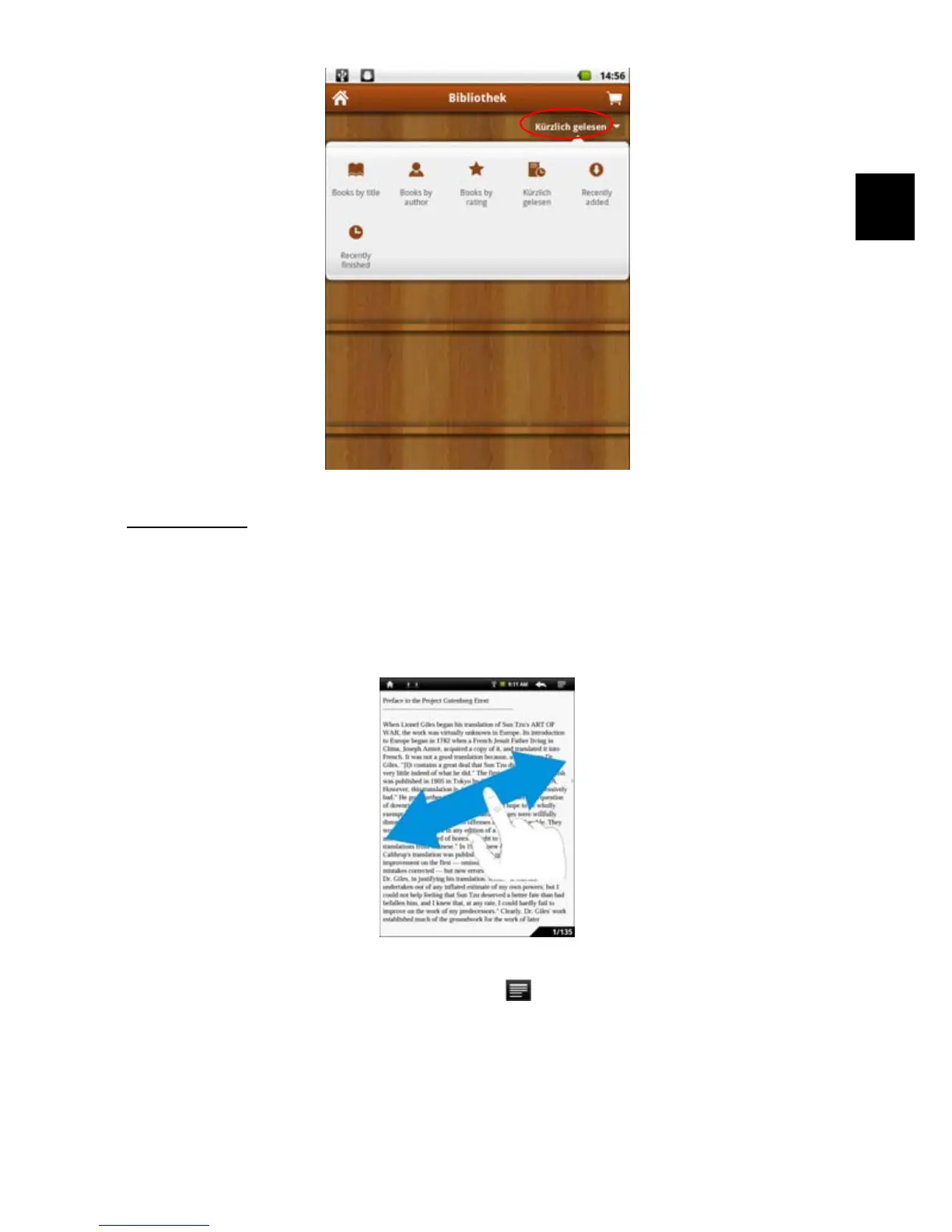
When you are reading the e-book, you can slide your finger on the screen left and
right OR press the PREVIOUS/NEXT buttons on the device to page up or down.
Increase Font Size
(1) When you are reading, tap the Menu icon to display e-book settings.
(2) Tap “Font Size” to adjust the font size.
(3) Tap a size that you want, and then tap “OK” to confirm.



 To Next Page