EN
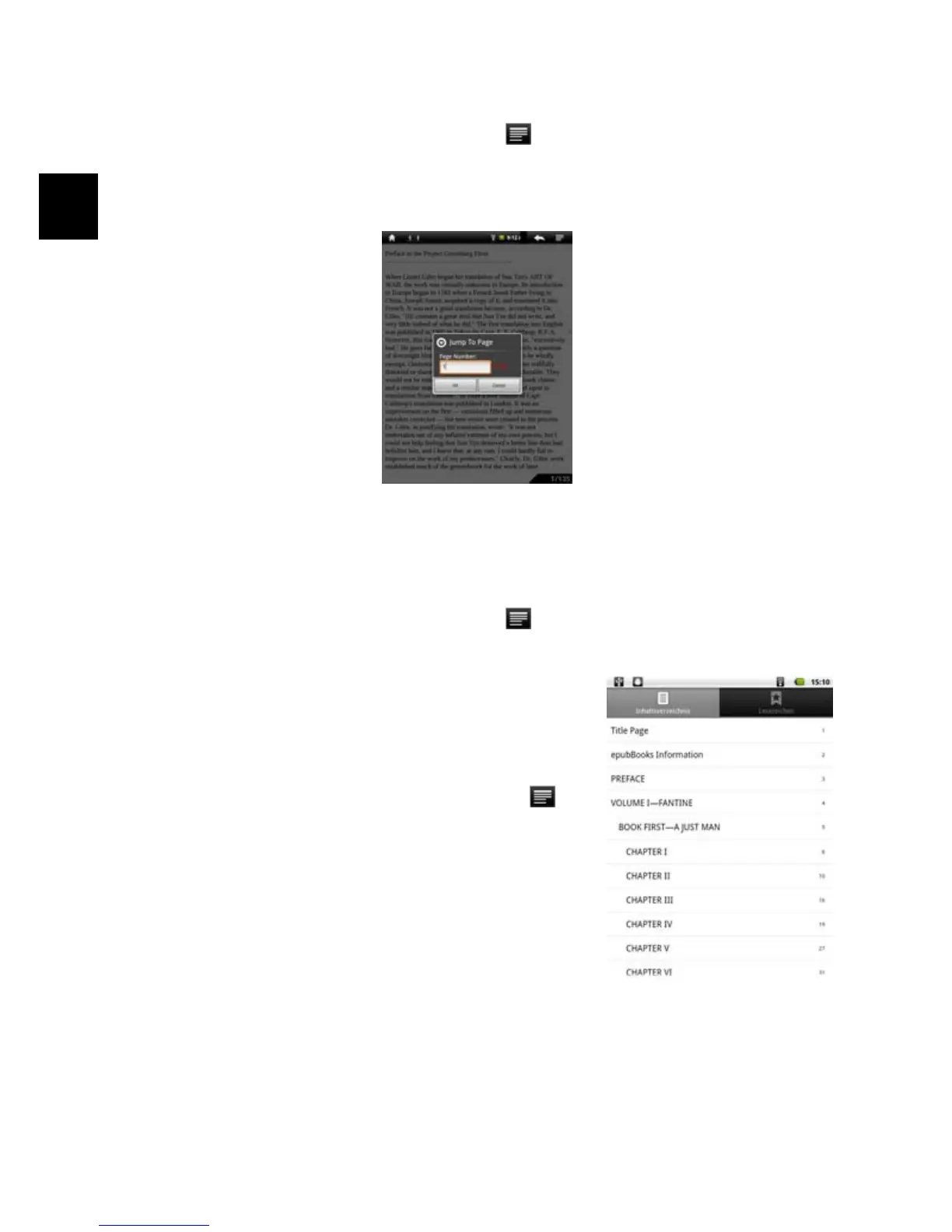
Jump to a Page
You can directly go to a page that you have specified.
(1) When you are reading, tap the Menu icon
to display e-book settings.
(2) Tap “Go to”.
(3) Tap the page number input field to display the virtual keyboard.
(4) Tap the numbers to input the page number.
(5) Once you finish inputting the page number, tap “OK” to jump to the specified
page.
Use Bookmarks
You can add, delete or load bookmarks on the page.
(1) When you are reading, tap the Menu icon
to display e-book settings.
(2) Tap “Bookmarks” to display a bookmark menu. Use the menu to add, delete or
display bookmarks.
Show Outline of the e-book
You can view the outline of the e-book and then choose
your desired chapter or section to read.
(1) When you are reading, tap on the Menu icon to
display e-book settings.
(2) Tap on “TOC” to display the outline of the e-book,
and then tap the chapter that you want to read.



 To Next Page