EN
ODYS Shark
- 11 -
10.2 STORING YOUR FAVORITE RADIO STATION
1. During playback, press the MEM button on the remote for storing the
current station until a memory cell number flashes on the screen.
2. Use the CH+ or CH- buttons on the remote to select the corresponding
memory cell for storing the station.
3. Confirm your selection by pressing the MEM button on the remote.
4. During radio playback, press the CH+ or CH- buttons on the remote
repeatedly to recall the stored stations.
11 CONNECTING WITH OTHER DEVICES
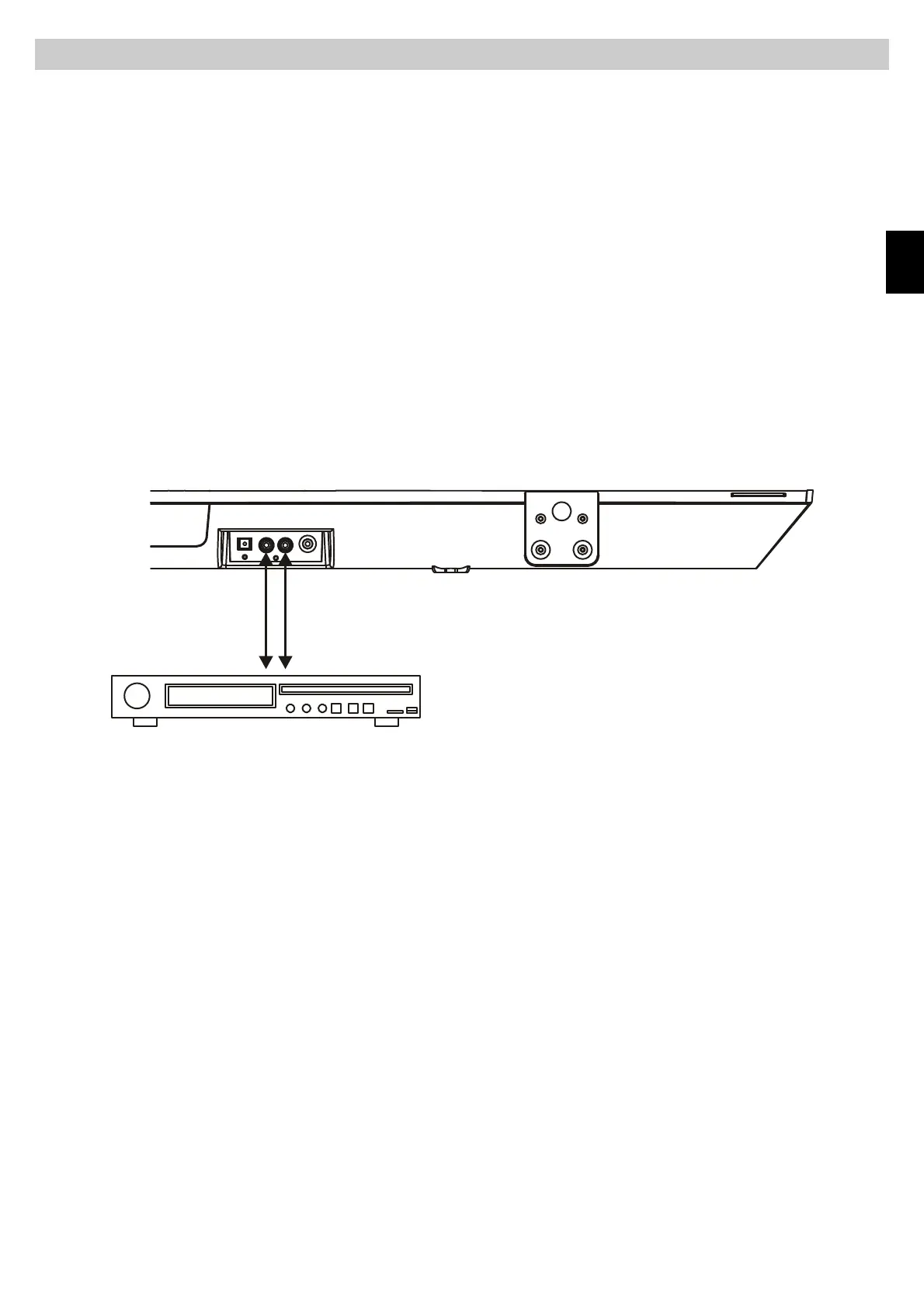
11.1 AUDIO IN
1. Connect the Aux in jacks on the unit to audio source, for example, DVD
player with an RCA cable.
2. Power on the unit and the audio device.
3. Press the MODE button repeatedly to switch to AUX mode.
4. Use the native controls on the connected audio device to begin playing
music through the connected the unit.
11.2 LINE IN
Follow steps to connect the unit to another audio device:
1. Connect the device into the unit ‘s LINE IN jack with the LINE OUT cables.
2. Press POWER button to turn the unit on.
3. Press MODE button repeatedly to switch the unit to Line mode.
4. Power on the device and begin play.



 To Next Page