ODYS Slim X6
18
EN
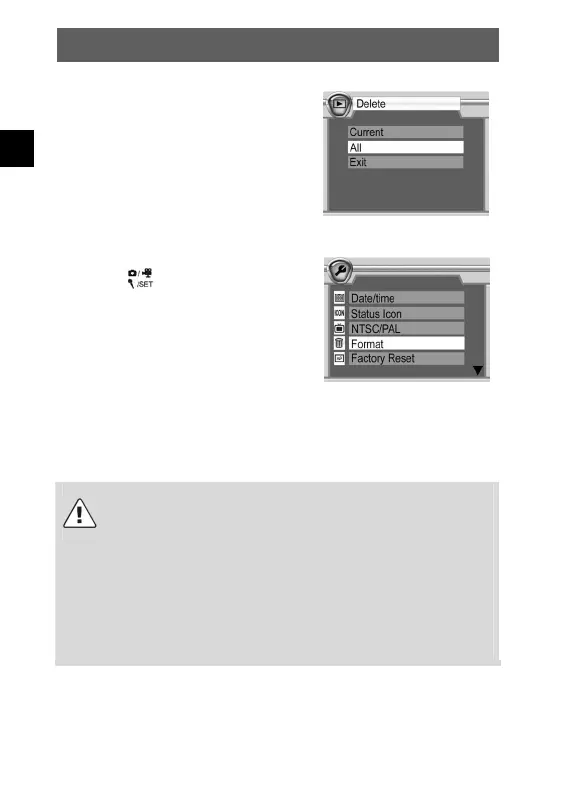
Deleting all photos
To delete all photos, press the menu
button and select “Delete” and “All”.
All photos are now deleted.
Formatting the memory
Press the
button to open the
configuration mode. Select “Format”,
press the OK button and select “YES” to
start formatting. The menu is displayed
again after formatting.
The method described above can also be used to delete video clips
and sound recordings.
Caution
Protected data is not deleted but can be formatted. See chap.
5.11 for instructions on protecting and unprotecting data.
SD cards can be write-protected using an integrated lock.
The current status of the SD card is also shown via a symbol
in the LCD. If the SD card in the camera is write-protected,
you cannot save images, videos or sound recordings to it,
delete existing data or format the card. The data can only be
played back.



 To Next Page