EasyManua.ls Logo

Odys Z8 - User Manual

Odys Z8
282 pages
Go to English
Print Icon
To Next Page IconTo Next Page
Loading...
DE FR EN NL PT ES IT
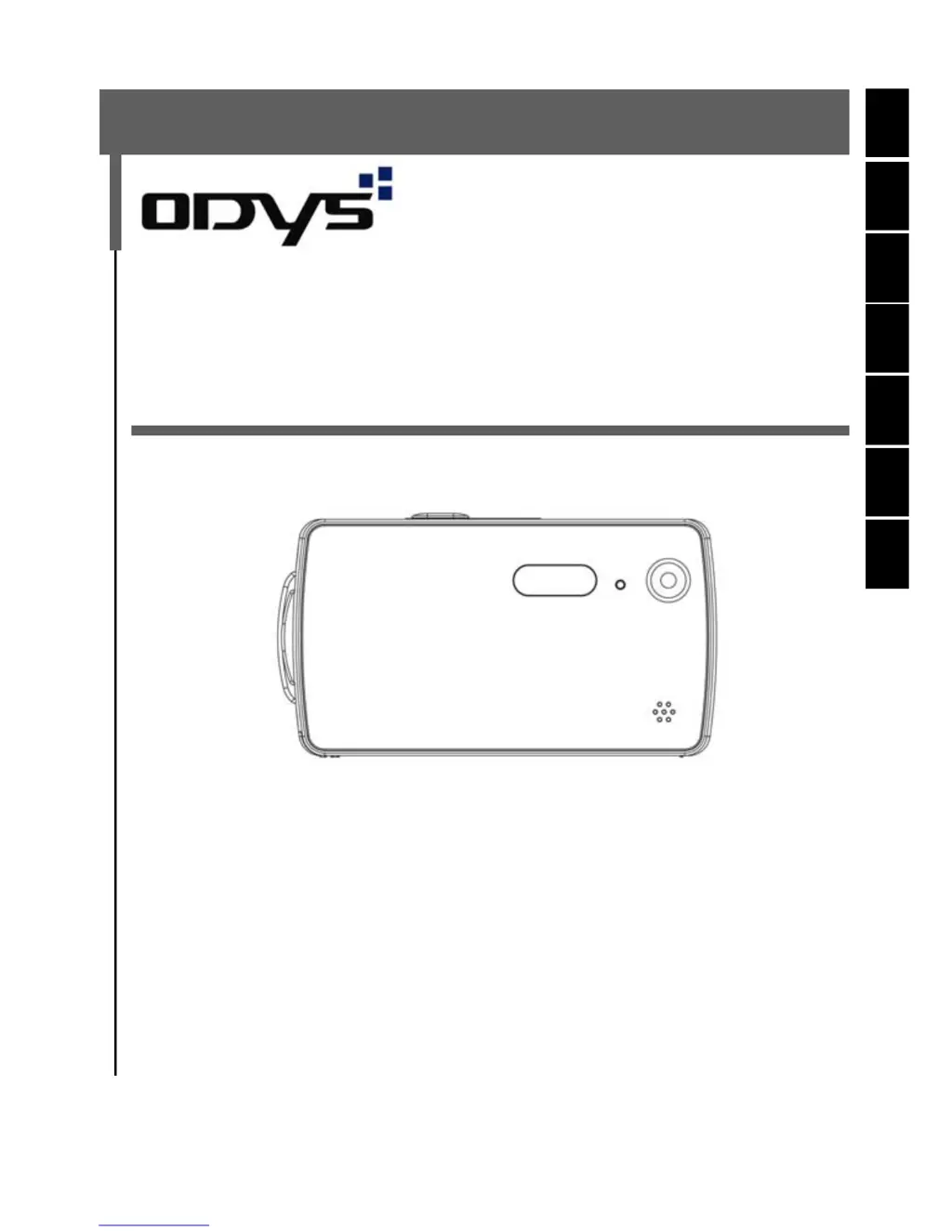
Digitalkamera ODYS-Slim Z8
ODYS-Slim Z8 Digital Camera
Caméra numérique ODYS-Slim Z8
Digitale camera ODYS-Slim Z8
Câmara digital ODYS-Slim Z8
Cámara digital ODYS-Slim Z8
BENUTZERHANDBUCH
USER
MANUAL
MANUEL
D’UTILISATION
GEBRUIKSHANDLEIDING
MANUAL DE INSTRUÇÕES
MANUAL
DEL USUARIO
MANUALE
PER L'UTENTE

Table of Contents

Questions and Answers

  • T
    Tony WatersJul 27, 2025
    Why is my Odys Z8 Digital Camera not recognized when connected to my PC?
    • K
      katie02Jul 27, 2025
      If your Odys Digital Camera is connected to the PC, but no new hardware is found, it might be because the PC’s USB port is deactivated in the BIOS. To resolve this, activate the port in the PC’s BIOS.
  • J
    James ArmstrongJul 31, 2025
    What to do if my Odys Z8 doesn't start after connecting to PC?
    • T
      Thomas BrownJul 31, 2025
      If the Odys Digital Camera does not start after connecting to the PC, and the display lights up showing all symbols, it means that either the PC or camera is busy, preventing a connection. Disconnect the USB cable, check why the PC is busy, and then reinsert the cable.
  • M
    marcus43Aug 6, 2025
    How to fix Odys Z8 when it does not take photos?
    • L
      Leslie BerryAug 6, 2025
      If your Odys Digital Camera is not taking photos, it might be due to not enough light. Try changing the angle of the camera to include more light, or use the automatic flash.
  • A
    andrew28Aug 11, 2025
    Why do photos disappear from the LCD on my Odys Z8?
    • R
      Robert CarrAug 11, 2025
      If photos disappear from the LCD screen of your Odys Digital Camera after a short time, it's likely due to weak batteries. Insert two fresh batteries to resolve this issue.
  • W
    Wendy WhiteheadAug 16, 2025
    What to do if not all images can be downloaded from Odys Z8 to PC?
    • T
      tony44Aug 16, 2025
      If you cannot download all images from your Odys Digital Camera to your PC, it may be because the PC does not have enough free RAM. Close all other applications before downloading. If the problem continues, download the images one at a time, saving each before transferring the next.
  • E
    ecantuAug 21, 2025
    Why shot to shot time is longer when taking pictures in dark conditions on Odys Digital Camera?
    • J
      Joanne EvansAug 21, 2025
      The shot to shot time being longer in dark conditions is normal because the shutter speed is slower. You can change the camera angle or improve the light conditions to mitigate this.

Summary

Getting started

Parts of your camera

Identifies and illustrates the external components of the camera.

Inserting the batteries

Provides step-by-step instructions for inserting AAA batteries correctly.

Inserting and removing the SD;MMC card

Explains how to insert and remove SD/MMC memory cards.

Basic operation

Switching the camera on and off

Instructions on powering the camera on and off, including auto-shutdown.

Using the mode buttons

Explains how to navigate between different operating modes using the mode buttons.

Taking photographs

Snapshot

Guides on taking single photos, zooming, and using the shutter release.

Deleting photos

Formatting the memory

Guide to format the camera's memory, erasing all data.

Exposure compensation

Protecting photos against accidental deletion

Installing the software

Installing the driver

Guides on installing the necessary USB drivers for the camera.

Installing the driver in MASS mode

Specific steps for installing the driver in Mass mode on Windows.

Installing the driver in TWAIN mode

Instructions for installing the driver in Twain mode, enabling webcam functionality.

Transferring files to your PC

Troubleshooting

Further information

Safety instructions

Important safety precautions and warnings for using the camera.

Warranty condition

Odys Z8 Specifications

General IconGeneral
BrandOdys
ModelZ8
CategoryDigital Camera
LanguageEnglish

Related product manuals