12
ODYS SLIM Z8
EN
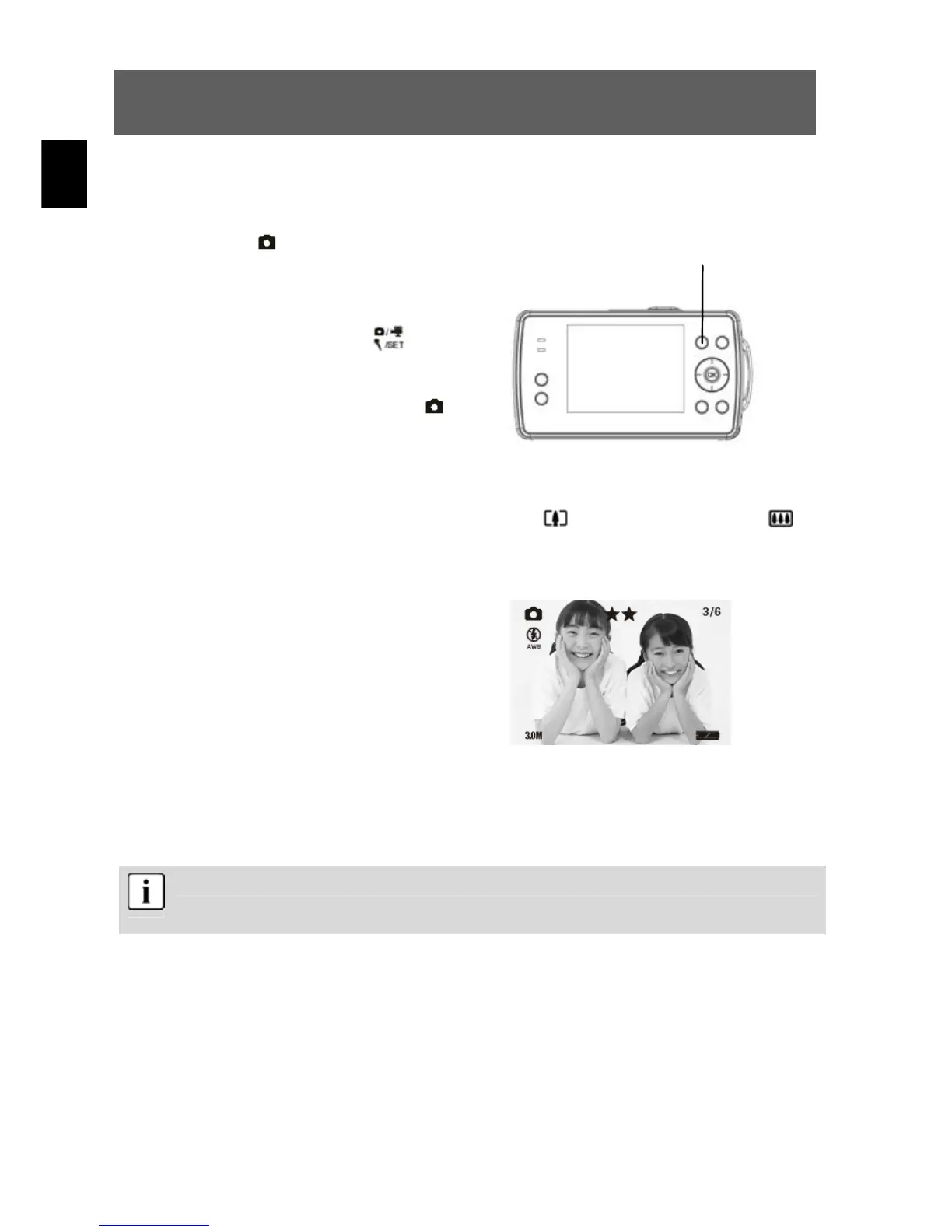
4.3.2 Snapshot
Press the On/Off button to switch the camera on.
1
Select single
shot mode
When the camera is switched on, it is
automa-
tically in still photograph mode. If this
is not the case, press the
mode
button to select the photography
mode. Photo-
graphy mode is active when the
symbol appears in the upper corner of
the LCD display.
2
Zooming in or out digitally
Use the LCD to frame the image and press the
button to zoom in or the
button to zoom out.
3
LCD
You can now view the image on the
LCD. The meaning of the status
symbols shown on the LCD is
explained in the table on page 11.
4
Taking a photograph
Press the shutter release down fully to take a photgraph.
A sound signals that the photograph has been taken.
Photographs taken with the camera are saved as JPEG files.
When you press the menu button in photography mode, the following menu functions are
available for selection:
Page1:
• Capture Mode
• Strobe
• Resolution
Photo/Video/sound
recordin


 To Next Page
 Loading...
