7
ODYS SLIM Z8
EN
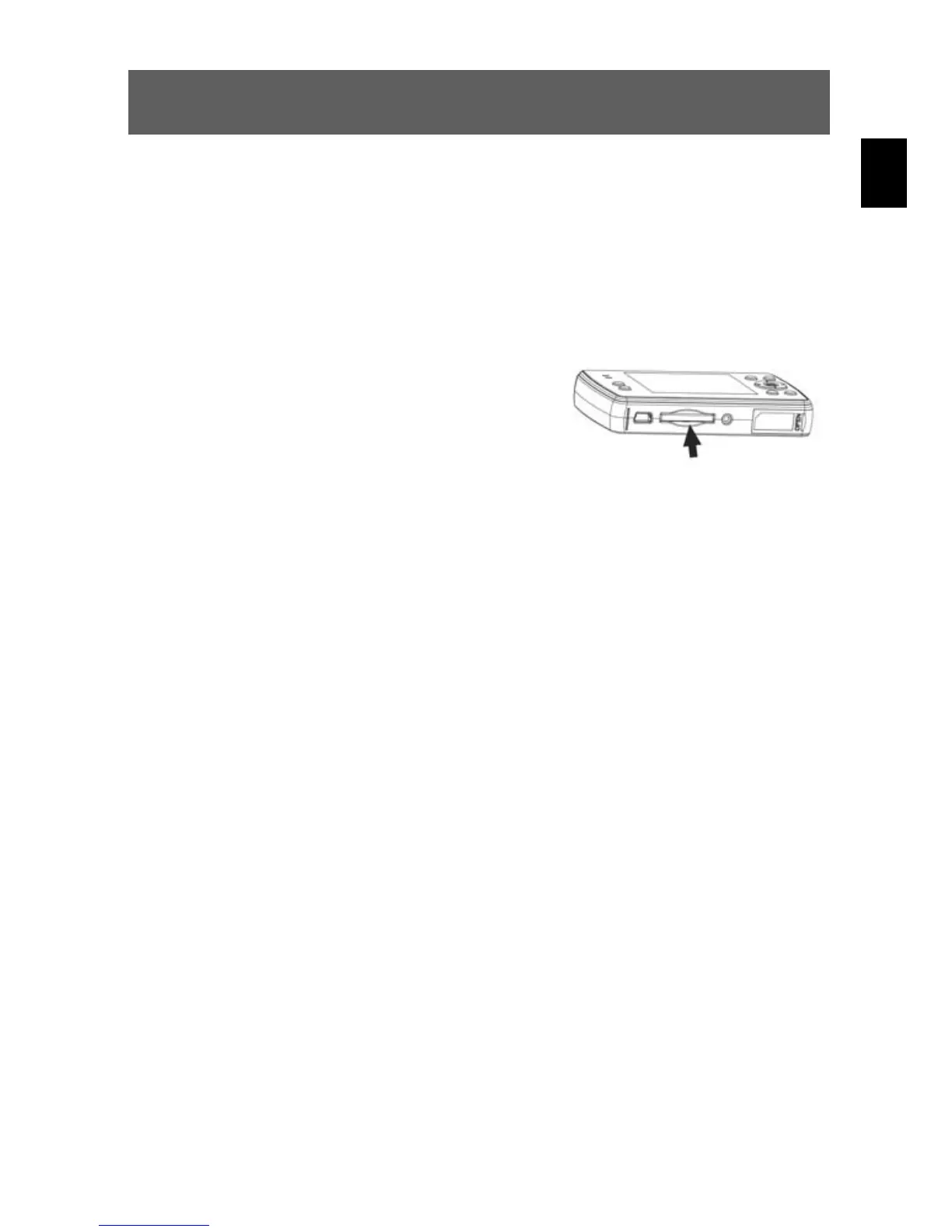
3.3 Inserting and removing the SD/MMC card
You can use SD or MMC cards to increase the memory capacity. Switch off the camera
before inserting the card. Insert the card as follows (photographs, sound and video
recordings are no longer
stored in the internal memory, but stored on the card).
Inserting the card
1
Insert the card in the card slot until it locks
into place.
Removing the card
Open the cover of the card slot. Press the card downwards briefly to unlock it. Remove or
change the card and close the card slot cover again.



 To Next Page