16
ODYS SLIM Z8
EN
4.6 Playing images, audio and videos
4.6.1 LCD descriptions
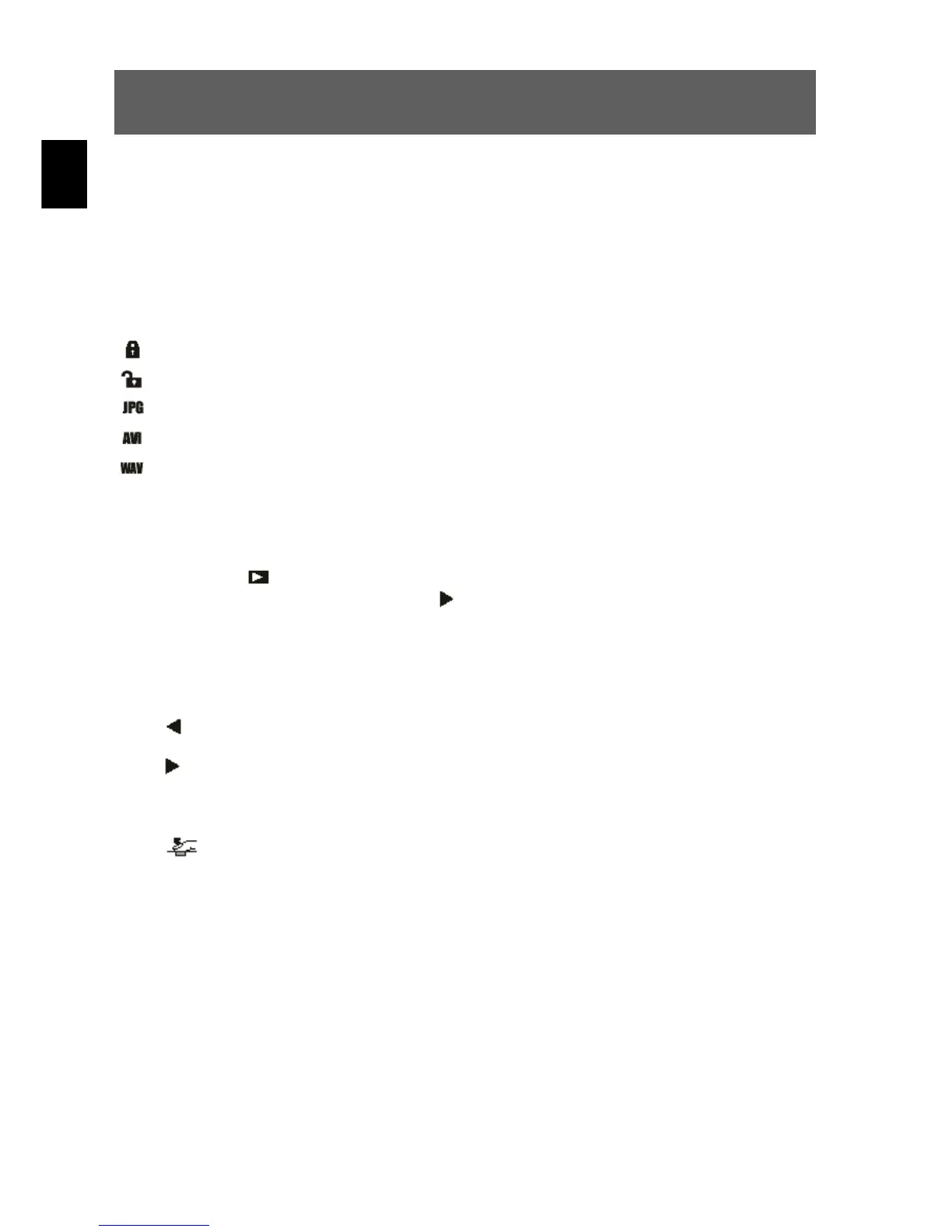
Status symbols in play mode
2007:02:11
12:02:47
01/10
Current system time: 11.02.2007, 12:02:47
Number of photographs taken / total photographs
Photo is protected
Photo is not protected
Current file is a photograph (jpg)
Current file is a video (avi)
Current file is a sound recording (wav)
4.6.2 Viewing photos, videos and listening to sound recordings
1
Press the button to activate play mode. You can now play photographs,
videos and sound recordings. The
symbol is shown on the LCD.
The following buttons are used to browse the photos/videos/sound recordings in
play mode:
Goes to the previous photo, video or sound recording
Goes to the next photo, video or sound recording
OK Start/close thumbnail view.
2
Press the shutter release to start videos or sound recordings from the
thumbnail view. Press the shutter release again to stop playing.



 To Next Page