14
ODYS SLIM Z8
EN
4.4 Recording audio
1
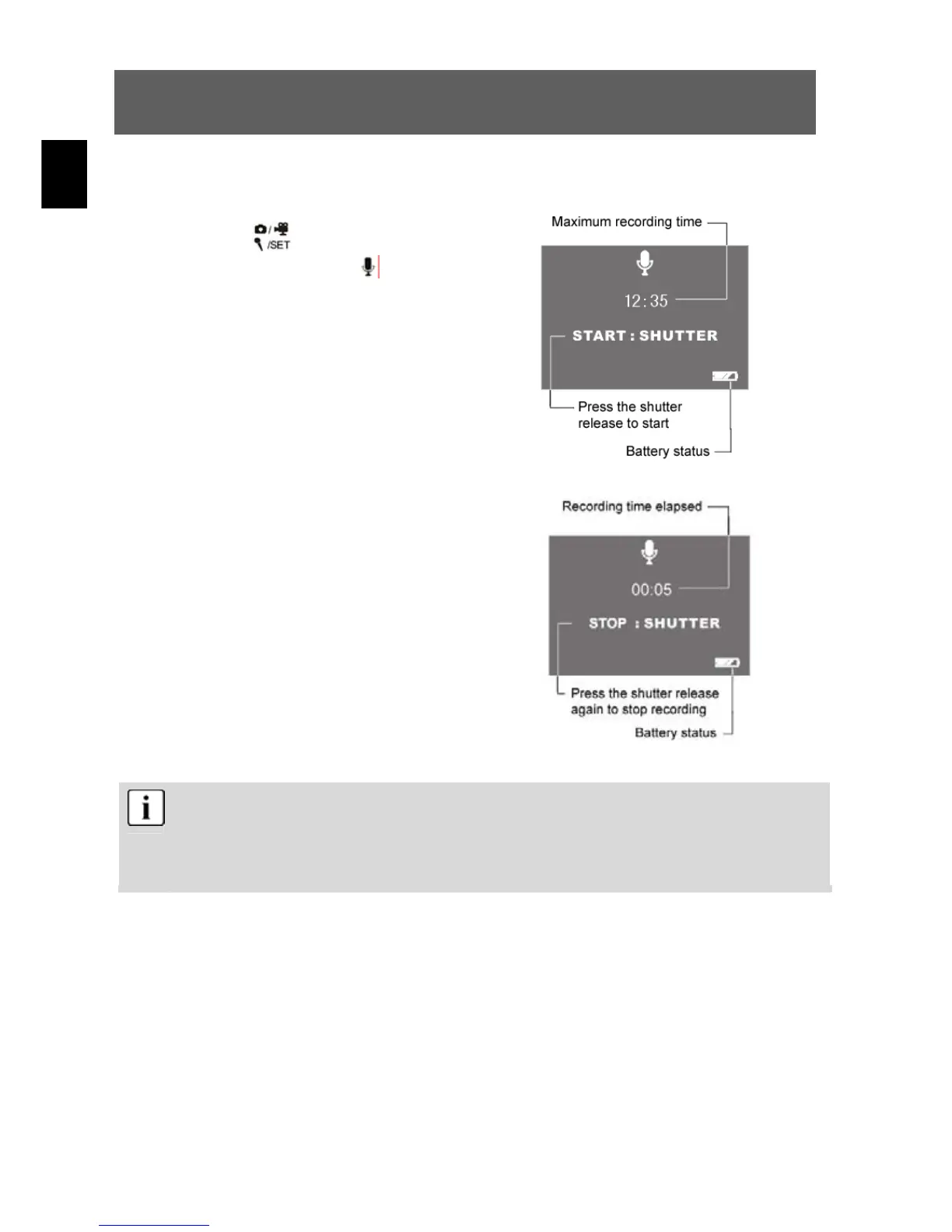
Press the button to activate the digital
recording function. The
symbol is shown
on the LCD. Before recording, the
information shown at right is displayed.
Press the shutter release once to start
sound recording.
2
The information shown here is displayed
when recording was started using the
shutter release. Press the shutter release
again to stop sound recording.
The sound is recorded as a WAV file. The length available depends on the
size of the memory.
The LCD display can be switched off using the sleep button
(LCD on/off) to save power.


 To Next Page
 Loading...
