ODYS Slim X6
17
EN
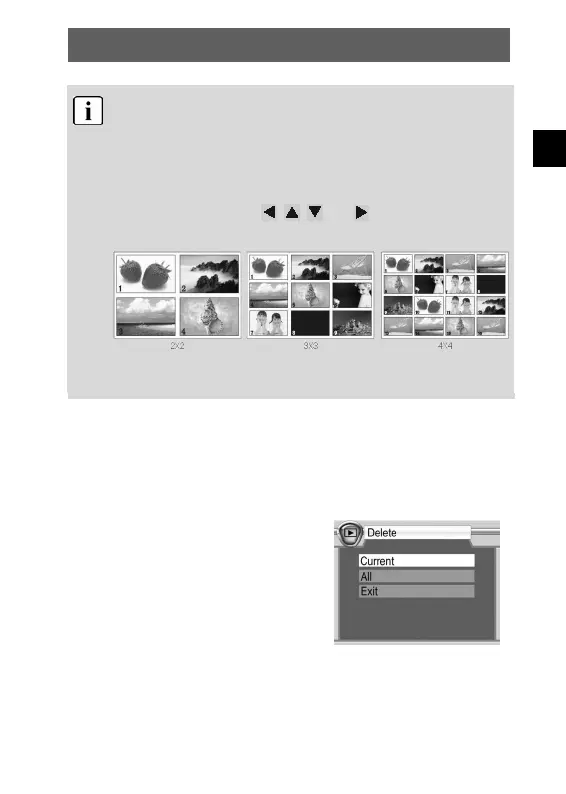
Thumbnail view
While playing photos, videos and sound recordings, you can
open the thumbnail view by pressing the confirm button (OK
button). This mode allows you to view several photos, videos or
sound recordings at once.
Use the control buttons , , and to select a file and
press OK to play the file.
There are three thumbnail modes: 2x2, 3x3 and 4x4, so that
four, nine or sixteen thumbnails can be shown on the LCD.
4.7 Deleting photos
You can delete unrequired photos. Either single photos or all photos
can be deleted. To do so, you must be in playback mode.
Deleting a single photo
Select the photo to be deleted in
playback mode. Then press the menu
button and select “Delete” and “Current”
to erase the photo.



 To Next Page