ODYS Slim X6
33
EN
4.
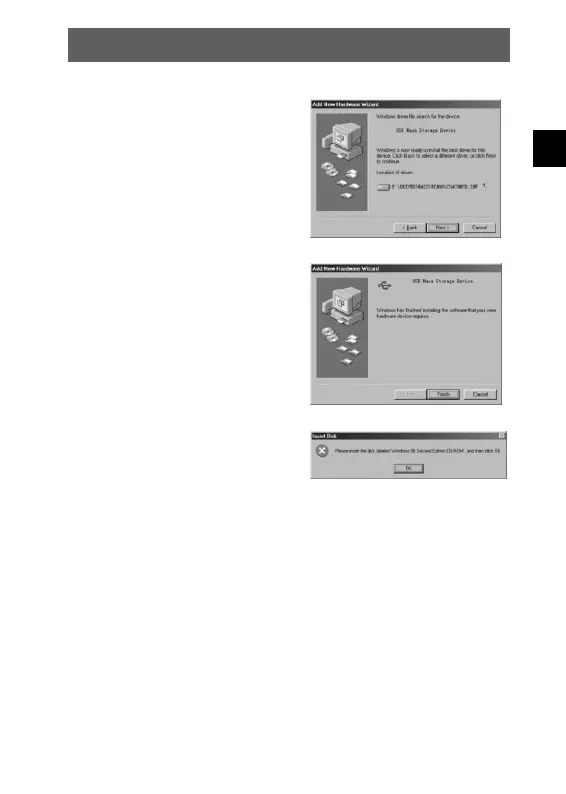
Now click “Next”. The system
installs the driver and the following
window appears:
5.
Click “Finish” to complete
installation.
6.
You may be prompted to insert
the Windows 98 CD during the
installation process:
6.2.2 Installing the driver in TWAIN mode
1.
Connect the camera to the computer. The system should
automatically recognise that a new device has been connected.
2.
In TWAIN mode, the driver must be installed for all systems.
The procedure is similar to that described for Mass mode.



 To Next Page