29
ODYS SLIM Z8
EN
2.
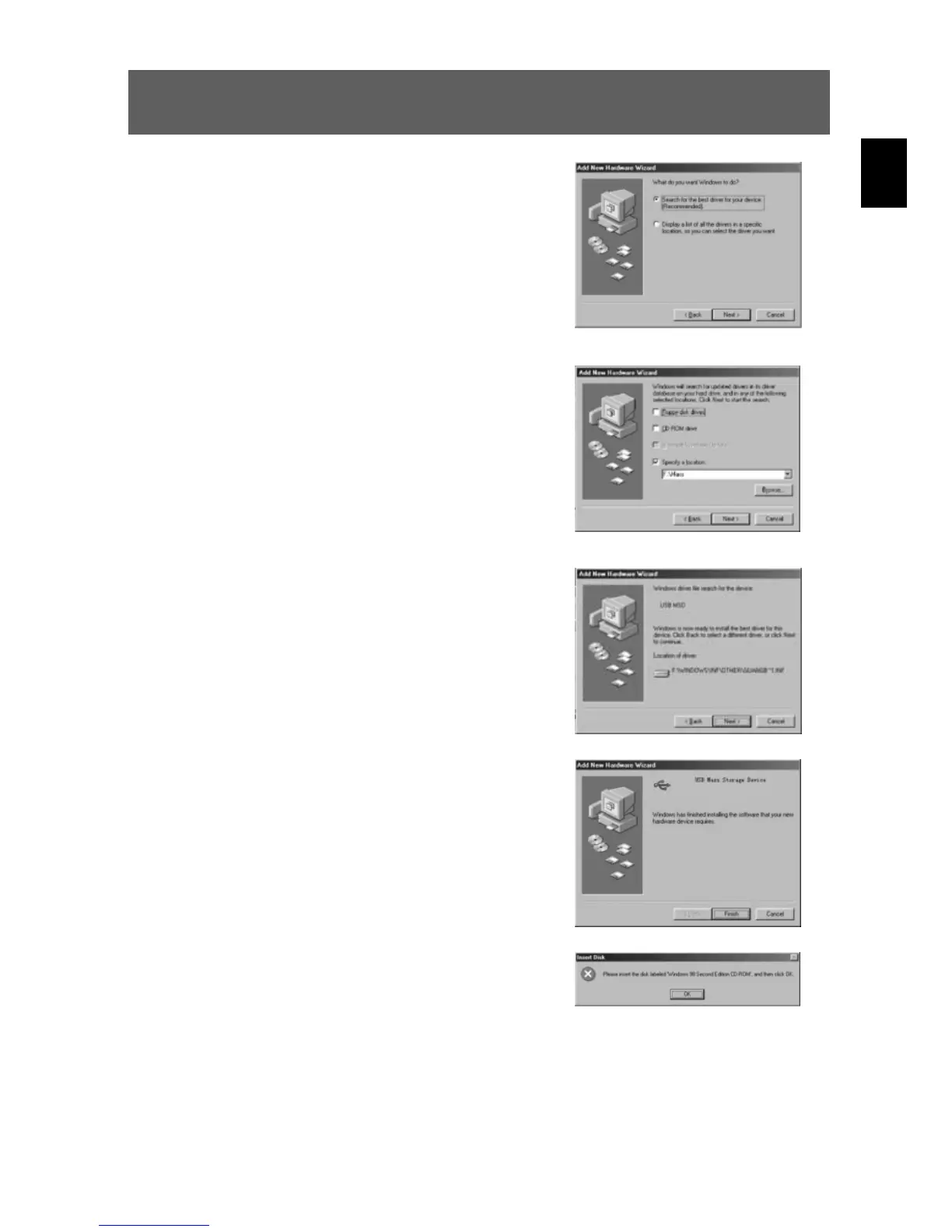
Select “Search for the best driver for your device” and
click “Next”.
3.
Select “Specify a location” and click “Browse”.
Specify the driver CD in your drive.
4.
Now click “Next”. The system installs the driver and
the following window appears:
5.
Click “Finish” to complete installation.
6.
You may be prompted to insert the Windows 98 CD
during the installation process:



 To Next Page