4
AD194 27/03/07 - 88014542D
5 Modifying the set comfort and night temperatures
6 Choosing the active time programme (P1, P2, P3 or
P4)
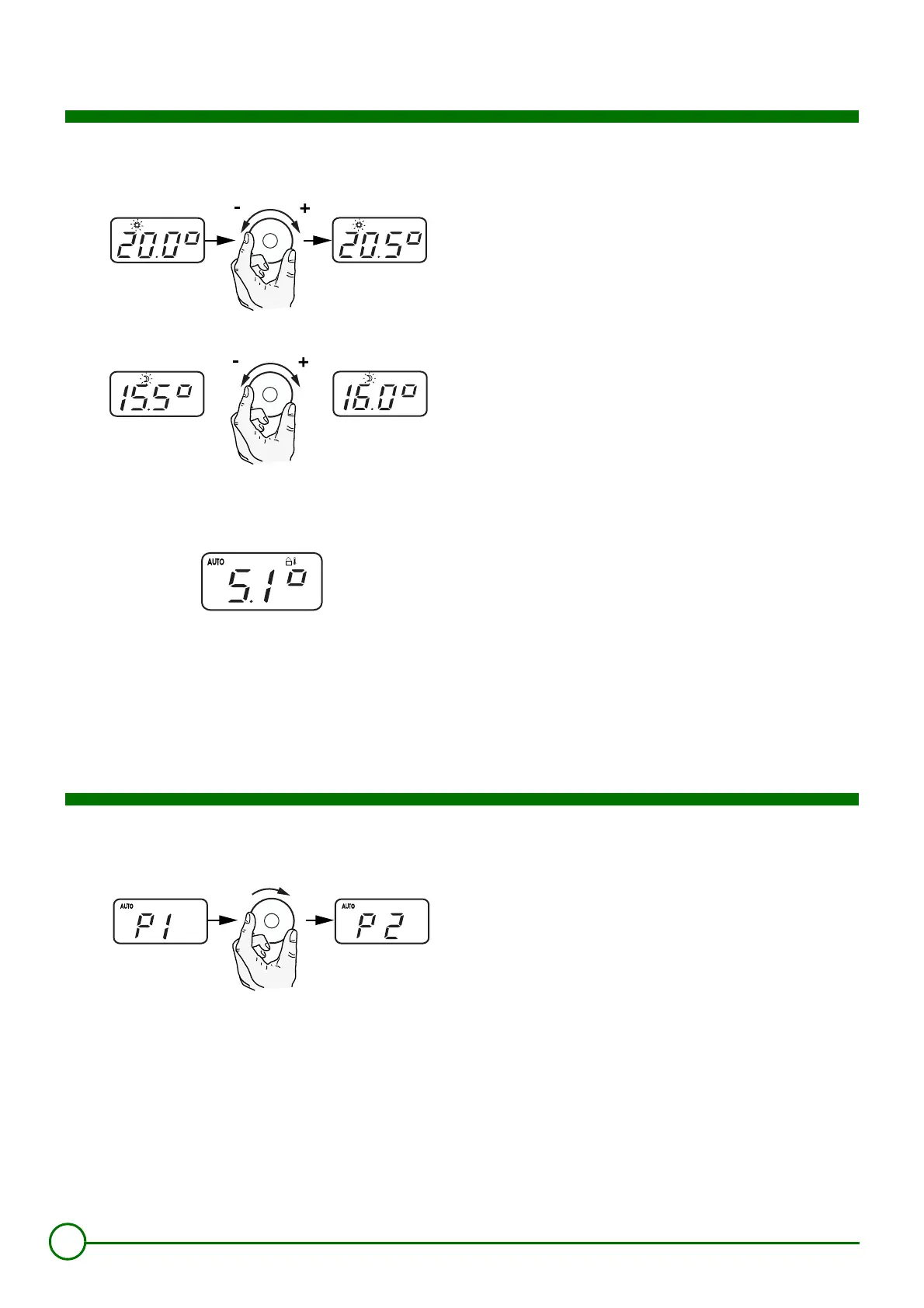
Modifying the set comfort temperature
%
:
First press the rotary button.
The set comfort temperature is displayed and the symbol
%
flashes.
The set temperature can be modified by turning the rotary button to
the left or right. The new comfort setting will be automatically taken
into account after a few seconds.
Modifying the set night temperature
$
:
Press the rotary button again.
The set night temperature is displayed and the symbol
$
flashes.
The set temperature can be modified by turning the rotary button to
the left or right. The new night setting will be automatically taken into
account after a few seconds.
To return to the standard display:
Press the rotary button a third time. The display shows the outside
temperature.
8801N359
8801N360
8801N369
Successively press the MODE button until AUTO mode is displayed,
then hold down the MODE button for a few seconds until the display
shows P (Time programme currently active). Select programme P1,
P2, P3 or P4 using the rotary button. The change is immediately taken
into account.
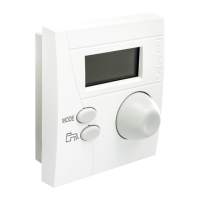
Reminder of the settings made on the OE-tronic 3® control
system (to be filled in):
Time schedule:
- P1: 6 hours - 22 hours (not adjustable)
- P2: .................................................................................................
- P3: .................................................................................................
- P4: .................................................................................................
8801N361



 To Next Page