5
27/03/07 - 88014542D AD194
7 Domestic hot water
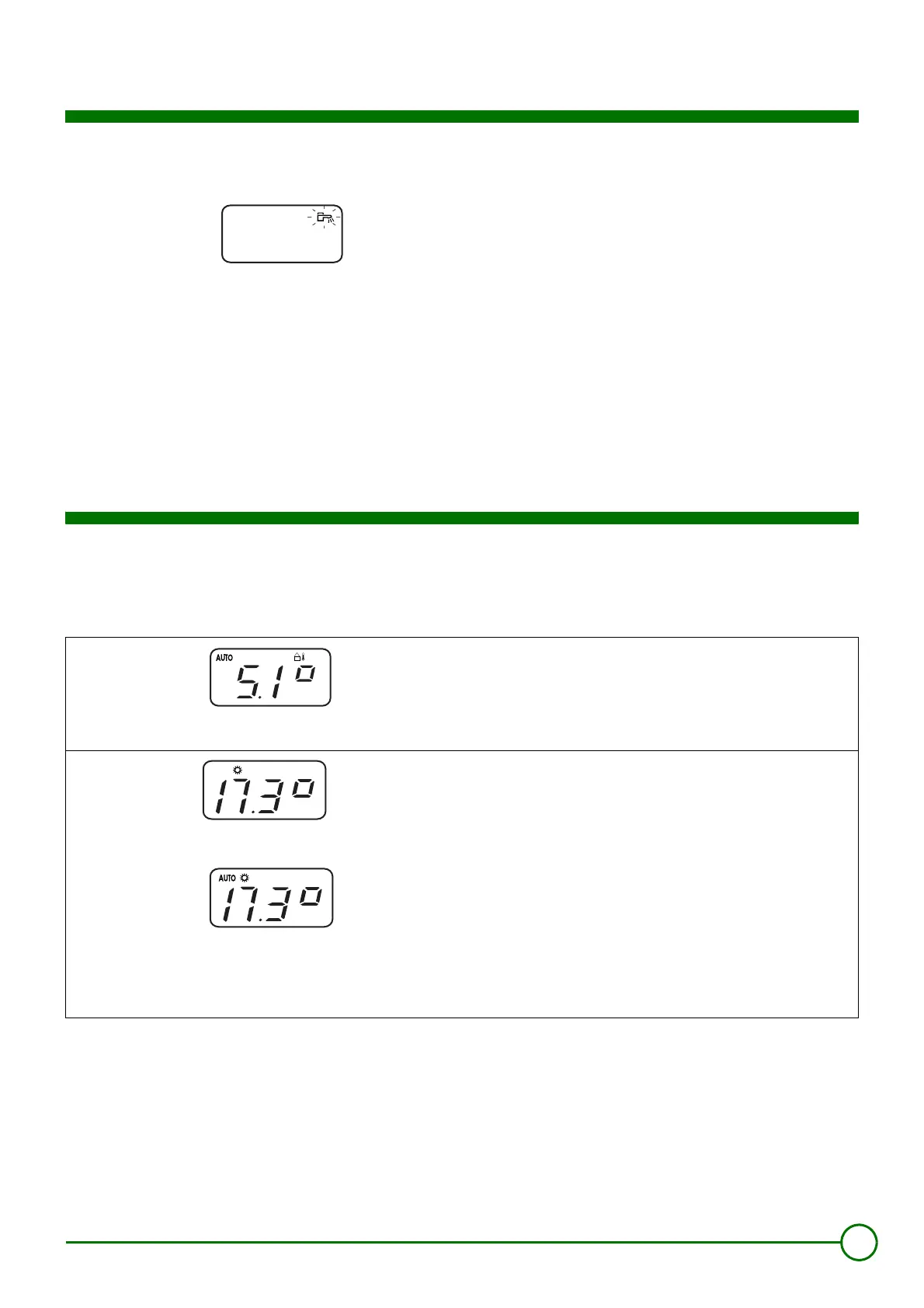
The tap on the OE-tronic 3® control panel shows that the
load pump is operating. The tap on the remote control
shows that forced operation is underway.
8 Choosing the operating mode
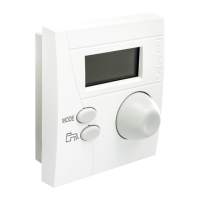
The MODE button is used to select the operating mode for your
boiler.
The operating mode selected will be automatically activated after a
few seconds.
When the domestic hot water reserve is below the set temperature
and the associated time programme does not enable loading of the
domestic hot water tank, the symbol
flashes.
To ensure loading of the domestic hot water tank for one hour:
Press the
key. The symbol
becomes steady and continues to
be displayed for 1 hour. To cancel this restart, press the
button
again.
8801N370
Automatic mode: AUTO
Normally, the remote control is in automatic mode (AUTO) and the
display shows the outside temperature.
The heating operates according to the time programme on the central
control system.
COMFORT 7/7 mode:
%
Select the comfort mode by pressing the MODE button once. The
symbol
%
appears. To return to automatic mode, press the MODE
button again until AUTO appears on the display.
Forced temperature mode COMFORT UNTIL ...: AUTO
%
(According to the central control system)
Select the comfort mode (symbol
%
) by holding down the MODE
button for 5 seconds until AUTO
%
appears on the display. When
the end time set on the OE-tronic 3® control system is reached, the
control system automatically returns to AUTO mode.
Refer to the setting made on the OE-tronic 3® control system:
- Comfort until .........................................(Factory setting: 24 hours)
8801N369
8801N363
8801N364



 To Next Page