EasyManua.ls Logo

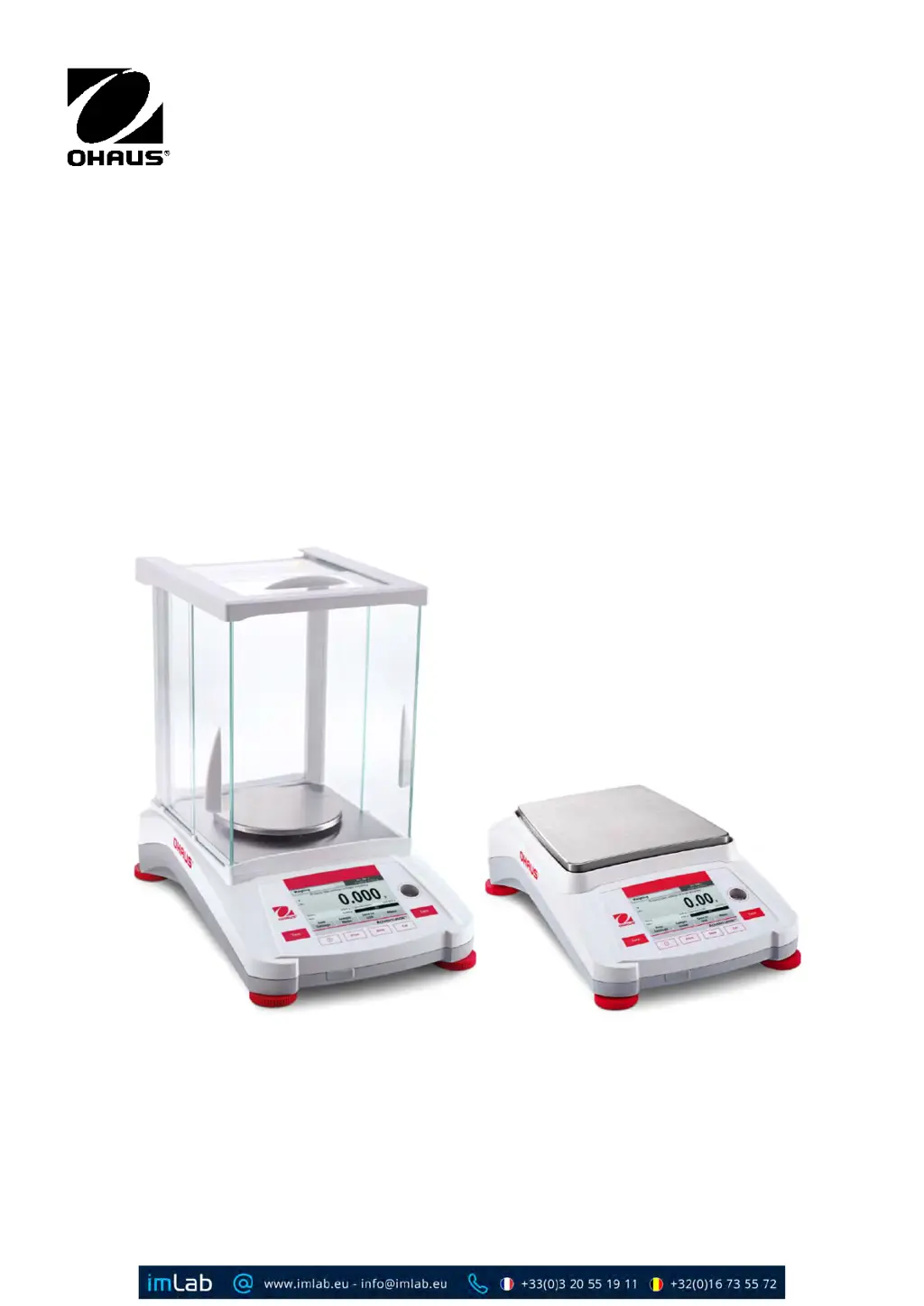
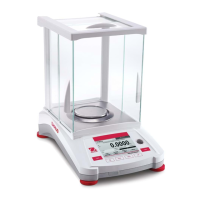
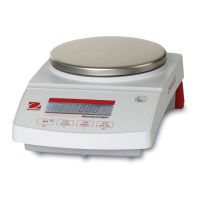
OHAUS Adventurer AX85 - User Manual

OHAUS Adventurer AX85
66 pages
Print Icon
To Next Page IconTo Next Page
Loading...
Adventurer
TM
Balances
Instruction Manual

Questions and Answers

  • D
    Deanna PowellAug 12, 2025
    What to do if my OHAUS Scales will not turn on?
    • C
      Chad ReidAug 12, 2025
      If your OHAUS Scales are not turning on, the issue is likely a power problem. Verify the power connection and voltage to ensure the scales are receiving power.
  • G
    Gregory MitchellAug 16, 2025
    Why can't I calibrate my OHAUS Adventurer AX85?
    • K
      kbowenAug 16, 2025
      Several factors can prevent calibration of your OHAUS Scales. Here are a few things to check: * Ensure the Calibration Menu lock is off. * Confirm that Approved Mode is off. * Make sure the environment is stable; relocate the scales if necessary. * Verify that you are using the correct calibration masses.
  • R
    Ryan PriceAug 20, 2025
    What does 'Low Reference weight' mean on my OHAUS Scales, and how to fix it?
    • S
      Shaun CarrilloAug 20, 2025
      A 'Low Reference weight' message on your OHAUS Scales means the reference weight is too small. Increase the sample size to resolve this.
  • M
    Michael LawsonAug 25, 2025
    What does 'Invalid Piece Weight' mean on my OHAUS Adventurer AX85, and how to resolve it?
    • C
      Christine ClarkAug 25, 2025
      An 'Invalid Piece Weight' message on your OHAUS Scales indicates that the average piece weight is too small. To fix this, increase the average piece weight.
  • J
    Jerry MurphyAug 27, 2025
    Why are my OHAUS Adventurer AX85 Scales showing poor accuracy?
    • D
      David WilliamsAug 27, 2025
      Poor accuracy with your OHAUS Scales can stem from a couple of causes. First, the scales may need calibration. Try performing a calibration. Second, an unstable environment can affect accuracy. Relocate the scales to a more suitable, stable location.
  • J
    Julie MarshallAug 31, 2025
    Why do my OHAUS Adventurer AX85 Scales display 'Operation Timeout'?
    • B
      Barbara HillAug 31, 2025
      An 'Operation Timeout' error on your OHAUS Scales indicates that the weight reading is not stable. Try moving the balance to a more suitable location to ensure stability.
  • S
    Susan AlexanderSep 4, 2025
    Why can't I change the menu settings on my OHAUS Scales?
    • M
      Ms. Tammy WilsonSep 4, 2025
      If you are unable to change menu settings on your OHAUS Scales, it could be due to a locked sub-menu. Try unlocking the sub-menu. Also, ensure that Approved Mode is turned off.
  • R
    rlopezSep 8, 2025
    What does '------' mean on OHAUS Scales?
    • M
      Melanie GraySep 8, 2025
      The '------' display on OHAUS Scales indicates that the balance is busy. It may be performing a tare, zeroing, printing, or waiting for a stable weight. Wait until the process is completed.

OHAUS Adventurer AX85 Specifications

General IconGeneral
Maximum Capacity85 g
Readability0.1 mg
Pan SizeØ 80 mm
InterfaceRS232
Legal for TradeNo
Repeatability0.1 mg
Linearity±0.2 mg
HousingABS Plastic
CalibrationInternal Calibration
DisplayLCD
Power SupplyAC adapter
Operating Temperature10°C to 40°C
Stabilization Time≤ 3 seconds
Weighing Unitsg, mg, oz, ct, dwt, Grains

Related product manuals