EasyManua.ls Logo

OHAUS AV412 - User Manual

OHAUS AV412
60 pages
Print Icon
To Next Page IconTo Next Page
Loading...
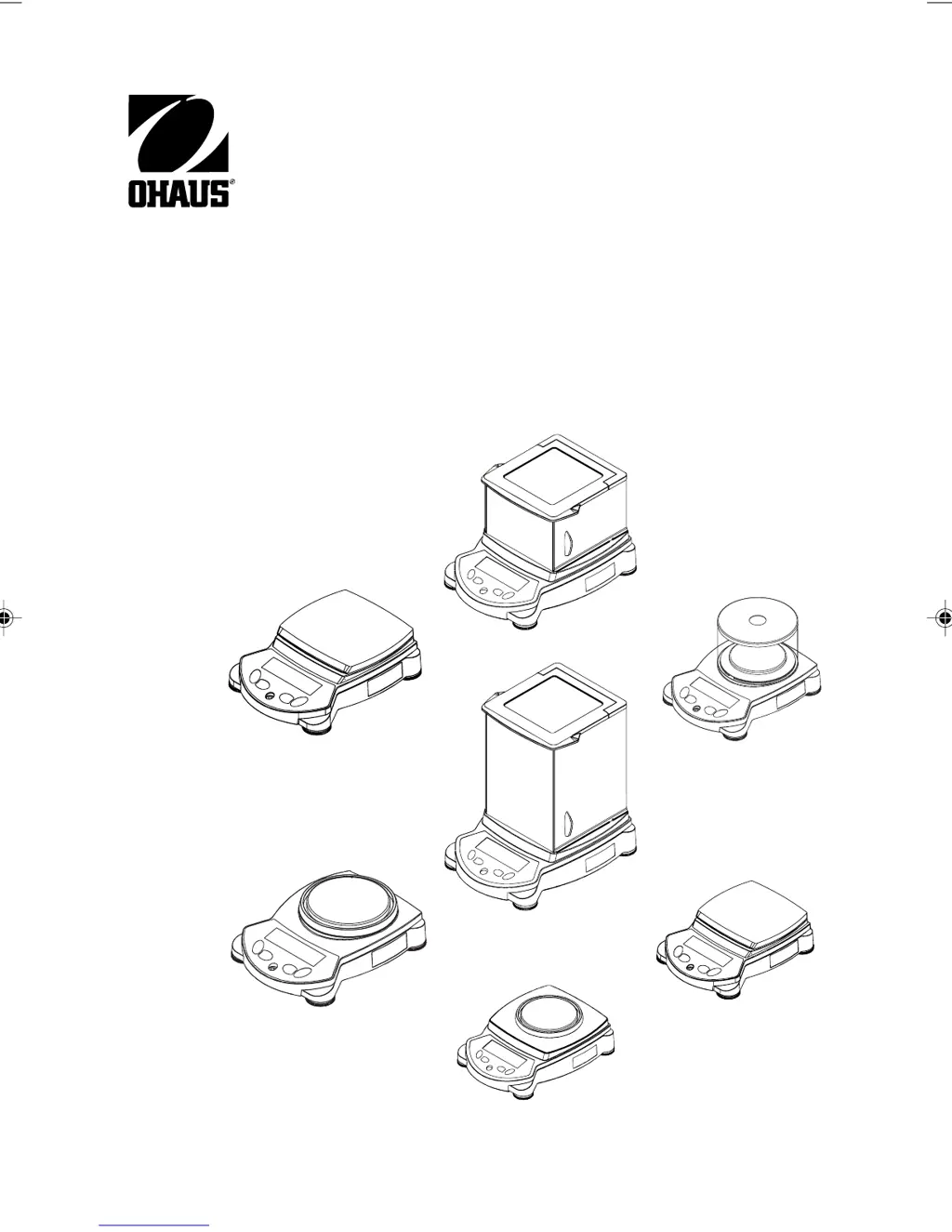
Adventurer Pro Balances
Instruction Manual
1 Front cover english.pmd 3/3/2005, 9:33 AM1

Table of Contents

Questions and Answers

  • L
    Lance CohenAug 28, 2025
    Why I cannot calibrate the OHAUS Scale?
    • B
      boydbenjaminAug 28, 2025
      If you cannot calibrate your OHAUS Scale, check if the calibration menu is locked and turn it off. Also, verify if LFT is turned on and disable it. Unstable weight readings can also prevent calibration, so eliminate any vibration and drafts.
  • E
    Ellen StewartAug 27, 2025
    What to do if battery indicator is flashing on OHAUS AV412?
    • D
      Dawn BrownAug 27, 2025
      If the battery indicator is flashing on your OHAUS Scales, it means the batteries are weak and need to be replaced.
  • K
    Kathleen WagnerAug 27, 2025
    How to fix OHAUS Scale that will not turn on?
    • W
      William WeaverAug 27, 2025
      If your OHAUS Scale won't turn on, first ensure the AC adapter is properly connected. If it still doesn't power up, the batteries may be discharged and need replacing.
  • K
    Kimberly WaltonAug 25, 2025
    Why I cannot calibrate the OHAUS AV412?
    • C
      Carl EllisonAug 26, 2025
      If you cannot calibrate your OHAUS Scales, it could be due to several reasons: 1. The calibration menu might be locked; turn the calibration menu lock off. 2. LFT might be set to on; turn LFT off. 3. There might be an unstable weight reading; eliminate vibration and drafts.
  • B
    Bryan HoustonAug 25, 2025
    How to fix OHAUS AV412 that does not display accurately?
    • J
      Jennifer MullinsAug 25, 2025
      If your OHAUS Scales are not displaying accurately, it could be due to improper calibration. Try performing a calibration. Another possible cause is an unstable environment. Move the balance to a more suitable, stable location.

OHAUS AV412 Specifications

General IconGeneral
Capacity410 g
Readability0.01 g
CalibrationExternal
DisplayLCD
Linearity±0.02 g
Stabilization Time2 seconds
InterfaceRS232
Power SupplyAC Adapter
Units of Measurementg, oz, ozt, dwt, ct
Operating Temperature Range10°C – 40°C

Related product manuals