EasyManua.ls Logo

OHAUS Ranger 1000 Series - User Manual

OHAUS Ranger 1000 Series
76 pages
Print Icon
To Next Page IconTo Next Page
Loading...
i
Ranger 1000 Series instruction Manual
Manual de Instrucciones de la serie Ranger 1000
Manuel d’instruction Série Ranger 1000
Bedienungsanleitung zur Ranger 1000-Serie
Manuale di istruzioni della Serie Ranger 1000

Table of Contents

Questions and Answers

  • M
    Melinda GayJul 31, 2025
    How to fix OHAUS Scales that will not turn on?
    • T
      Thomas AdamsJul 31, 2025
      If your OHAUS Scales will not turn on, it could be due to a few reasons. First, check if the AC power is properly connected and connect the scale to power. Another possibility is a discharged battery, in that case connect the scale to power.
  • A
    Anna SmithAug 4, 2025
    Why OHAUS Ranger 1000 Scales weight reading does not stabilize?
    • J
      Joseph MorenoAug 4, 2025
      An unstable weight reading on your OHAUS Scales can occur due to an unstable environment. Make sure to provide a stable environment. Another potential cause is interference under the pan. Ensure that the weighing pan is unobstructed and free to move.
  • C
    Catherine LaneAug 8, 2025
    What to do if OHAUS Ranger 1000 do not display accurately?
    • A
      Andrea OrozcoAug 8, 2025
      If your OHAUS Scales are not displaying accurately, it might be caused by improper calibration. Calibrate the scale using proper calibration weights.
  • S
    stevendonovanAug 12, 2025
    What does E3 error code displayed on OHAUS Ranger 1000 mean?
    • C
      Cheryl SchultzAug 12, 2025
      The E3 error code on your OHAUS Scales indicates that the display capacity has been exceeded. Ensure display capacity is not exceeded.
  • D
    Dawn AllenAug 17, 2025
    What to do if OHAUS Scales battery fails to charge fully?
    • S
      Sharon PayneAug 17, 2025
      If the battery in your OHAUS Scales fails to charge fully, it is likely that the battery is defective or past its useful life. Replace the battery by an authorized service dealer.
  • M
    Margaret MontgomeryAug 21, 2025
    What does E2 error code displayed on OHAUS Ranger 1000 mean?
    • C
      Christopher HarrellAug 21, 2025
      The E2 error code on your OHAUS Scales indicates that the A/D count is not correct. Have the load cell replaced.
  • M
    moraleselizabethAug 26, 2025
    What does E1 error code displayed on OHAUS Scales mean?
    • J
      Jill CampbellAug 26, 2025
      The E1 error code on your OHAUS Scales indicates an EPROM data loss. Replace the scale.

Summary

Introduction to Ranger 1000 Scale

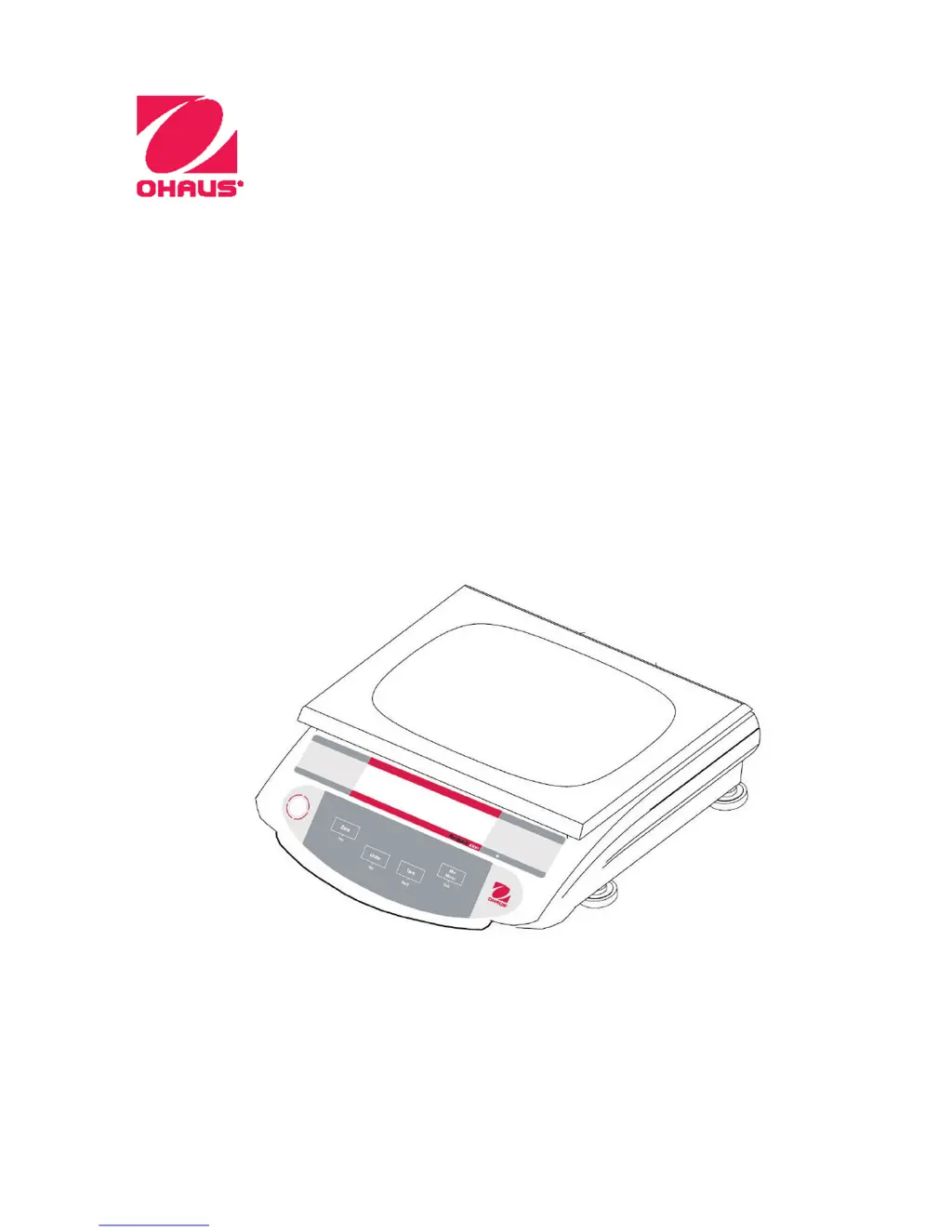
Product Description

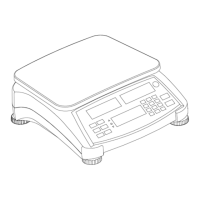
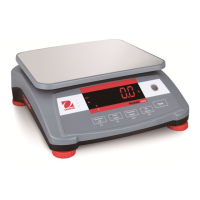
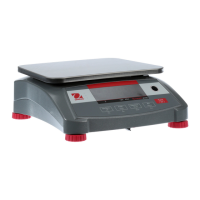
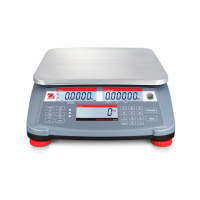
Overview of the Ranger 1000 Series scale's economical design, accuracy, durability, and portability for industrial weighing.

General Features

Lists key features like capacity models, stainless steel pan, backlit LCD display, multiple weighing units, and rechargeable battery.

Signal Warnings and Symbols

Explains signal words like CAUTION, Attention, Note, and warning symbols like General Hazard and Electrical Shock Hazard.

Safety Precautions

Provides critical safety warnings regarding installation, connections, and servicing to prevent injury or property damage.

Installation Guide

Unpacking Components

Instructions to unpack and verify all included components like the scale unit, weighing platform, manual, and AC adapter.

Installing Components

Guidance on installing the weighing platform and removing the shipping protection screw for proper operation.

Selecting the Location

Advice on choosing a suitable operating location, avoiding environmental factors like rapid temperature changes and vibrations.

Leveling the Scale

Steps to adjust leveling feet using the indicator bubble to ensure the scale is perfectly level.

Connecting Power

Details on connecting the scale via AC adapter and its internal rechargeable battery, including charging status indicators and battery life.

Initial Calibration

Recommendation for performing a Span Calibration upon first use to ensure accurate weighing results.

Controls and Functions Overview

Display Symbols

Explanation of symbols displayed on the scale screen, such as Low Battery and Stability indicators.

Controls and Functions

Description of each key (Zero, Units, Tare, M+ Menu, Yes, No, Back) and their functions in operation and setup modes.

Operations

Switching On and Off

Instructions on locating and using the power switch, and the recommended warm-up time for the scale.

Manual Tare Operation

How to perform a manual tare operation using the TARE key to set a zero point for containers.

Zero Operation

Procedure for zeroing the scale display using the ZERO key, showing the "ZERO" indicator.

Changing Weighing Units

Method for toggling through different available weighing units (kg, g, lb, oz) using the UNITS key.

Accumulation Function

How to use the M+ key for accumulation, displaying total weight and count, and clearing data.

Scale Settings

Backlight Settings

Configuration options for the display backlight, including Auto-on, On, and Off modes.

Zero Tracking Range

Adjustment of the range within which the zero reading is maintained, with available settings like 0.5d, 1d, 2d, 4d.

Filtering Settings

Setting the level for the Stable indication, affecting stabilization time, with options from 0 to 3.

Calibration

Span Calibration Procedure

Detailed steps for initiating and performing span calibration using ZERO and UNIT keys with calibration weights.

Restore Factory Settings

Reset to Factory Defaults

Method to restore the scale to its original factory settings by pressing Tare and UNIT during power-on self-test.

Maintenance and Troubleshooting

Cleaning Instructions

Guidelines for safely cleaning the scale housing using a damp cloth and mild detergent, avoiding harsh chemicals.

Troubleshooting Guide

A table listing common symptoms, possible causes, and remedies for scale issues like not turning on or inaccurate readings.

Technical Data

Model Specifications

Comprehensive technical specifications including capacity, resolution, construction, weighing units, display, and power details for different Ranger 1000 models.

Compliance Information

Regulatory Compliance

Details on CE marking, EMC and Low Voltage directives, FCC regulations, ISO 9001 registration, and Canadian ICES compliance.

Disposal Guidelines

WEEE and Battery Disposal

Information on proper disposal of the device and batteries according to WEEE and Batteries Directives, and local regulations.

Limited Warranty

Warranty Terms

Explains the warranty coverage for defects in materials and workmanship, exclusions, and liability limitations.

OHAUS Ranger 1000 Series Specifications

General IconGeneral
ProtectionIP43
DisplayLCD
Power SupplyAC adapter
Operating Temperature40°C
Units of Measurementg, oz, lb

Related product manuals