EasyManua.ls Logo

OHAUS Ranger - User Manual

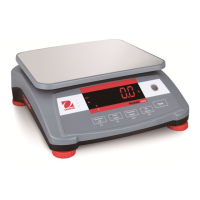
OHAUS Ranger
36 pages
Print Icon
To Next Page IconTo Next Page
Loading...
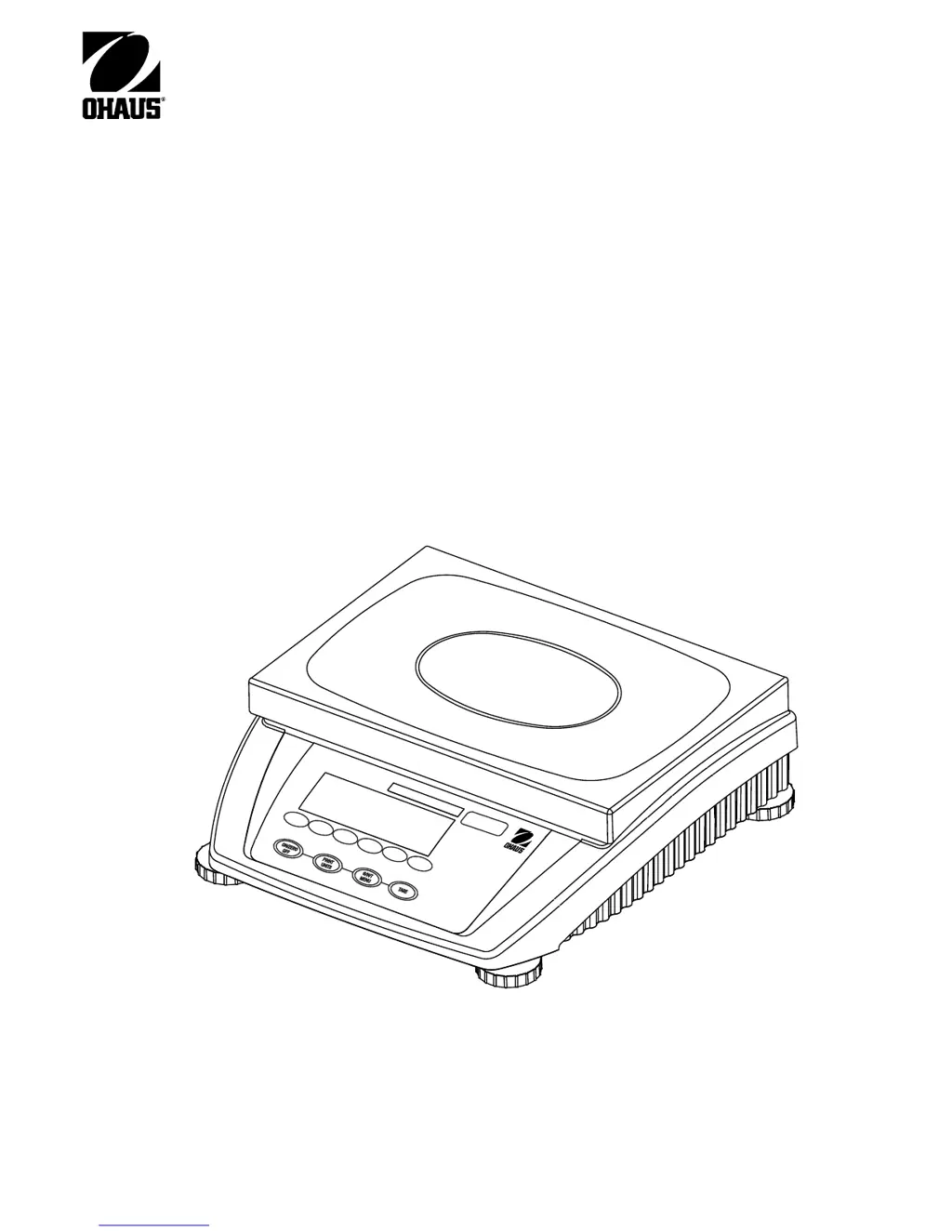
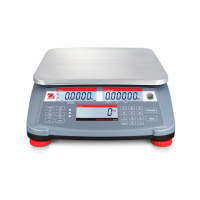
Ranger Counting Scale
Instruction Manual
Ranger
Scale
Count
Sample
Clear
Select
Weight
Size
10
Sample
APW
Count

Other manuals for OHAUS Ranger

Questions and Answers

  • A
    Andrea JacksonJul 26, 2025
    Why won't my OHAUS Ranger Scales turn on?
    • C
      catherine31Jul 26, 2025
      If your OHAUS Scales unit won't turn on, first, check the power cord to ensure it is properly connected. If you're using battery power, verify the battery is charged. Also, check the functions of the membrane switch.
  • R
    Robert AndersonJul 31, 2025
    What to do if I am unable to calibrate OHAUS Scales?
    • M
      Michael TaylorJul 31, 2025
      If you are unable to calibrate your OHAUS Scales, ensure you are using the correct calibration mass. Also, verify that the CAL setting is not locked in the Lockout menu; unlock it and recalibrate.
  • C
    Christopher GrimesAug 5, 2025
    How to fix RS232 not working on OHAUS Ranger?
    • S
      Sean JohnsonAug 5, 2025
      If the RS232 is not working on your OHAUS Scales, verify the communication parameters are set up correctly. Also, check the cable connections to ensure they are properly connected.
  • B
    Brittany WellsAug 10, 2025
    How to display weight in the desired weighing unit on OHAUS Ranger?
    • K
      Kathy HuffmanAug 10, 2025
      If you cannot display the weight in your desired weighing unit on the OHAUS Scales, enable the desired unit in the Read menu.
  • T
    thartAug 15, 2025
    Why can't I zero my OHAUS Ranger Scales?
    • D
      deborahrhodesAug 15, 2025
      If you cannot zero your OHAUS Scales, or it will not zero when turned on, remove any load exceeding the allowable zero. Ensure the scale is placed on a stable base, and remove any disturbances or reduce motion.
  • L
    Lisa FuentesAug 20, 2025
    What to do if the Center of Zero display is erratic on OHAUS Ranger?
    • A
      Amy BenitezAug 20, 2025
      If the Center of Zero display is erratic or does not appear with no load on the platform of your OHAUS Scales, remove any disturbances or reduce motion. You may also need to increase the AZT level or the averaging level in the readout menu.

Summary

Introduction

Introduction

General welcome and overview of the manual's purpose.

Overview of the Scale

Describes the features and capabilities of the Ranger Counting Scale.

Installation

Unpacking and Checking Contents

Steps for unboxing and verifying all included items.

Safety Considerations

Essential safety guidelines for operating the scale.

Locating and Leveling the Scale

Instructions on choosing an optimal location and ensuring the scale is level.

Connecting Power

Guidance on connecting the scale to a power source.

Battery Operation

Information on using the scale's internal rechargeable battery.

Connecting Communications

Details on connecting the scale for data transfer via RS232.

Connecting a Second Scale for Piece Counting

How to link another scale for advanced piece counting functions.

Operation

Menu Structure

Overview of the scale's menu hierarchy and navigation.

Switch Functions

Explains the primary and secondary functions of the scale's buttons.

Menu Operation

Step-by-step guide on navigating and using the scale's menus.

Turning on the Scale and Zeroing

Procedures for powering up the scale and setting it to zero.

Basic Weighing

How to perform simple weight measurements on the scale.

Weighing with Tare

Instructions for subtracting the weight of a container.

Gross;Net;Tare Recall Operation

How to view stored tare, net, and gross weights.

Unit Switch Operation

Changing the weighing units displayed on the scale.

Counting Pieces into a Container

Guide to counting items by taking a sample.

Counting Pieces Out of a Container

Procedure for counting items by removing them from a container.

Automatic Reference Optimization

Enhancing accuracy in piece counting through auto-optimization.

Add Mode

Ensuring sufficient sample size for accurate piece counting.

Piece Counting with 2-Scale Systems

Utilizing two scales for comprehensive piece counting.

Setting Up Your Scale

Overview

Introduction to scale configuration and settings.

Setup Menu

Details on configuring basic scale settings.

Read Menu

Options for adjusting display, units, and other read-related settings.

RS232-1; RS232-2 Menus

Configuring serial communication port settings.

Lockout Menu

Managing software locks for settings, especially for legal-for-trade use.

Quit Menu

Options for saving changes and exiting menus.

Calibration and Sealing

Calibration Masses

Requirements for calibration weights and their availability.

Calibration

Procedures for performing span and linearity calibration.

Unlocking the Menus

How to access locked menus for calibration or settings changes.

Weights and Measures Sealing

Information on official inspection and sealing for legal use.

Care and Maintenance

Troubleshooting

Common issues and their solutions for scale operation.

RS232 Interface

Hardware details and output formats for serial communication.

RS232 Commands

List and explanation of RS232 communication commands.

Error Codes List

Explains various error codes and their remedies.

Service Information

Contact details for authorized service assistance.

Accessories

List of available optional accessories for the scale.

Specifications

Technical details, models, ranges, and dimensions of the scale.

OHAUS Ranger Specifications

General IconGeneral
DisplayLCD
CommunicationRS232
ConstructionStainless steel
ApprovalNTEP
Design FeaturesOverload protection
Units of Measurementg, kg, lb, oz
Operating Temperature10°C to 40°C

Related product manuals