18
3.13 Piece counting with 2-scale systems
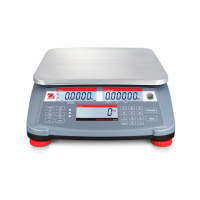
A second scale can be connected to your Ranger Counting Scale, e.g. a
Ranger 60kg weighing only model for counting large number of pieces
that would exceed the capacity of the Ranger Count.
Before using a second scale, the interconnecting communication cable
must be connected between the scales as described in paragraph 2.7.
Once the scales are connected, press the Scale Select button to toggle
between the two displays. This will confirm communication between
them.
If the ZERO, G/NT or TARE button functions are pressed on the
host scale
(Ranger Count) the command will be applied only to the scale indicated
next to the balance symbol 1 or 2 .
Place containers on both scales, as needed, and tare them.
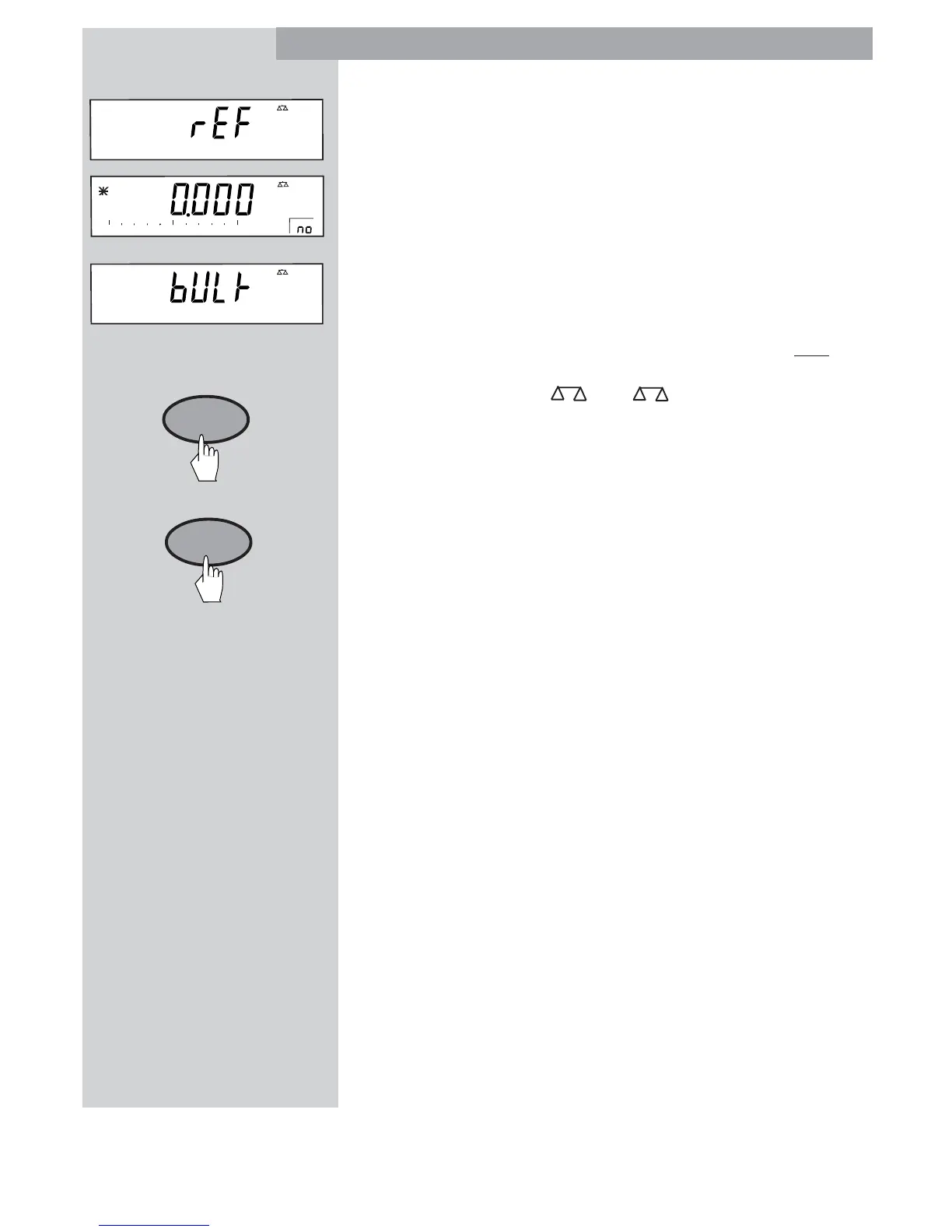
Using the Scale Select switch, display the scale to be used for the
reference weight. Add indicated number of sample pieces and press the
Sample Size button.
If the host scale (Ranger Count) is the reference scale, the display will
automatically switch to the bulk scale after the average piece weight is
calculated.
If the Remote scale is used for the reference weighing, the display must
be changed manually with the Scale Select button.
AUTO OPTIMIZATION
ADD MODE
and COUNTING OUT
are all supported in a 2 Ranger counting system.
2
kg
2
%
Auto Opt
0
50
100
2
ScaleScale
ScaleScale
Scale
SelectSelect
SelectSelect
Select
SampleSample
SampleSample
Sample
Size Size
Size Size
Size








 To Next Page