28
6.2 RS232 interface
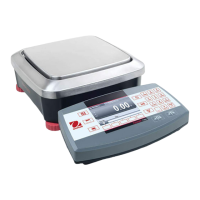
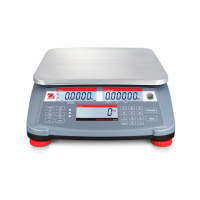
Ranger Counting Scales are equipped with one bi-directional RS232 compatible interface for communication
with printers and computers. A second optional interface is available. When the scale is connected directly to a
printer, displayed data can be output at any time by simply pressing PRINT
UNITS
button , or by using the Auto
Print feature.
Connecting the scale to a computer enables you to operate the scale from the computer, as well as receive data
such as displayed weight, weighing mode, stability status, etc.
The following sections describe the hardware and software provided with the balance
Data output can be initiated in one of three ways: 1) By pressing PRINT; 2) Using the Auto Print feature; 3)
Sending a print command (“P”) from a computer.
Output formats
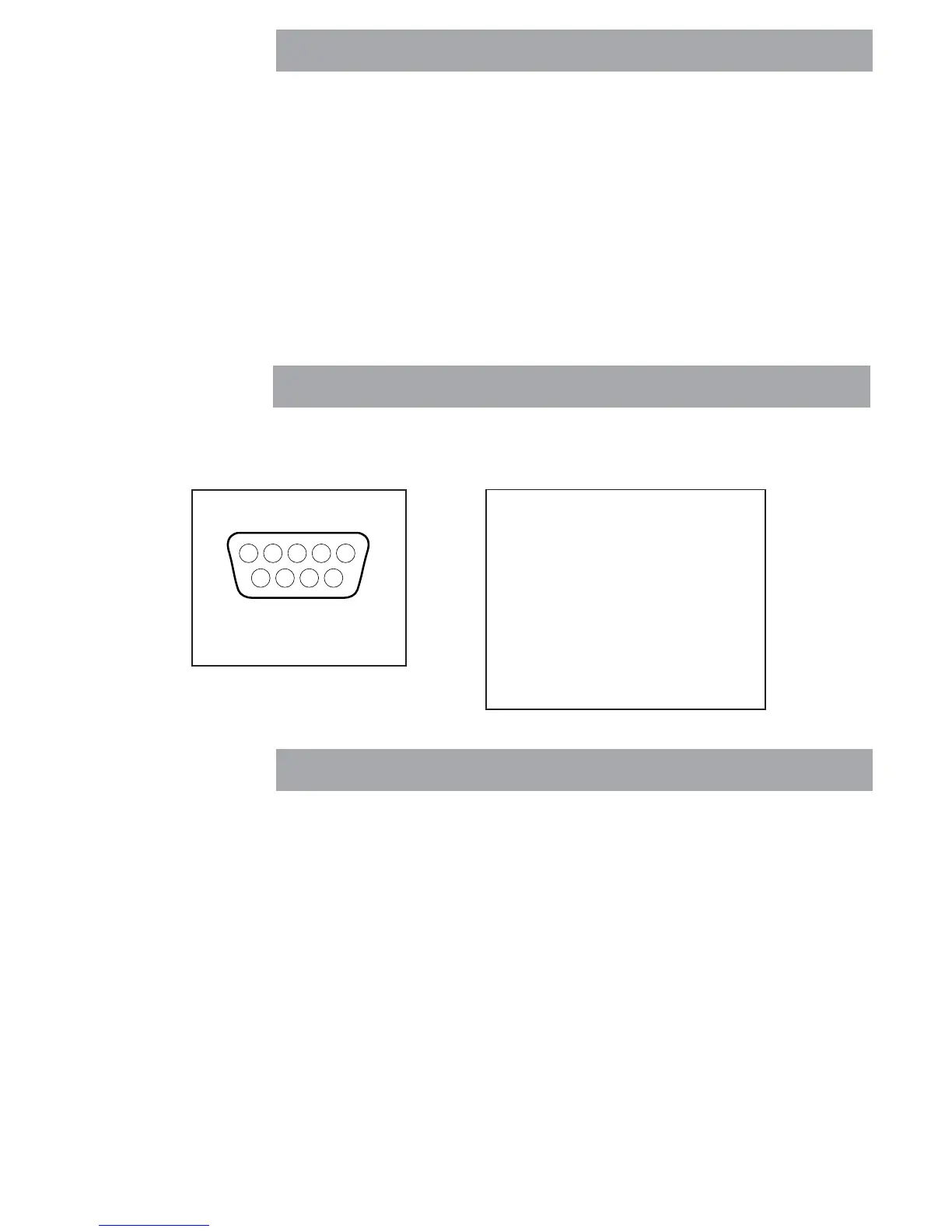
On the rear of the balance, the 9-pin male subminiature “D” connector is provided for interfacing to other de-
vices. On scales equipped, a second RS232 connector is available.
RS232 Hardware
12345
6789
1
2 Data Out (TXD)
3 Data In (RXD)
4
5 GND
6
7
8
9








 To Next Page