29
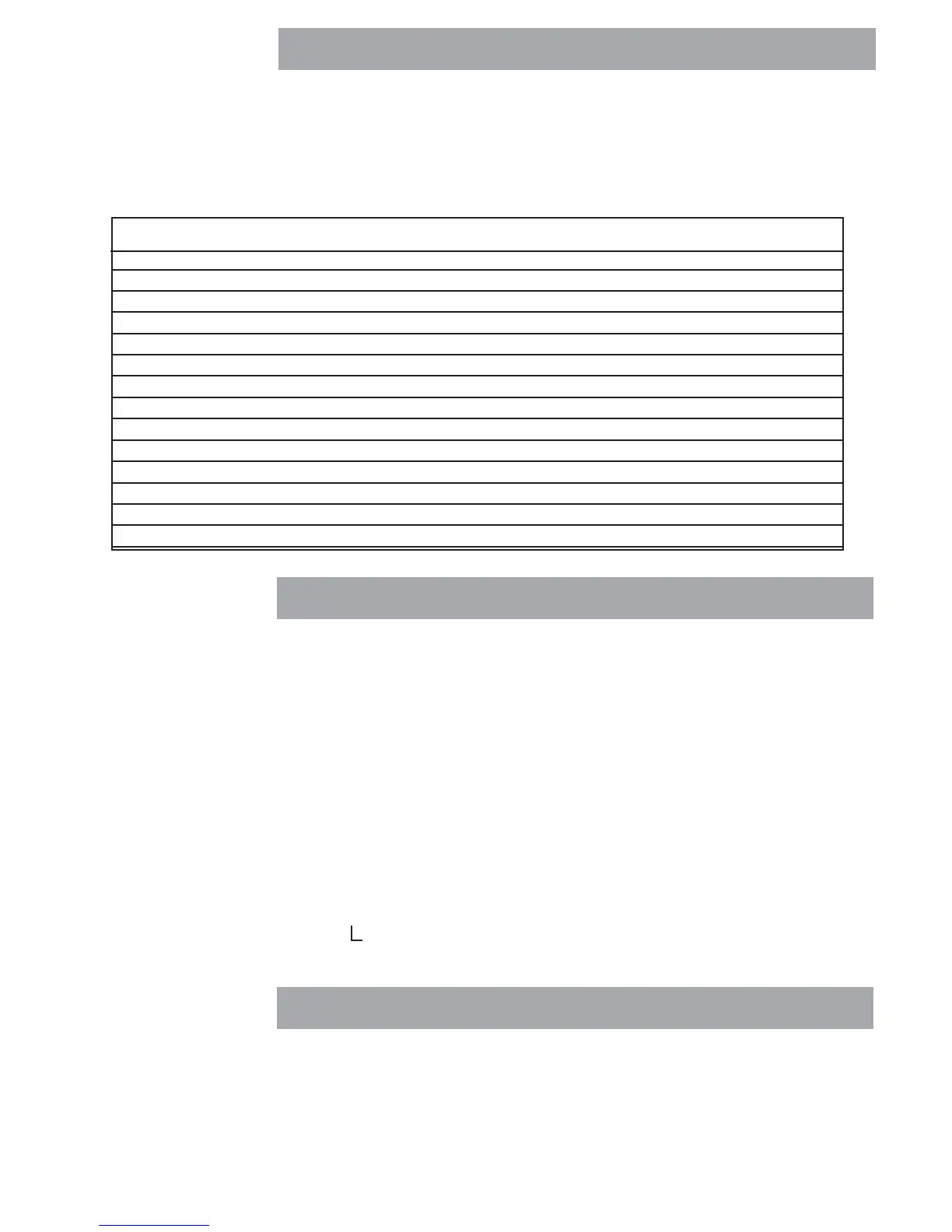
All communication is accomplished using standard ASCII format. Characters shown in the following table are
acknowledged by the scale. Invalid command response "ES" error indicates the scale has not recognized the
command. Commands sent to the scale must be terminated with a carriage return (CR) or carriage return-line
line feed (CRLF). Data output by the scale is always terminated with a carriage return - line feed (CRLF). The
output format is illustrated in the table which follows.
RS232 commands
RS232 COMMAND TABLERS232 COMMAND TABLE
RS232 COMMAND TABLERS232 COMMAND TABLE
RS232 COMMAND TABLE
??
??
? Print current mode: g, Kg, lb, oz.
OS Print weight (stable or unstable) after P cmd.
1S1S
1S1S
1S Print stable weight after P cmd.
SA Print on stability. *Send final stable weight value.
CA Continuous Print. prints weight string w/o default string information
xxxxA Interval Print xxxx= Print Interval (1-3600 sec) (OA turns off interval printing)
P *Print display data (see OS and 1S)
Z Same as pressing Zero button.
T Same as pressing Tare button.
C Begin span calibration
L Begin linearity calibration.
XT Download Tare value in grams. Uses unit set as Unit 1.
SN Show serial number
H 1 (1-5) 1 to 5 headers are available with24 characters per line; enter H space, then text. See below.
CommandCommand
CommandCommand
Command
CharacterCharacter
CharacterCharacter
Character
DescriptionDescription
DescriptionDescription
Description
Creating header information
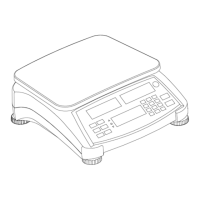
Ranger Counting Scale contains provisions for entering a custom header using an external PC connected to the
RS232 connector. The header can contain up to 5 lines wiith a maximum of 24 characters per line. This is very
useful to identify printed reports.
Create the header as follows using the PC keyboard:
LINE # 1: H (space) 1 (space) “text 1st line”, then press Enter on PC keyboard.
LINE # 2: H (space) 2 (space) “text 2nd line”, then press Enter on PC keyboard.
LINE # 3: H (space) 3 (space) “text 3rd line”, then press Enter on PC keyboard.
LINE # 4: H (space) 4 (space) “text 4th line”, then press Enter on PC keyboard.
LINE # 5: H (space) 5 (space) “text 5th line”, then press Enter on PC keyboard.
Deleting a header line:
Type: H (space) 1 (space) “ “
Printing header without PC
1. Disconnect the PC. - Connect to printer.
2. In the RS232 menu, set the RESET to YES and DEFSTR-HEADER to ON.
3. The header will print before each weighing data.
no text





 To Next Page