12
3.2 Switch functions
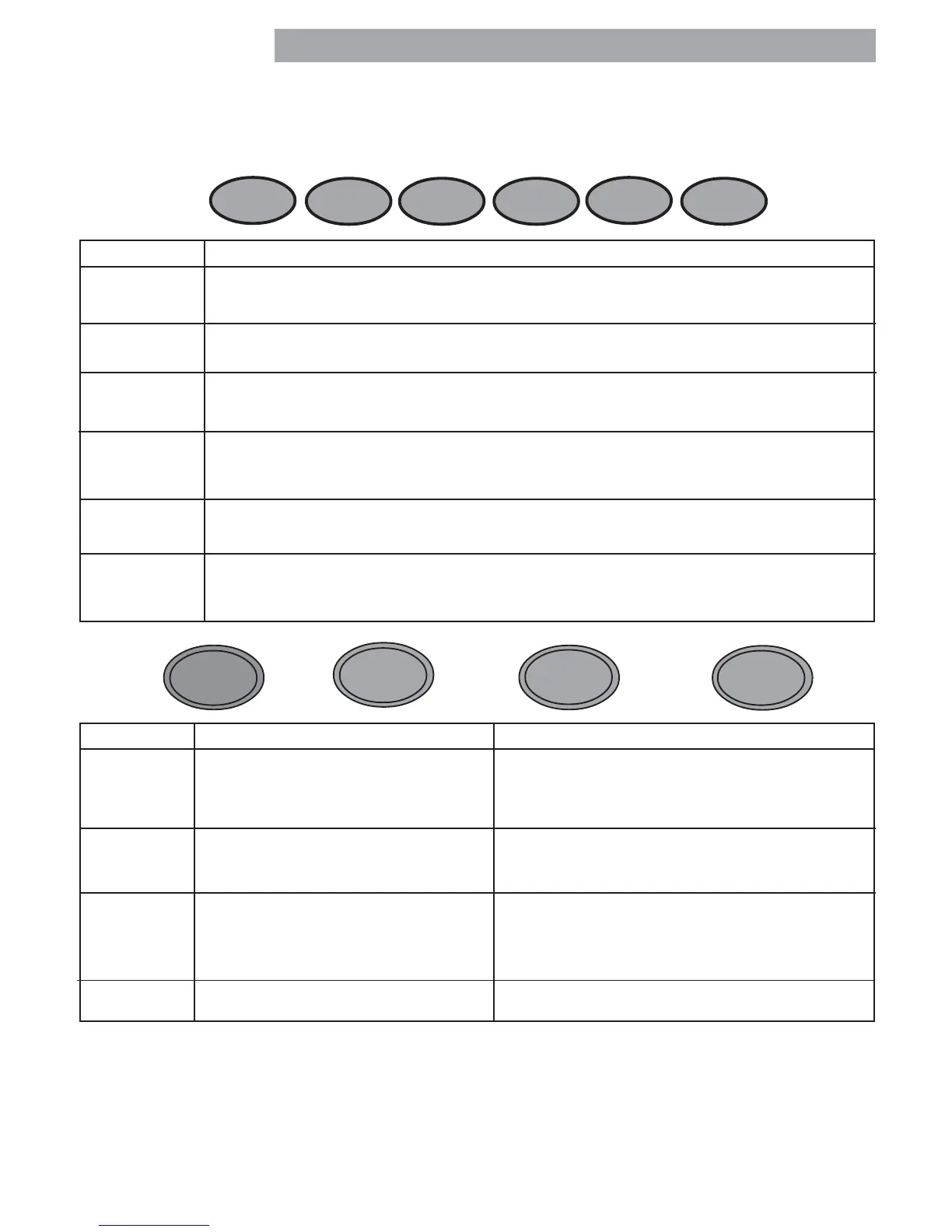
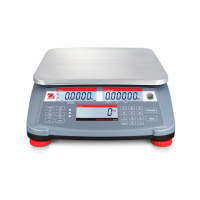
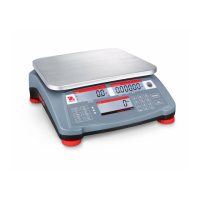
There are two sets of button switches located on the front panel of the scale. The six button switches located
directly under the display are used for counting functions. The four button switches located below the six
switches provide basic scale operation and menu setups. Please read the following information before pressing
any of these buttons.
ClearClear
ClearClear
Clear
APWAPW
APWAPW
APW
ScaleScale
ScaleScale
Scale
SelectSelect
SelectSelect
Select
CountCount
CountCount
Count
WeightWeight
WeightWeight
Weight
SampleSample
SampleSample
Sample
10 10
10 10
10
SampleSample
SampleSample
Sample
Size Size
Size Size
Size
BUTTONS FUNCTION
Clear Short press -Average Piece Weight (APW) is cleared and scale returns to weighing mode.
APW Short press - Average Piece Weight - one piece reference weight is displayed for 3 seconds.
Scale Switches the display between scale 1 (host) and scale 2 (remote). If 2 scales are connected,
Select the functions zero, G/N/T & tare will be executed on the scale that is currently on the host LCD.
Count Short press - Switches from weighing to counting mode.
Weight
Sample 10 Short press - Takes average piece weight for a sample size of 10.
Sample Size Long press and hold - scrolls through 5, 15, 20, 25, 30, 50 and 100 pieces - sample size.
Short press - sample number of pieces shown in display.
G/N/T
MENU
TARE
PRINT
UNITS
BUTTONS PRIMARY FUNCTION SECONDARY FUNCTION
ON/ZERO Short press - Turns scale ON if OFF. When scale is ON, short press zeros the scale.
OFF
Long press - Turns scale OFF if ON.
PRINT Short press - Sends PRINT command. When in MENU MODE: short press = NO.
UNITS
Long press - Changes UNITS.
G/N/TG/N/T
G/N/TG/N/T
G/N/T Short presses - Gross/Net/Tare. When in MENU MODE: short press = YES.
MENU
No action for 5 secs., scale returns NET.
Long press - Enter MENU.
TARE Short press - enter TARE.
ON/ZERO
OFF







 To Next Page