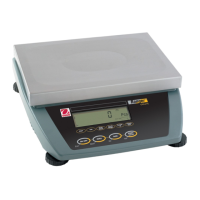
Ranger™ Count 3000 Series EN-5
TABLE 3-1. Cont.
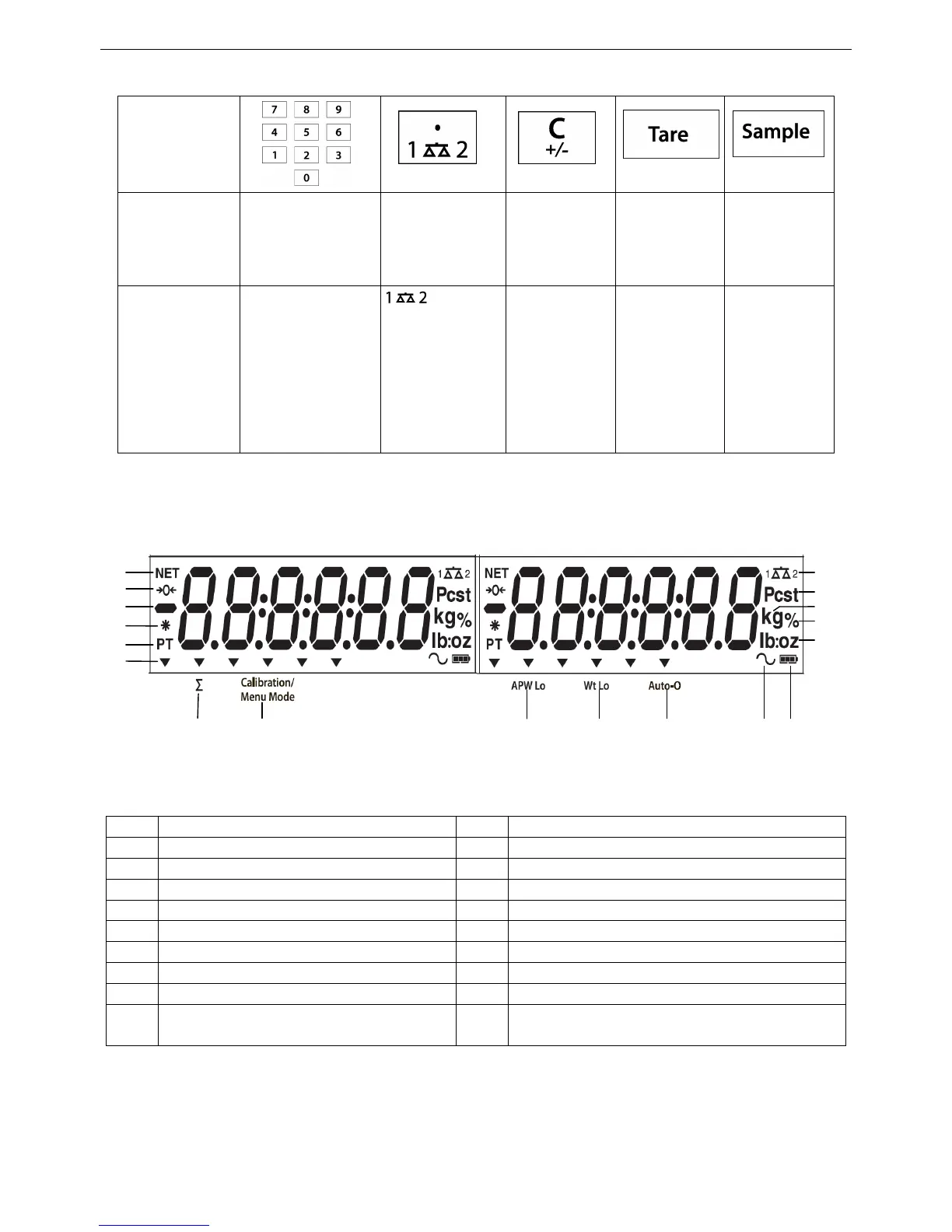
Primary
Function
(Short Press)
0-9
Enter numeric
values on the
display.
Enter decimal
point (.) on the
display.
C
Clear the last
character
from the
display.
Tare
Perform a
tare
operation.
Sample
Display/
Start
new APW
Secondary
Function
(Long Press)
Switch between
scale 1 and
scale 2
(only available
if second
platform is
connected)
+/-
Switch
between
positive and
negative
value
Notes:
1
Short Press: Press less than 1 seconds.
2
Long Press: Press and hold for more than 2 seconds.
Dynamic symbol (not used)
Preset Tare, Tare symbols
Pound, Ounce, Pound:Ounce symbols
Percent symbol (not used)
Calibration / Menu Mode symbol
Pieces symbol, tonne symbol (not used)
Low Average Piece Weight Symbol
Scale symbol (only shown when 2
nd
platform is connected and turned on)
Notes:
The APW Lo symbol will be lit if the APW value is lower than minimum recommended APW (refer to table 7-1 for
minimum APW).
The Wt Lo symbol will be lit if the sample weight is lower than minimum recommended sample weight (refer to
Table 7-1 for minimum sample weight).



 To Next Page