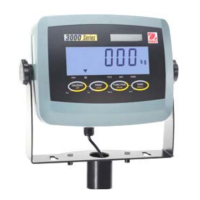
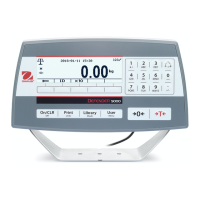
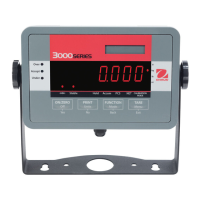
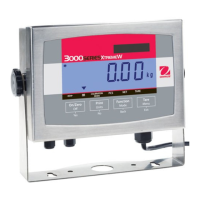
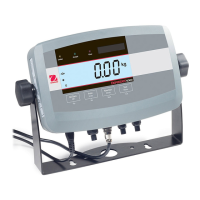
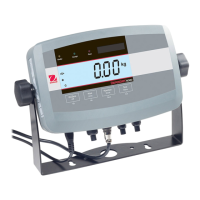
Ohaus Corporation Model: ..Defender Indicators T31P and T31XW
Application Note Description: ............Counting Mode setup & use
Updated: 10/25/2007 3 of 3 Revision 01
To reset the APW when changing to another part
1. Clear the pan
2. Press and hold the “Function-Mode” button until the display shows “Count” then release.
3. “Clr.PW” will be displayed.
4. Press and release “Yes”
5. “Put xxx” will be displayed
6. Continue as above



 To Previous Page