FOUR > TECHNICAL INFORMATION
38
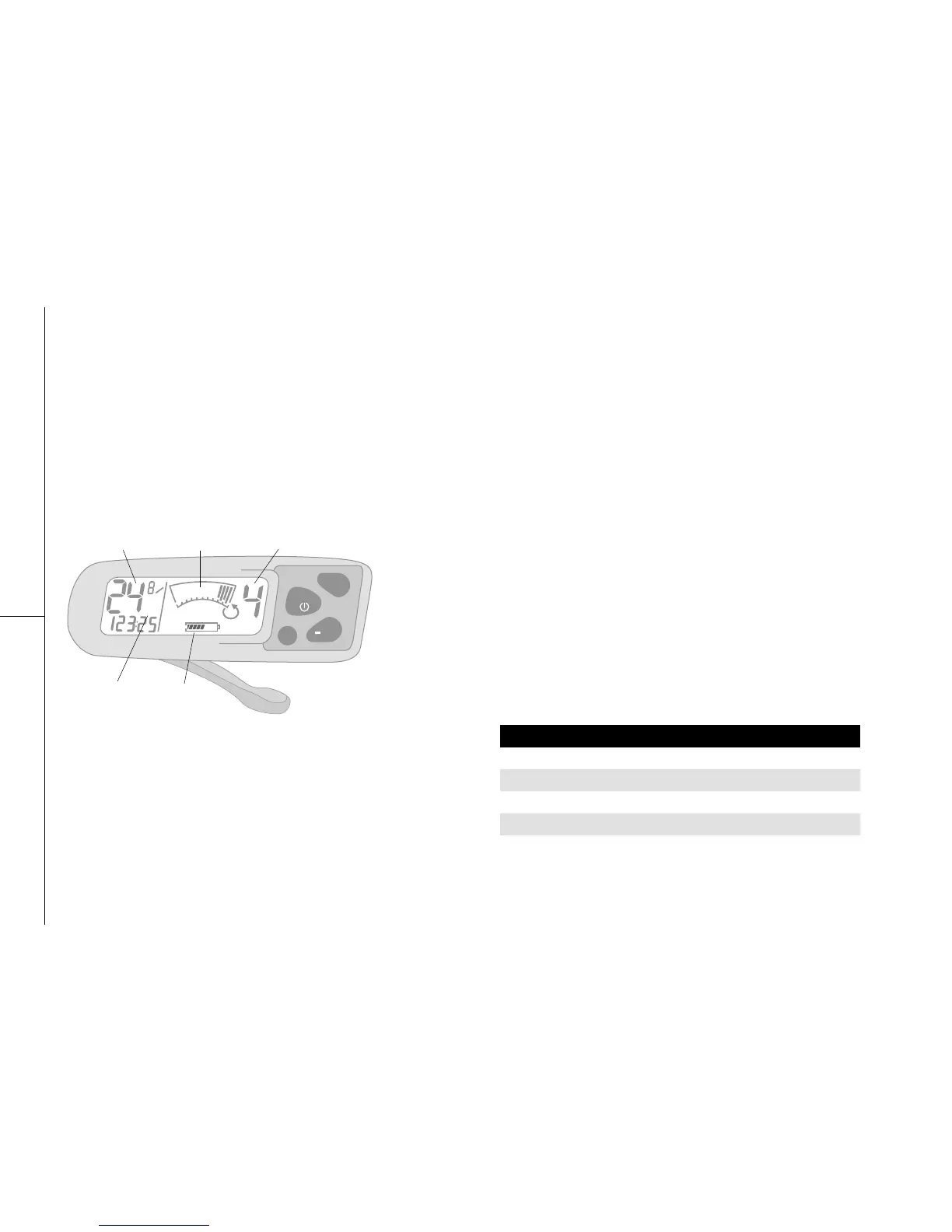
4.9.3 COMMAND CONSOLE
It is strongly recommended that you take some time to become
comfortable with the Command Console functions before setting
out on your first ride. Choose a setting that is free of traffic or other
obstacles to practice using the power assist system. While the
system is easy to use, it may take some time getting familiar with
the control panel to ensure that you enjoy all that the power assist
system has to offer while ensuring a safe and enjoyable ride.
COMMAND CONSOLE FEATURES:
1 > On-off Switch: Press on (Mode)
>> NOTE: The console automatically switches off after 10 minutes
without activity.
2 > Backlit LCD: Press on (Mode) for 2 seconds to turn the backlit
on / off.
3 > LCD Contrast:
a. Press on both (Crono) and (+A) simultaneously to increase
contrast.
b. Press on both (Crono) and (-G) simultaneously to decrease
contrast.
4 > Assistance 1-2-3-4: When riding at assistance 0, the system
is not activated. You are riding a conventional bicycle.
a. To activate assistance, press on (+A) to go from 0 to 1.
b. Press again on (+A) to increase assistance or press on (–G)
to decrease it.
Fig 4.9.3



 To Next Page