16
Power display
The battery has power display function, the battery power information can be read through
the vehicle data and fed back to the meter. The meter divides the battery power from 0% to 100%
into four grids, each of which accounts for 25% of the battery power.
Charging display
The meter will display the charging animation and display the current power percentage when
charging. It can be very intuitive to observe that the car is in charging status and the current power.
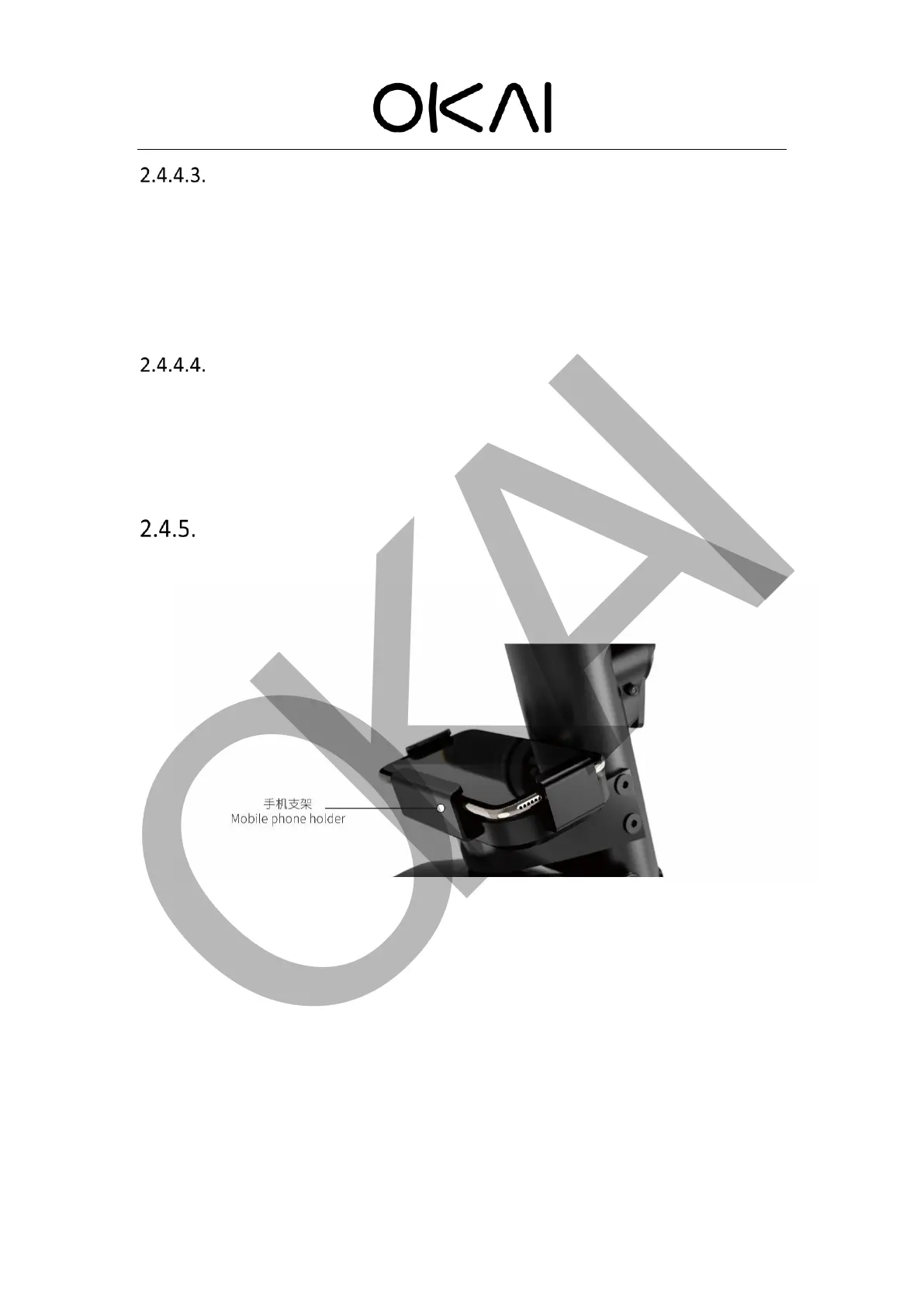
Mobile phone holder
OKAI scooter has a mobile phone holder with fixtures at both ends. You can choose to add
wireless charging function. If you chose it, wireless charging will be enabled only after unlocking
the scooter. When the user puts the mobile phone on the charging board, the mobile phone will
make charging response according to the mobile phone manufacturer's settings (only the mobile
phone models that can support wireless charging are supported). Once the user returns the car
and the scooter is locked, the wireless charging is automatically turned off.



 To Next Page