20
User instruction
Operation after receive the scooter
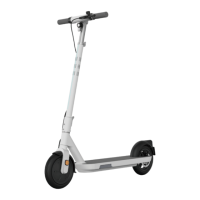
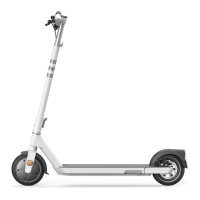
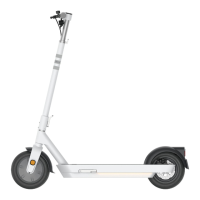
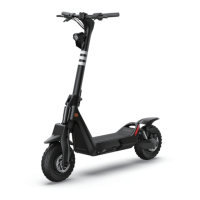
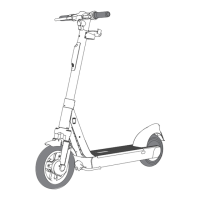
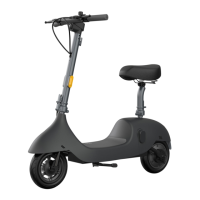
In general, before the mass production order is placed, client will purchase OKAI sample
scooter for testing the functionalities and defectiveness. Since the IoT for sample is under test
mode and for production is normal mode, thus the operation is going to be a bit different. We here
will describe two cases separately. Please see reference
Notes
⚫ Don’t put samples to the entire fleet as a mass product.
⚫ Don’t use a new order spare part to the samples if you are going to use
the spare part on mass products.
⚫ The electric parts of samples and mass products cannot be exchanged to
use.
The difference between different modes
Support using USB cable and
Manage_Tool to send command.
Only receive command from
Bluetooth and server.
Sample scooter
If you have received our sample scooter, we suggest to charge the scooter for an hour first. You
can tell if it's fully charged based on the battery level shown on the meter display. Please prepare
the following things in advance:
● The serial cable that comes with the sample scooter
● Install the SIM card and SOP pack (SOP for install the SIM card, serial cable drive,
ZK_Series_Manage_Tool)
● A computer with Windows system
Then please use the SOP of installing the SIM card to complete the rest steps of operation in
order to get connected to the server.



 To Next Page