61
9 Touch Screen Calibration
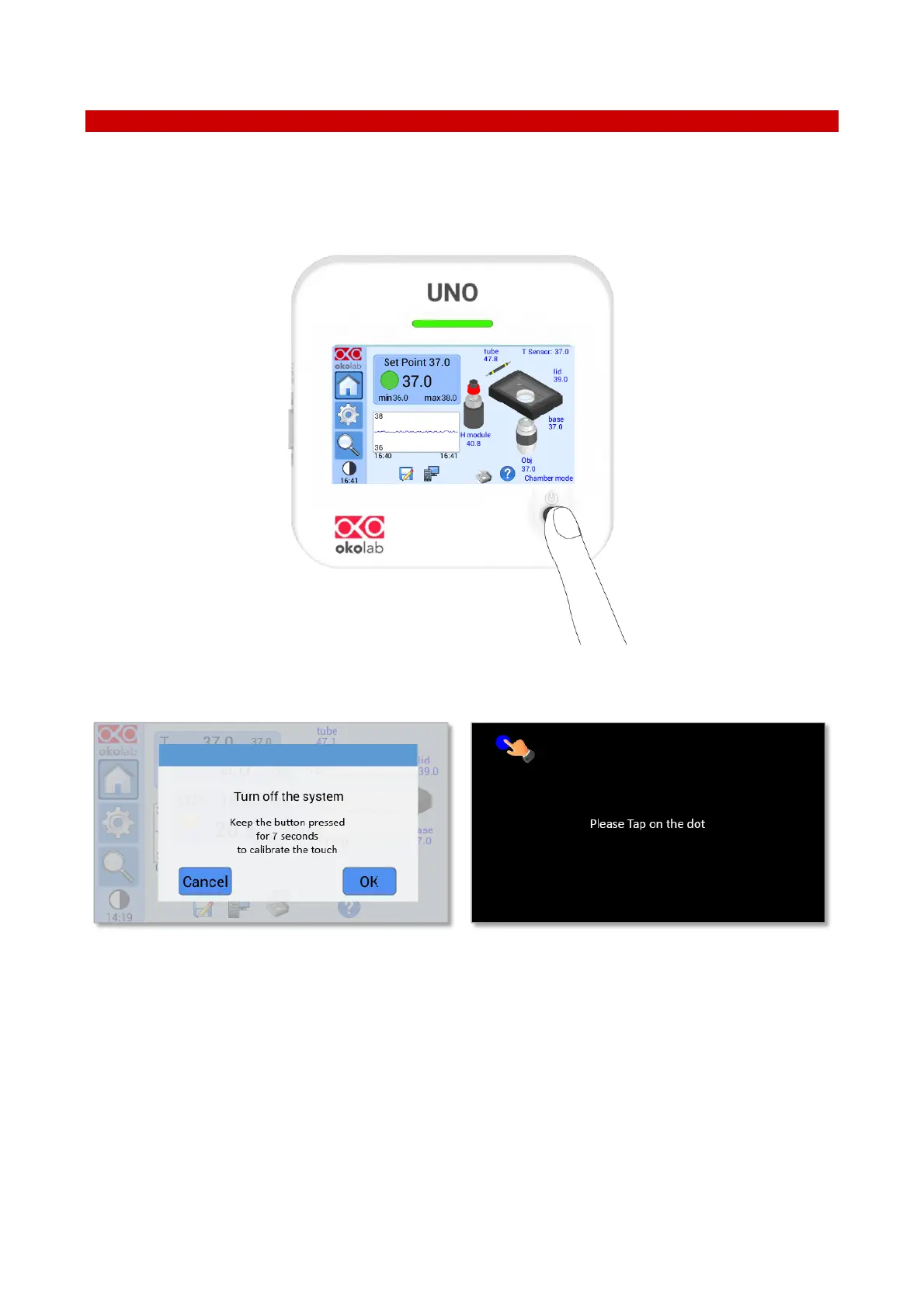
Keep pressed the ON/OFF button on UNO-CONTROLLER for 7 seconds to start the Display Calibration (see
Figure 99). While holding the button, the pop-up message shown in Figure 100 a appears. Then tap blue calibration
dots until the calibration is complete (see Figure 100 b).
Figure 99. Display Calibration.


 To Next Page