4345-E P-3
SECTION 1 MacMan
2. MacMan Slashes Down Time
Eeospkku1003
Precise understanding of the situation of a trouble is the key to pin-pointed troubleshooting and
quick recovery of the machine operation.
Using the MacMan, you can get the information necessary for troubleshooting to be output onto MS-
DOS formatted floppy disk.
• If you output the information to the floppy disk, the information can be analyzed by using a per-
sonal computer by either yourself or Okuma service technician.
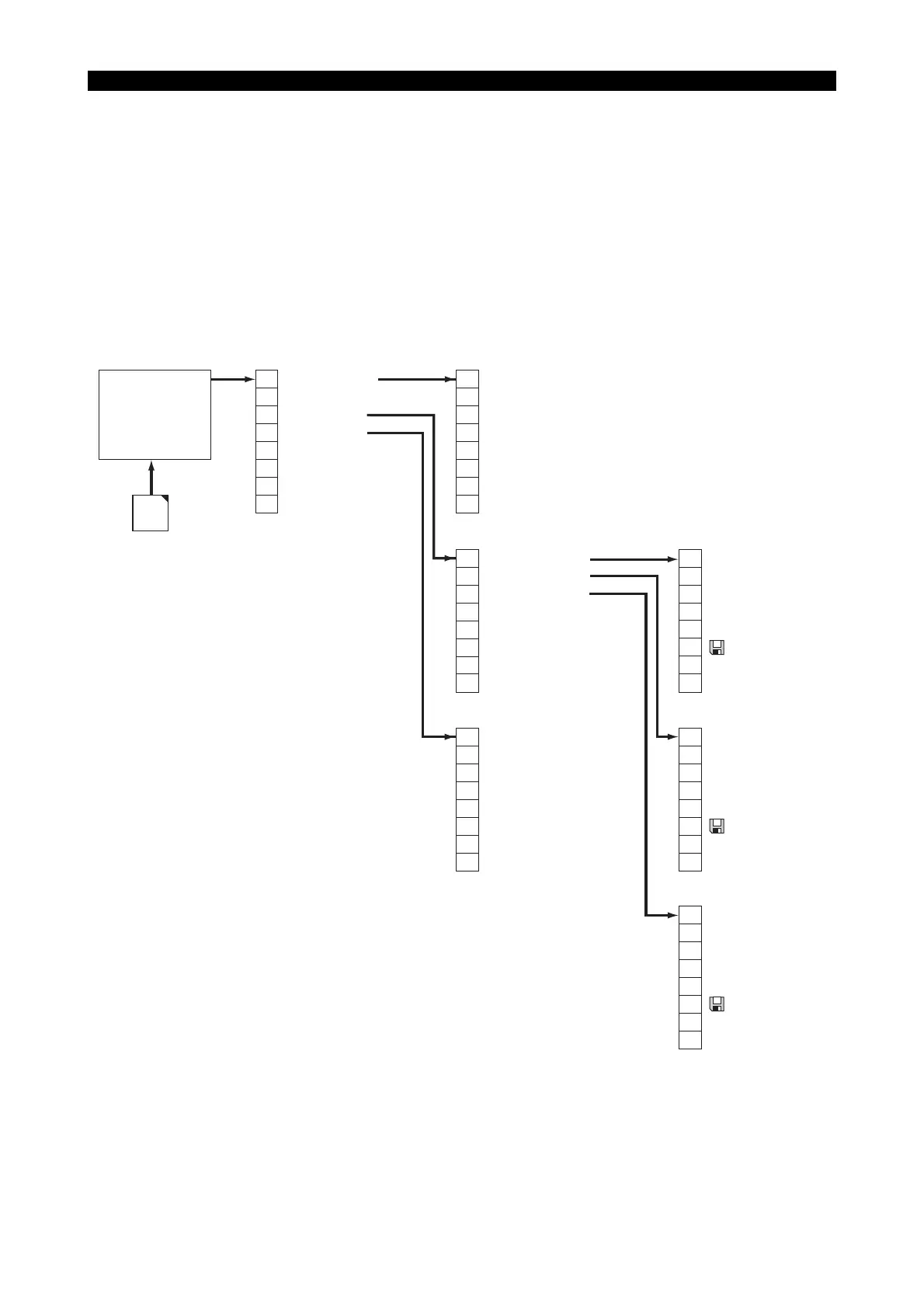
3. Screen Transition Diagram
Eeospkku1004
EIOSPKKU1004R01
Which Non op.
Report Info.
Trouble Info.
Network (*1)
Refresh
F1
F2
F3
F4
F5
F6
F7
F8
IN-PRO SETUP
NO OPERATOR
PART WAITING
MAINTENANCE
OTHER
Quit
F1
F2
F3
F4
F5
F6
F7
F8
Machine Report
Operate Report
Operate History
Quit -> Return to the previous screen
F1
F2
F3
F4
F5
F6
F7
F8
NC status at alaem
Current NC status
Alarm History
Operation History
Variable History
System configuration
Quit -> Return to the previous screen
F1
F2
F3
F4
F5
F6
F7
F8
Daily (Today)
Daily (Pre day)
Period
File
Quit -> Return to the previous screen
Refresh
F1
F2
F3
F4
F5
F6
F7
F8
MaMan
MAIN
Mac
Man
Daily (Today)
Daily (Pre day)
Period
File
Quit -> Return to the previous screen
Refresh
F1
F2
F3
F4
F5
F6
F7
F8
Daily (Today)
Daily (Pre day)
File
Quit -> Return to the previous screen
Refresh
F1
F2
F3
F4
F5
F6
F7
F8
[Selecting the reason for not-operating]
[Report menu]
[Trouble information menu]
[Machining report]
[Operation report]
[Operating History]
(*1)
This function is displayed for network function
(IT plaza set,DNC-T etc.) specification only.



 To Next Page