4345-E P-33
SECTION 10 PARAMETER SETTING
SECTION 10 PARAMETER SETTING
Eeospkkue001
EIOSPKKUE001R01
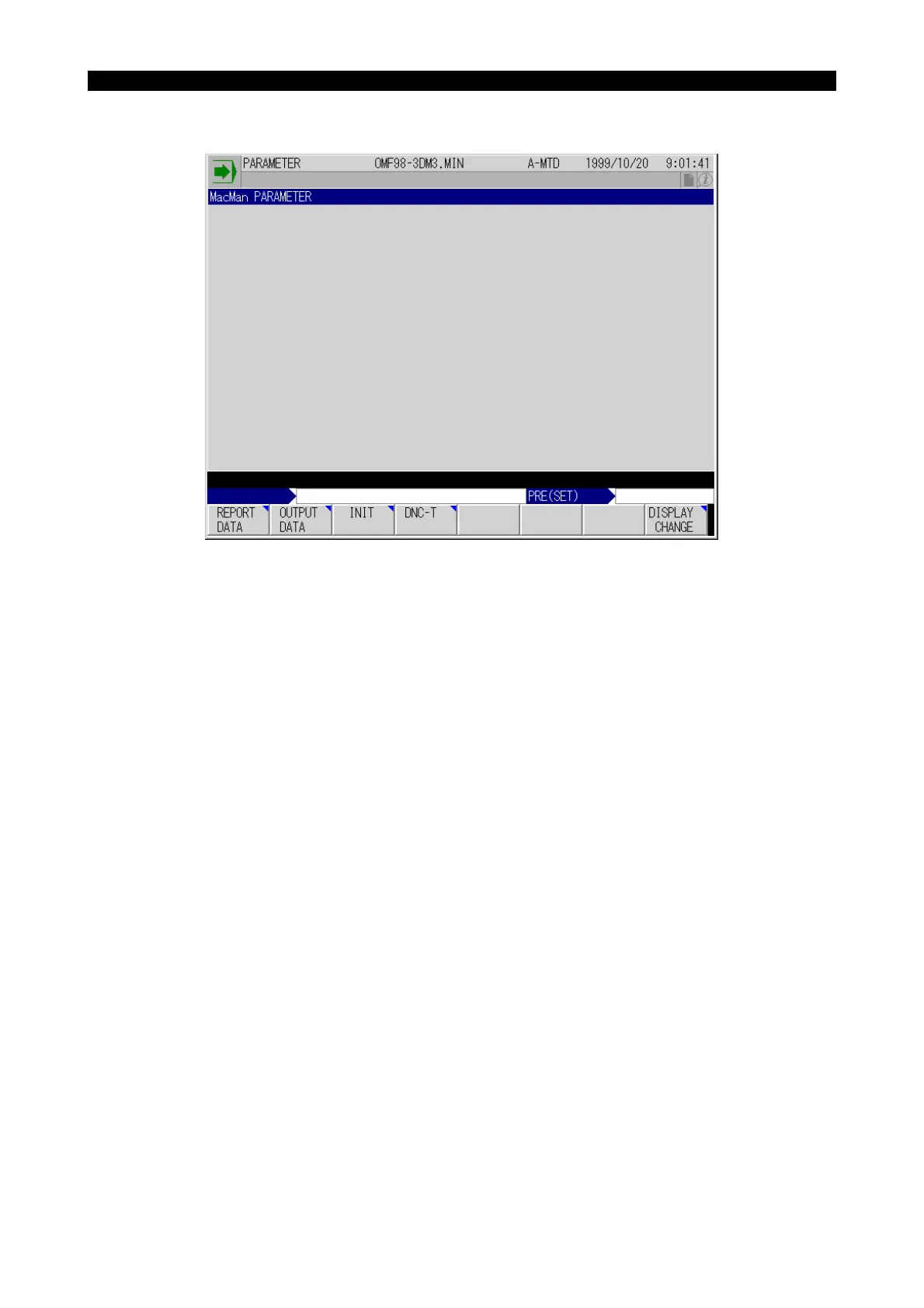
(1) Press a proper function key to access the required function. The function keys are summarized
below.
a) REPORT DATA
Used to set the machine names and the parameters needed for collecting the operating
data.
b) OUTPUT DATA
Used to set the default device name and the default file name of the various operation data
files and various trouble information files.
c) INIT
Used to initialize (or clear) the history data of report information or trouble information.



 To Next Page