4345-E P-27
SECTION 8 ALARM HISTORY
SECTION 8 ALARM HISTORY
Eeospkkua001
EIOSPKKUA001R01
1. Displaying the Alarm History
Eeospkkua002
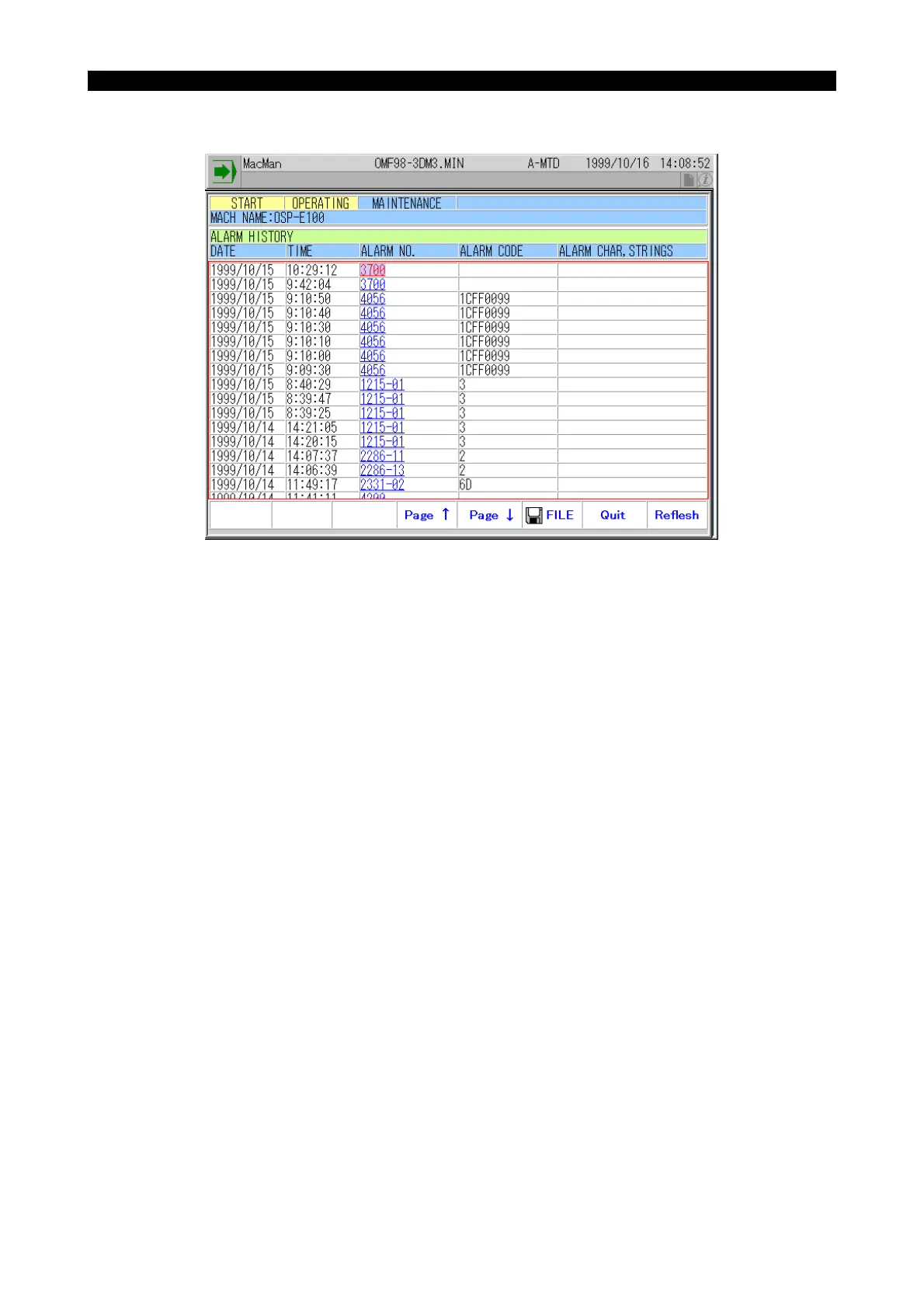
You can back track the occurrence of alarms.
(1) At each occurrence of an alarm, the data which identify the alarm are logged and displayed on
the screen. The information which identifies individual alarms consists of the date, time, alarm
number, alarm code, and alarm character string.
(2) On the ALARM HISTORY screen, up to 16 sets of alarm information are displayed. To view
other alarms which are not displayed on the screen, press function key [F5] (Page ↓).



 To Next Page