4345-E P-34
SECTION 10 PARAMETER SETTING
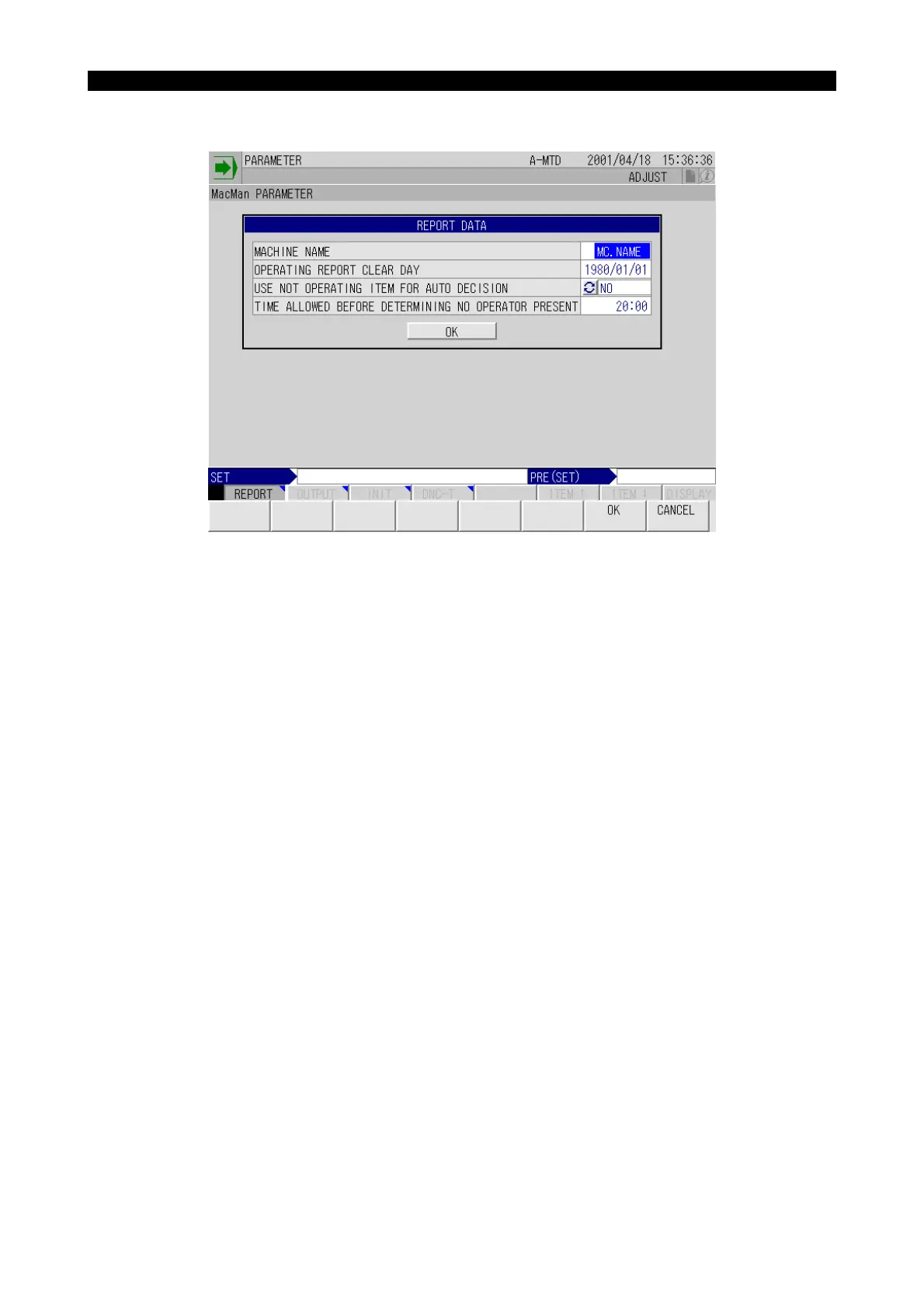
1. REPORT DATA
Eeospkkue002
EIOSPKKUE002R01
MACHINE NAME
• Explanation
The machine name set here is displayed on all screens of the cell operation management func-
tion. The machine name is described in the file when outputting the report or troubleshooting
information to a floppy disk. When outputting the report or troubleshooting information to a
printer, the machine name is printed at the head of the print-out.
• Setting
Within eight alphanumeric characters



 To Next Page