HOME
MENU
ADVANCED
OLI eBike Systems | High Vision
USE
DESCRIPTION
INSTALLATION
TROUBLESHOOTING
MAINTENANCE AND
ASSISTANCE
GENERAL
INFORMATION
studioimmagina.com 00_102020
14
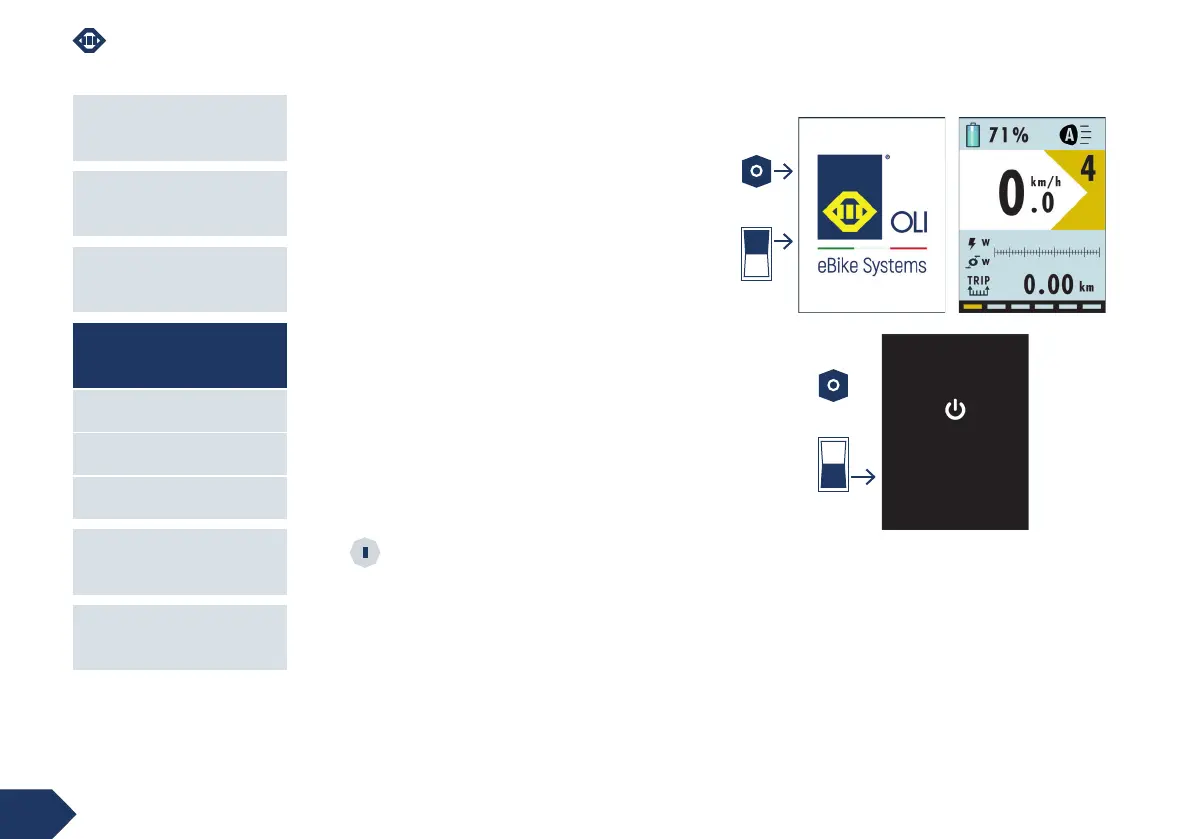
POWER ON
To turn on the display, depending on the type of
battery installed:
› press and hold the power-on key until the power-on
screen with the manufacturer's logo is displayed or
press the on key on the battery.
Wait a few seconds to display the first Home screen.
POWER OFF
To turn off the display, depending on the type of
battery installed:
› press and hold the power-on key until the power-
off screen appears or press the off key on the
battery.
Wait a few seconds for the system to shut down
completely.
If the eBike is not used for a certain amount of
time, depending on the type of battery, the
system will switch off automatically.
ON
OFF
Shutting down



 To Next Page