computer/car charging port.
Please note: If the phone is connected to a
computer via the USB charging cable, you
can view/transfer files on the EasyMate 2.
See Connecting to PC on page 46 for
additional information.
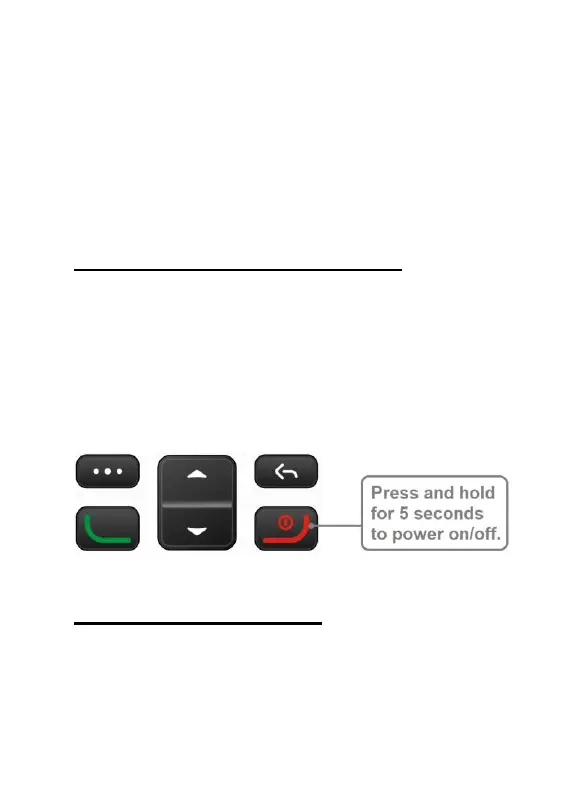
Powering the phone on/off
To power the EasyMate 2 on, press and
hold the red “end call” key for 5 seconds.
The start-up process takes approximately
10-20 seconds. To power the phone off,
when on the home screen, press and hold
the red “end call” key for 5 seconds.
Lock/unlock keypad
It is recommended to lock the keypad on
the EasyMate 2 when the phone is not
being actively used. Locking the keypad
prevents keys from being accidently



 To Next Page