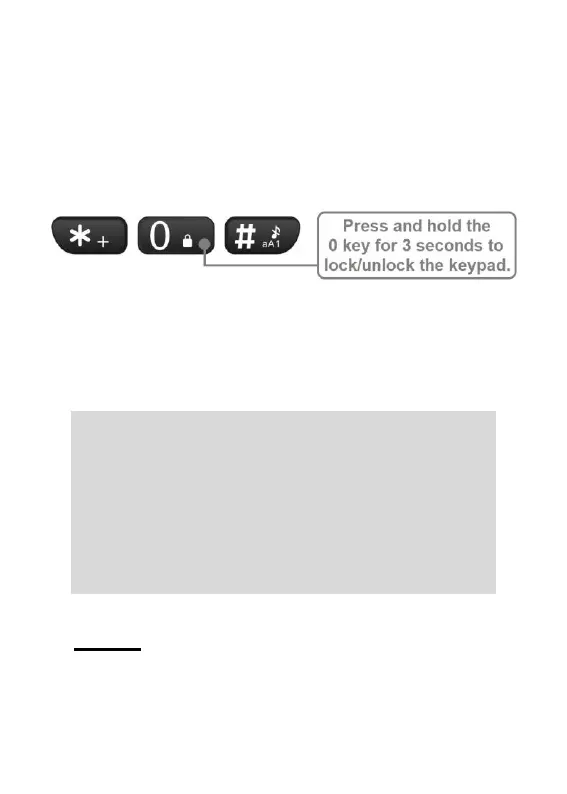
pressed and functions being unintentionally
activated. To lock/unlock the keypad, when
on the home screen press and hold the 0
(zero) key for 3 seconds. A message will
briefly appear on screen confirming the
lock status.
Additional methods of locking the phone
can be programmed. These include Auto
keypad lock and Lock screen by endkey.
See pages 73-74 for additional information.
Note: When the keypad is locked, the
following functions can be performed
without unlocking the keypad first:
• calls can be answered/rejected;
• the emergency key can be activated;
• 000 or 112 can be dialled; and
• the torch can be turned on/off.
Calls
Making a phone call
Standard dialling
1. Dial phone number using keypad



 To Next Page