EasyManua.ls Logo

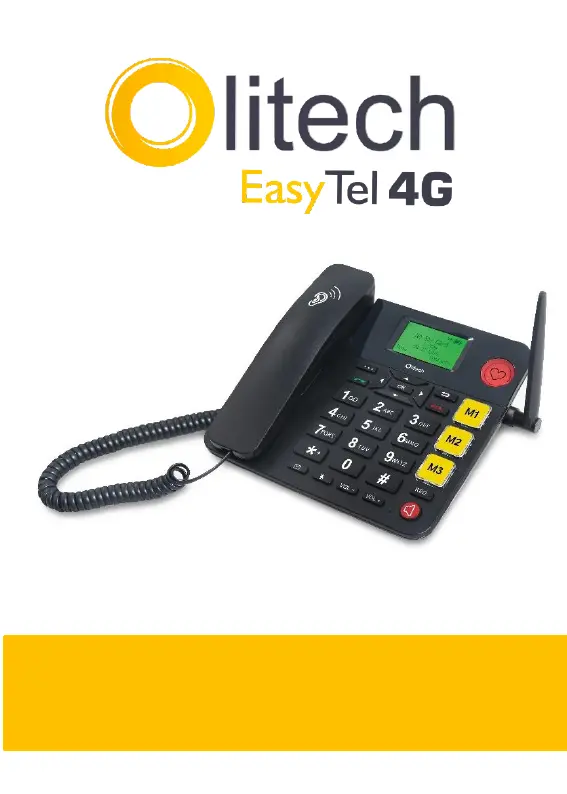
Olitech OLT2917V2 - User Manual

Olitech OLT2917V2
45 pages
Print Icon
To Next Page IconTo Next Page
Loading...
1
User Manual V1
Model number: OLT2917V2

Questions and Answers

Summary

EasyTel 4 G Hardware Guide and Key Functions

Phone Key Descriptions

Explains the purpose and operation of the phone's navigation, call, power, and special function keys.

Interface Icons and Menu Navigation

Understanding Screen Icons

Explains the meaning of various icons displayed on the phone screen.

Main Menu Structure

Outlines the nine main sections accessible from the phone's menu.

Managing Contacts, Messages, and Settings

Contact Management

Guides on adding, editing, deleting, and viewing contacts, plus speed dial setup.

Messaging Functions

Covers composing, sending, and managing text messages (SMS).

Call Logs and Settings

Details viewing call history and configuring call, network, and audio settings.

Special Features: FM Radio, Hotspot, Emergency Key

Explains using FM radio, mobile hotspot, and setting up the emergency key.

Safety, Maintenance, and Support

Initial Setup and Powering On

Step-by-step guide for hardware setup, battery, SIM installation, and powering the device.

Security and Maintenance Precautions

Covers security settings, phone care, and warnings for safe usage.

Troubleshooting Common Issues

Provides solutions for frequent problems encountered with the phone.

Olitech OLT2917V2 Specifications

General IconGeneral
BrandOlitech
ModelOLT2917V2
CategoryIP Phone
LanguageEnglish

Related product manuals