36
phone numbers listed in Emergency key → Set
numbers.
3. Call sequence commences.
Calls need to be answered and accepted in order to stop
the call sequence. To accept the call, the recipient must
follow the verbal instructions to press 0. If the call is
answered but not accepted, the verbal instructions will
repeat for 15 seconds before ending the call and calling the
next number. All numbers set in Emergency key → Set
numbers will be called 3 times (unless loop times is
changed) before the emergency sequence ceases. Loop
times can be altered in Emergency key → Set numbers →
select programmed number, eg: “Emergency contact 1” →
Set loop times.
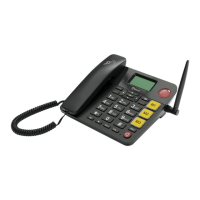
The EasyTel 4G automatically uses loud speaker mode
when the emergency key is triggered. To transfer audio to
the handset, simply lift the handset from the cradle.
Bluetooth
Bluetooth allows the EasyTel 4G to connect with other
Bluetooth compatible devices.
Connecting devices to the EasyTel 4G via Bluetooth
Step 1. Activate Bluetooth on connecting device
Ensure the device being connected (paired) to:
1. Is powered on;
2. Bluetooth is on; and



 To Next Page