3.2ImportingMusicfromaPCorMAC
WHAT YOU NEED
1. Please make sure the PC is connected to the
same network as the O6HD. We recommend a wired
connection if you are transfering large music libraries.
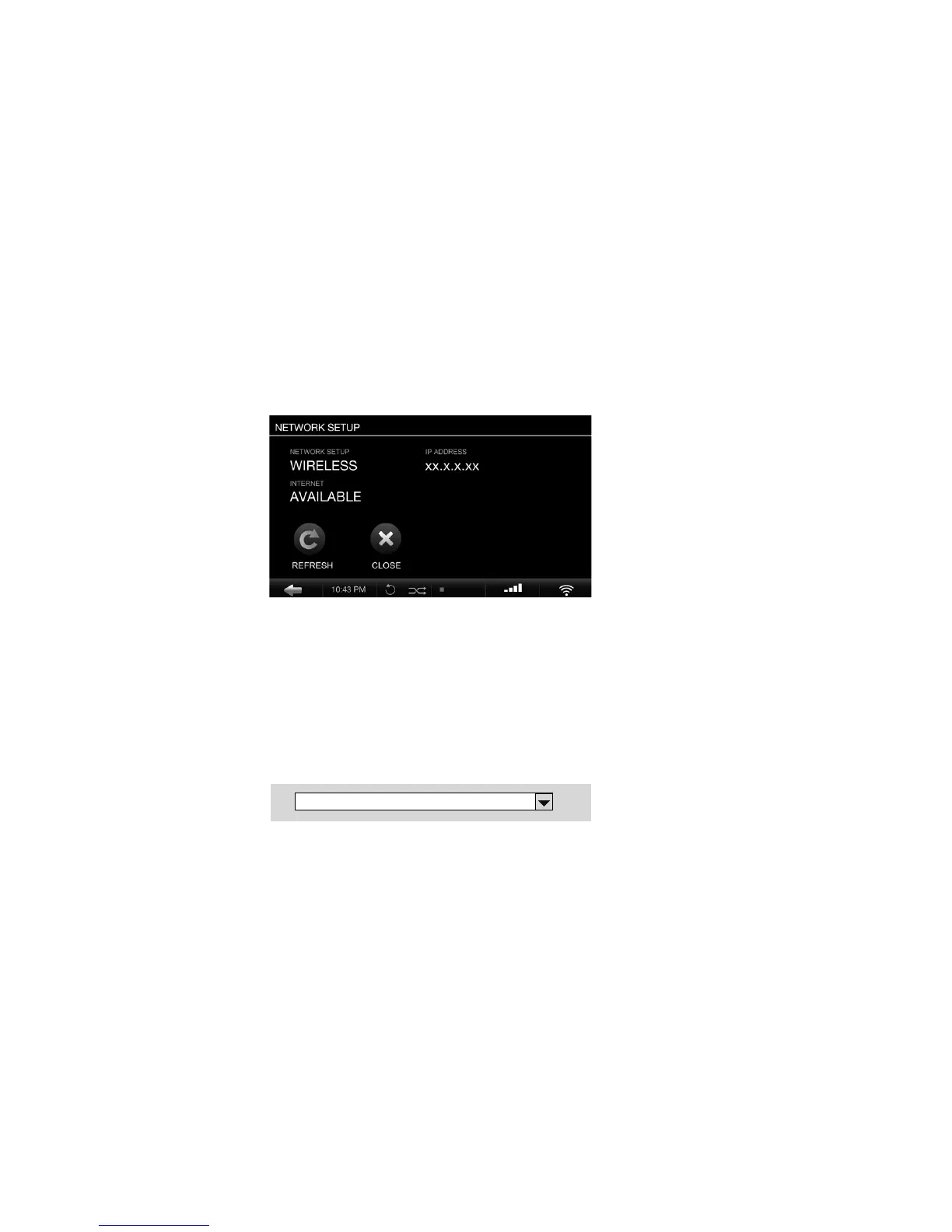
2. Note the IP address of your O6HD (SETTINGS >
NETWORK CONNECTION > NETWORK INFO).
IMPORTING FROM A PC (Windows Operating
System)
1. Press the WINDOWS + R keys on your key-
board. 2. Enter “\\” into the pop-up window, fol-
lowed by the O6HD IP address you noted above.
3. Click OK and an “Import” folder will appear in
your network environment.
OLIVE O6HD QUICK START GUIDE
17
!"" # #$#$#$##
!


 To Next Page