4.3Playlists
To create a playlist simply follow these steps:
1. ADD PLAYLIST
Go to MUSIC LIBRARY > PLAYLISTS > ADD PLAYL-
IST and enter the name of your playlist.
2. PLAY TRACK
Play the track you want to add to the playlist and
press the SELECT Button.
3. ADD TO PLAYLIST
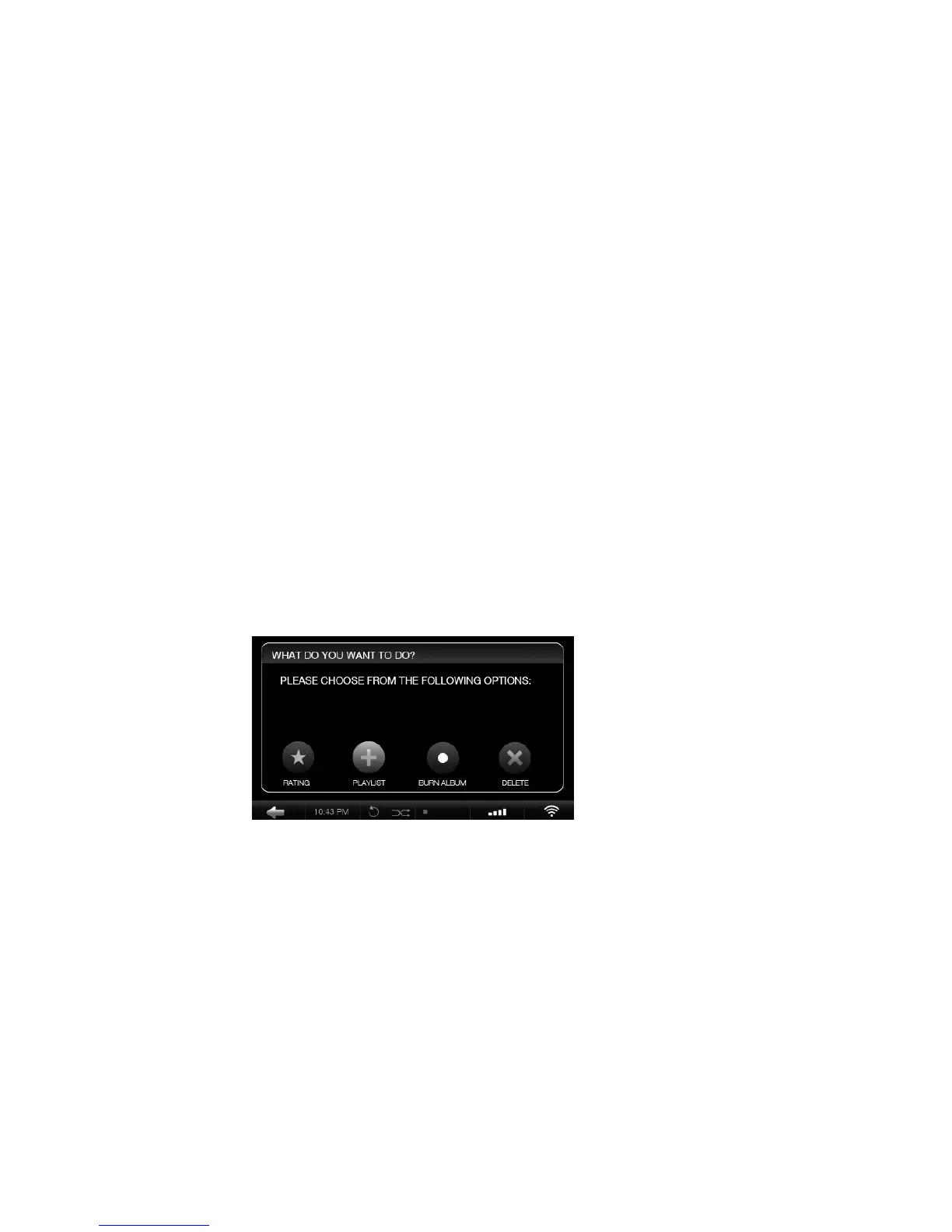
Select ADD TO PLAYLIST in the pop-up window.
Choose the playlist you created in step 1 and press
SAVE.
4. REPEAT STEPS
Choose the next track and repeat step 2 and 3 until
your playlist is complete.
The playlist appears in your music library under the
PLAYLISTS menu.
OLIVE O6HD QUICK START GUIDE
20


 To Next Page