4.4DeletingMusic
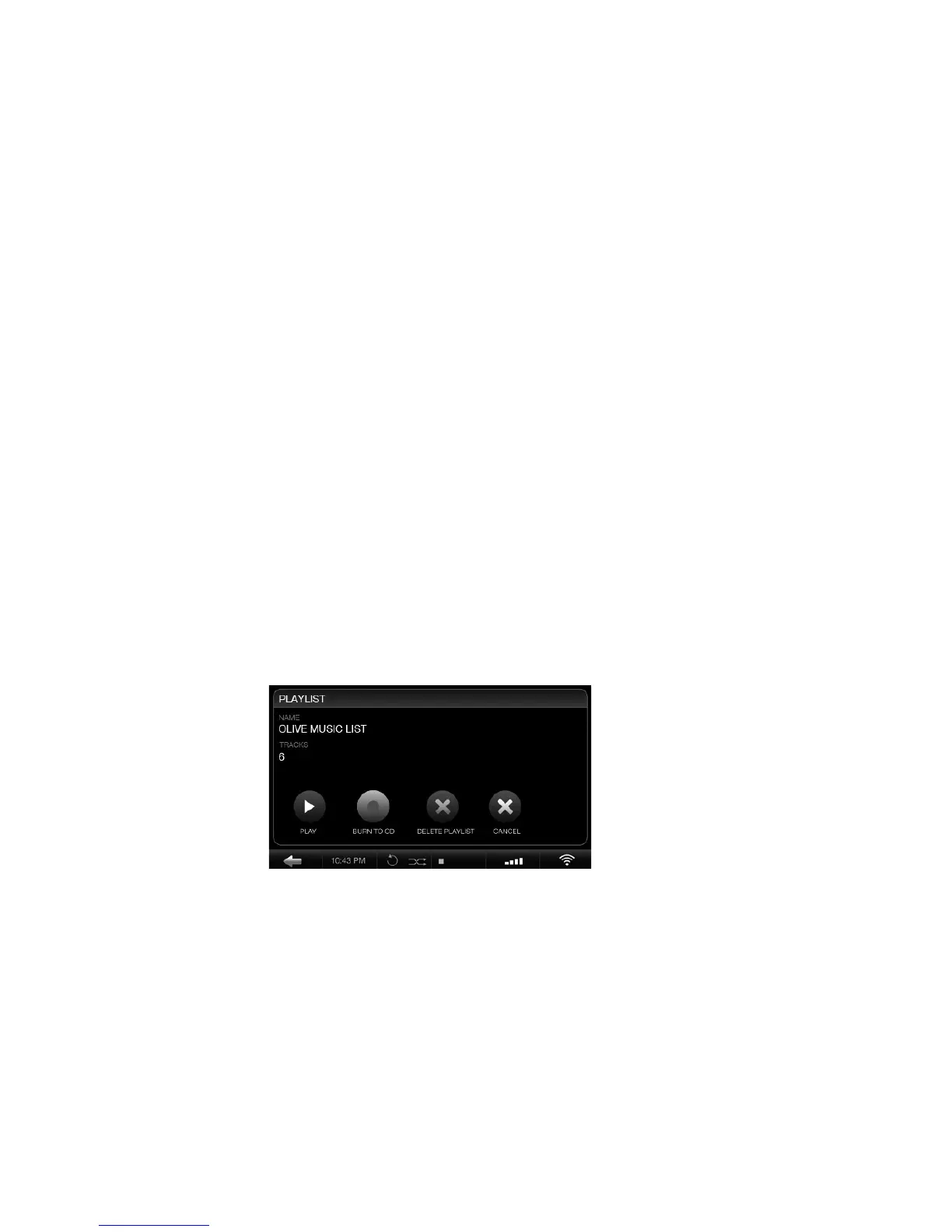
To delete music simply play the track and press the
SELECT Button. Choose DELETE in the pop-up
window and then select to delete the track or the
complete album. To delete a playlist simply highlight
the specific playlist and press the SELECT Button.
Choose DELETE in the pop-up window.
4.5BurningCDs
You can burn CDs both from albums as well as playlists.
To burn an album to CD play a track and press the
SELECT Button. Choose BURN ALBUM and insert a
blank CD when prompted. To burn a playlist to CD,
highlight the specific playlist and press the SELECT
Button. Choose BURN TO CD and insert a blank CD
when prompted.
OLIVE O6HD QUICK START GUIDE
21


 To Next Page