5InternetRadio
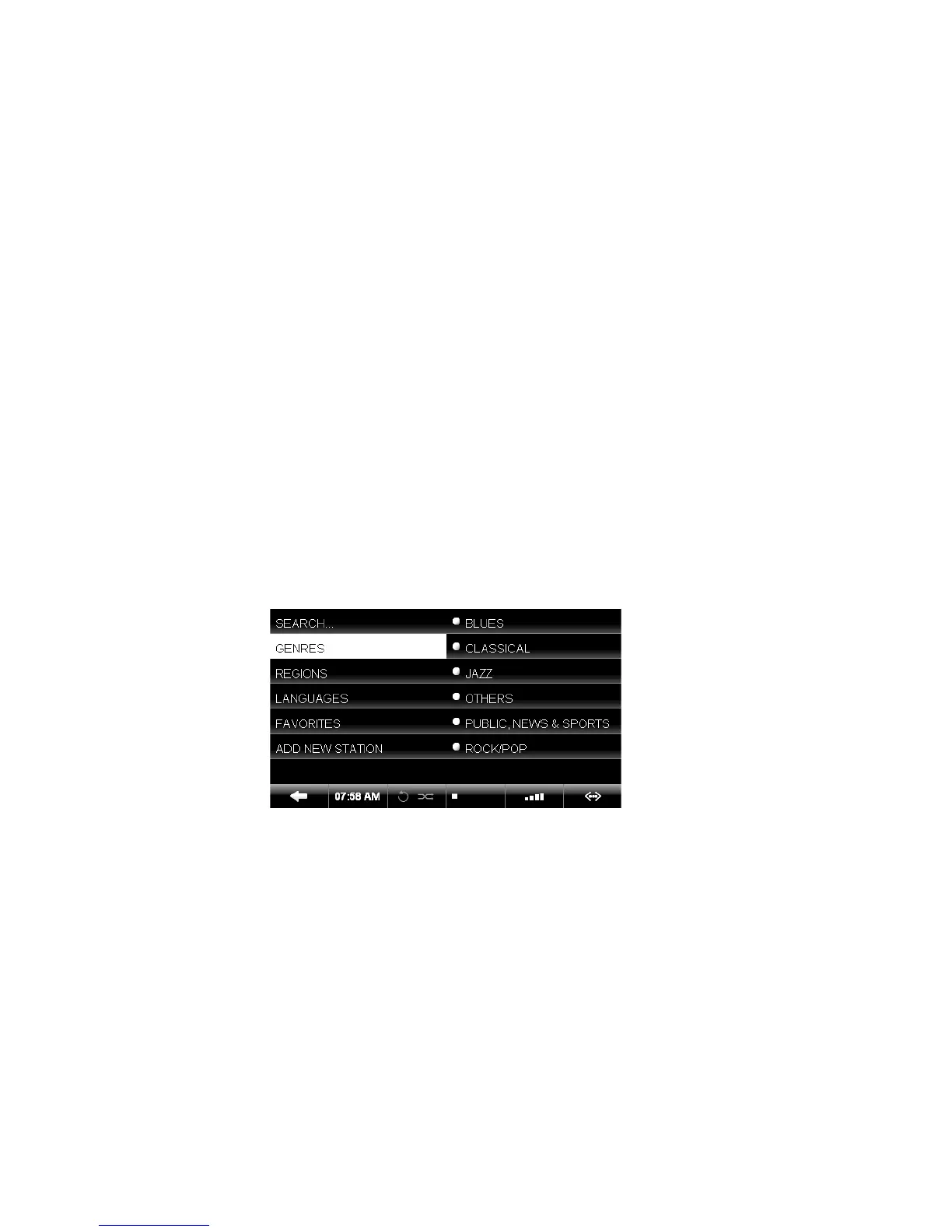
Internet radio will appear as a separate category in
the main menu if the O6HD is connected to the inter-
net. Stations are categorized into genre, region and
public & info. To add a station to your FAVORITES you
have to play the station, then press the SELECT But-
ton and choose OK in the pop-up window.
You can also add your own radio station. Select ADD
NEW STATION, enter the station name and then the
web address. The stream must be in .pls, .mp3 or
.m3u format. A detailed description of the internet
radio functionality can be found at www.oliveHD.com
in the SUPPORT section.
OLIVE O6HD QUICK START GUIDE
23


 To Next Page