EasyManua.ls Logo

Olivetti NETTUNA 7000 Open - User Manual

Olivetti NETTUNA 7000 Open
84 pages
Print Icon
To Next Page IconTo Next Page
Loading...
Cash Register
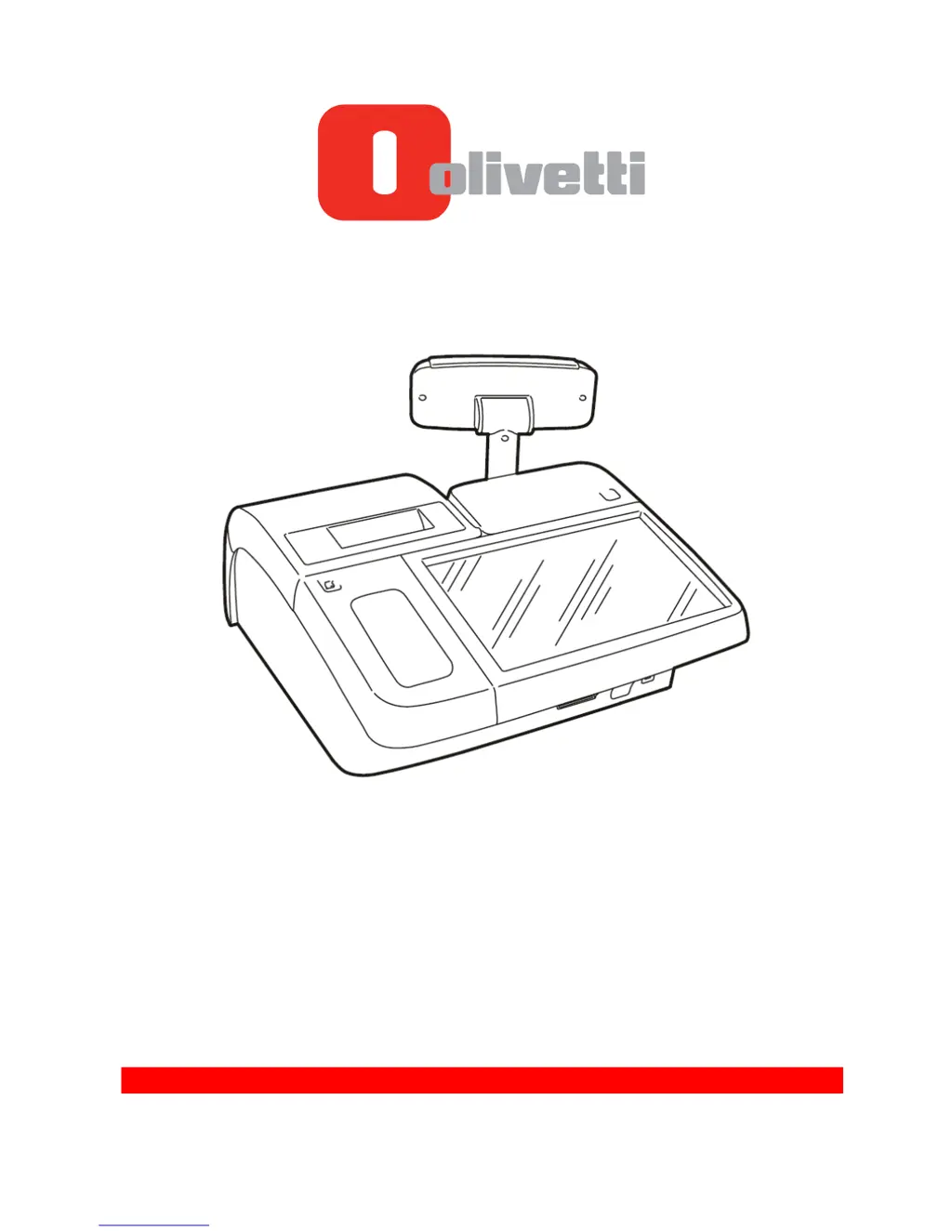
NETTUNA 7000 Open
SERVICE MANUAL
Code: Y117850-4

Questions and Answers

Summary

Chapter 1 - Nettuna 7000 General Information

Rear Panel Peripheral Connections

Details the external connectors and ports on the rear of the cash register.

PC Board Jumper Settings

Configuration options for jumpers on the PC Board, including CMOS and power settings.

PC Board BIOS Parameters

Information on accessing and modifying BIOS settings for the cash register.

Chapter 2 - Installation and Maintenance Procedures

Installation Procedure

Step-by-step guide for initial setup and installation of the cash register.

Loading the Receipt Paper Roll

Instructions for inserting and replacing the paper roll in the printer.

Calibrating the Near-End-of-Paper Sensor

Procedure to adjust the sensor that detects low paper levels.

Turning on the Cash Register

Instructions for powering up the cash register correctly after installation.

Chapter 3 - Module Disassembly

Disassembling the Upper Body

Steps to remove the top casing of the cash register for access.

Disassembling the RAM Memory and the PC Board

Instructions for removing memory modules and the main PC board.

Disassembling the Printer Group

Steps to remove the entire printer assembly.

Chapter 4 - Printing Unit Disassembly

Chapter 5 - Troubleshooting

Troubleshooting

Common problems and their probable causes and solutions for the cash register.

Summary

Chapter 1 - Nettuna 7000 General Information

Rear Panel Peripheral Connections

Details the external connectors and ports on the rear of the cash register.

PC Board Jumper Settings

Configuration options for jumpers on the PC Board, including CMOS and power settings.

PC Board BIOS Parameters

Information on accessing and modifying BIOS settings for the cash register.

Chapter 2 - Installation and Maintenance Procedures

Installation Procedure

Step-by-step guide for initial setup and installation of the cash register.

Loading the Receipt Paper Roll

Instructions for inserting and replacing the paper roll in the printer.

Calibrating the Near-End-of-Paper Sensor

Procedure to adjust the sensor that detects low paper levels.

Turning on the Cash Register

Instructions for powering up the cash register correctly after installation.

Chapter 3 - Module Disassembly

Disassembling the Upper Body

Steps to remove the top casing of the cash register for access.

Disassembling the RAM Memory and the PC Board

Instructions for removing memory modules and the main PC board.

Disassembling the Printer Group

Steps to remove the entire printer assembly.

Chapter 4 - Printing Unit Disassembly

Chapter 5 - Troubleshooting

Troubleshooting

Common problems and their probable causes and solutions for the cash register.

Olivetti NETTUNA 7000 Open Specifications

General IconGeneral
TypeElectronic Cash Register
Departments99
PLUs10, 000
Cash DrawerOptional
DisplayLCD with backlight
ConnectivityRS-232, Ethernet
MemoryFlash memory
PrinterThermal printer
Power SupplyAC power
Memory BackupBattery backup
Weight5.5 kg

Related product manuals