10 |
User Guide
2.9 Mobile networks (only for model with 3G function)
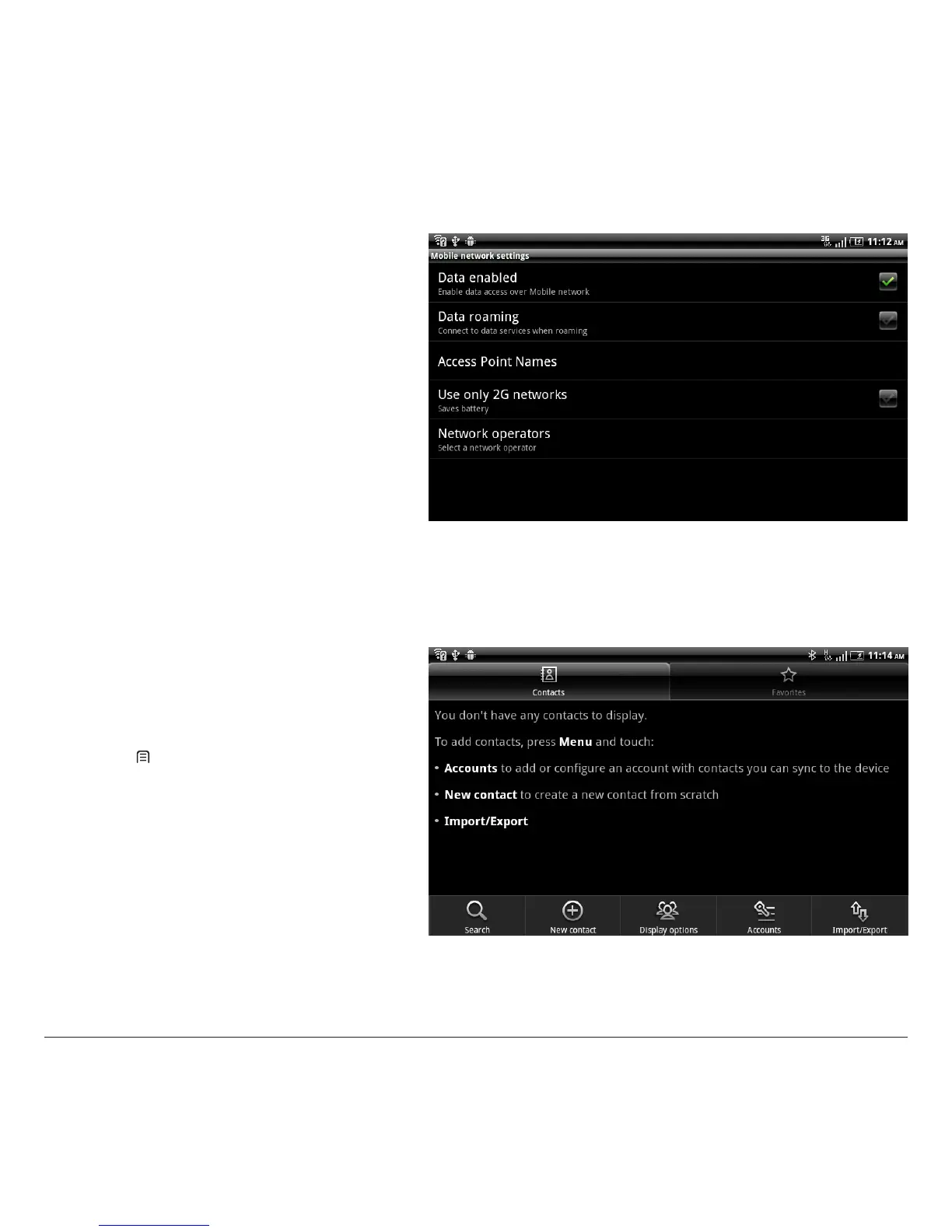
In the 3G connection (Mobile networks) menu, you
can:
1. enable data access via a mobile network (mobile
phone)
2. enable data access in roaming
3. select the operator and dene the APN (Access
Point Name) necessary for data exchange.
Warning:
To optimise device performance, a data connection
must always be active. If the Internet connection
is established via a radio-mobile network (3G), the
service cost may be high. All operators oer special
rates that permit low-cost data connections. Make sure
your subscription is suitable before using the device
for long periods.
3 CONTACTS
You can add or import contacts into your device. All of
your contacts are displayed alphabetically in a list.
TIPS:
1. Tap an item to view contact information, Tap &
hold to edit, delete and more.
2. Press [ Menu] for more options like search,
import/export.



 To Next Page