User Guide
| 15
7.3 MUSIC
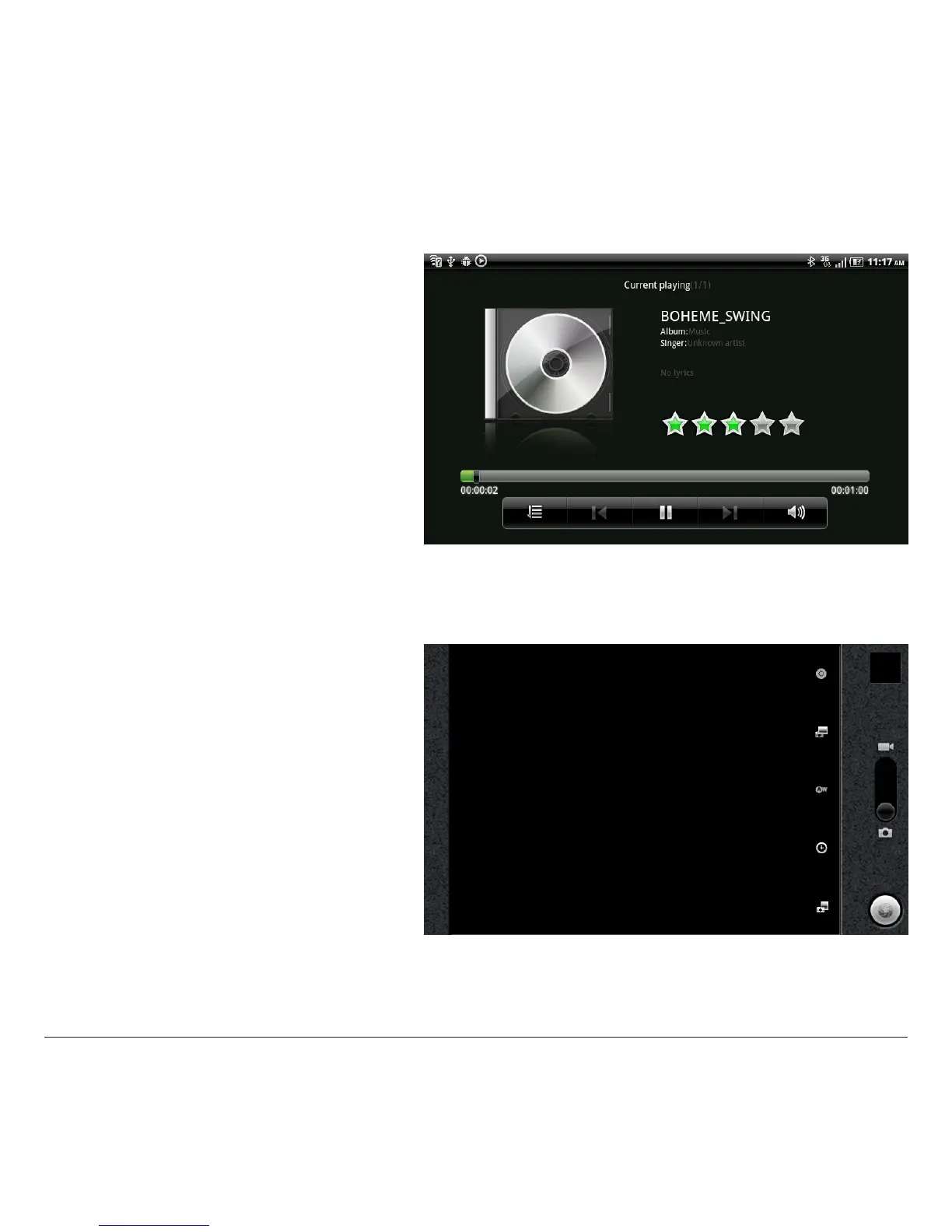
With this application, you can display and play albums.
Multimedia contents are divided into Artists, Albums,
Tracks, Playlists.
Functions include play, stop, pause, forward, rewind,
shue and repeat the track.
7.4 CAMERA
This application permits use of the integrated camera to
take photos and/or record videos.
- Permits selection of photo mode.
- Permits selection of record mode (lm).
- Displays (to the bottom left) the miniature of the photo
or video. Simply clicking the miniature, you can play back
the video or display the photo.
Note: a zoom function is also provided; to use this, click
the +/- icons to the top right (see the gure).



 To Next Page