User Guide
| 13
6 SETTINGS
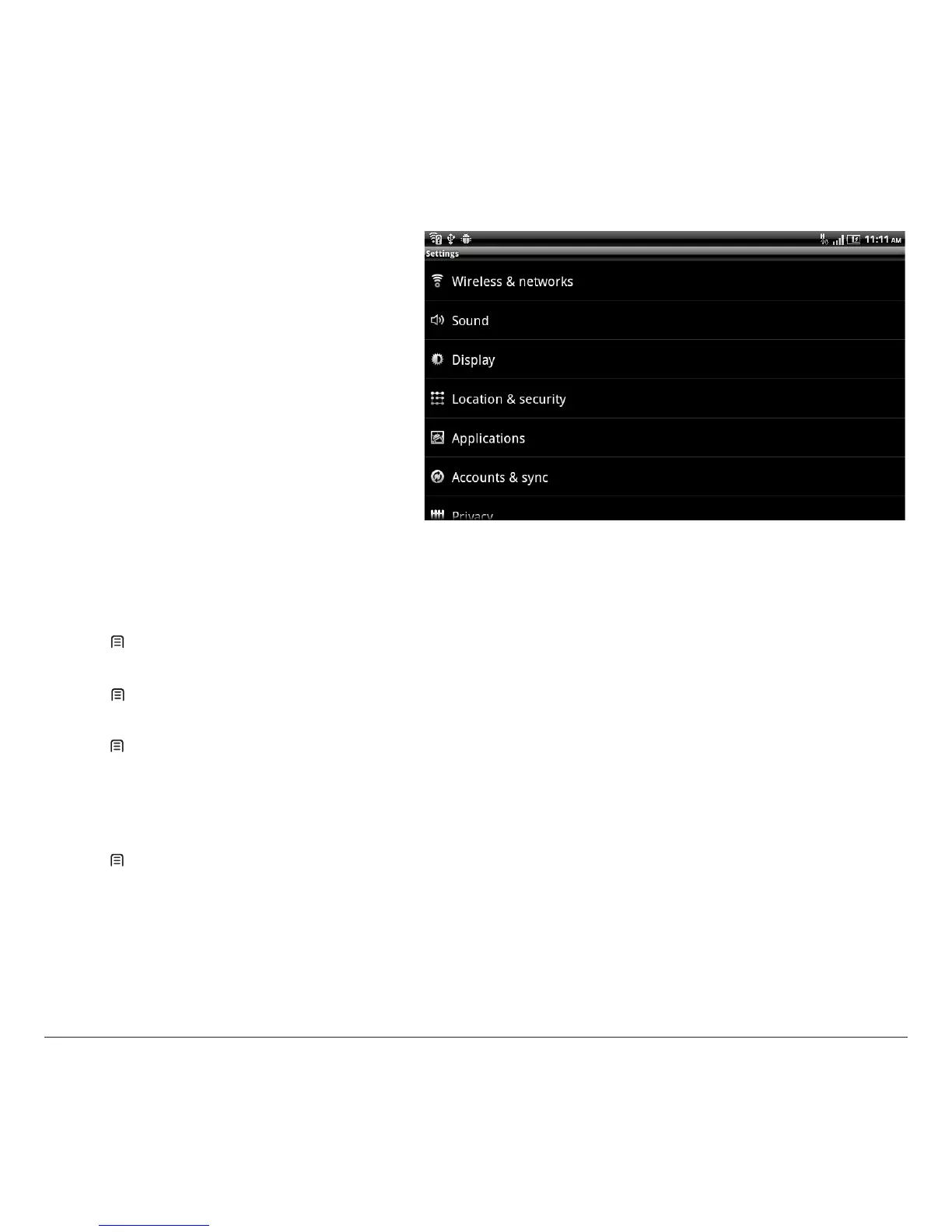
Find more options to personalize your tablet in the
Settings.
6.1 Date & time
Press [ Menu] >settings> Date & time to set date, time, time zone and formats.
6.2 Sound setting
press [ Menu] >settings> Sound to set media and alarm volume and display settings such as silent mode, touch tones.
6.3 Airplane mode
Press [ Menu] >settings> Wireless & networks to nd the airplane mode. If Airplane mode is on, all the wireless networks will be turned
o in this mode, you can turn on Wi-Fi connection manually.
Warning: Even if airplane mode is activated, it is forbidden to use on plane or in some special labs or under hospital equipment, other special
environments, etc., so as to prevent the intervention of electronic equipment to the communication or this device, you are advised to power o
this device in such environments.
6.4 Use GPS
Press [ Menu] > settings > Location & security > Use GPS satallite to turn on GPS, and then you can search places with Google Map
TM
.



 To Next Page