14 |
User Guide
7 ENTERTAINMENT
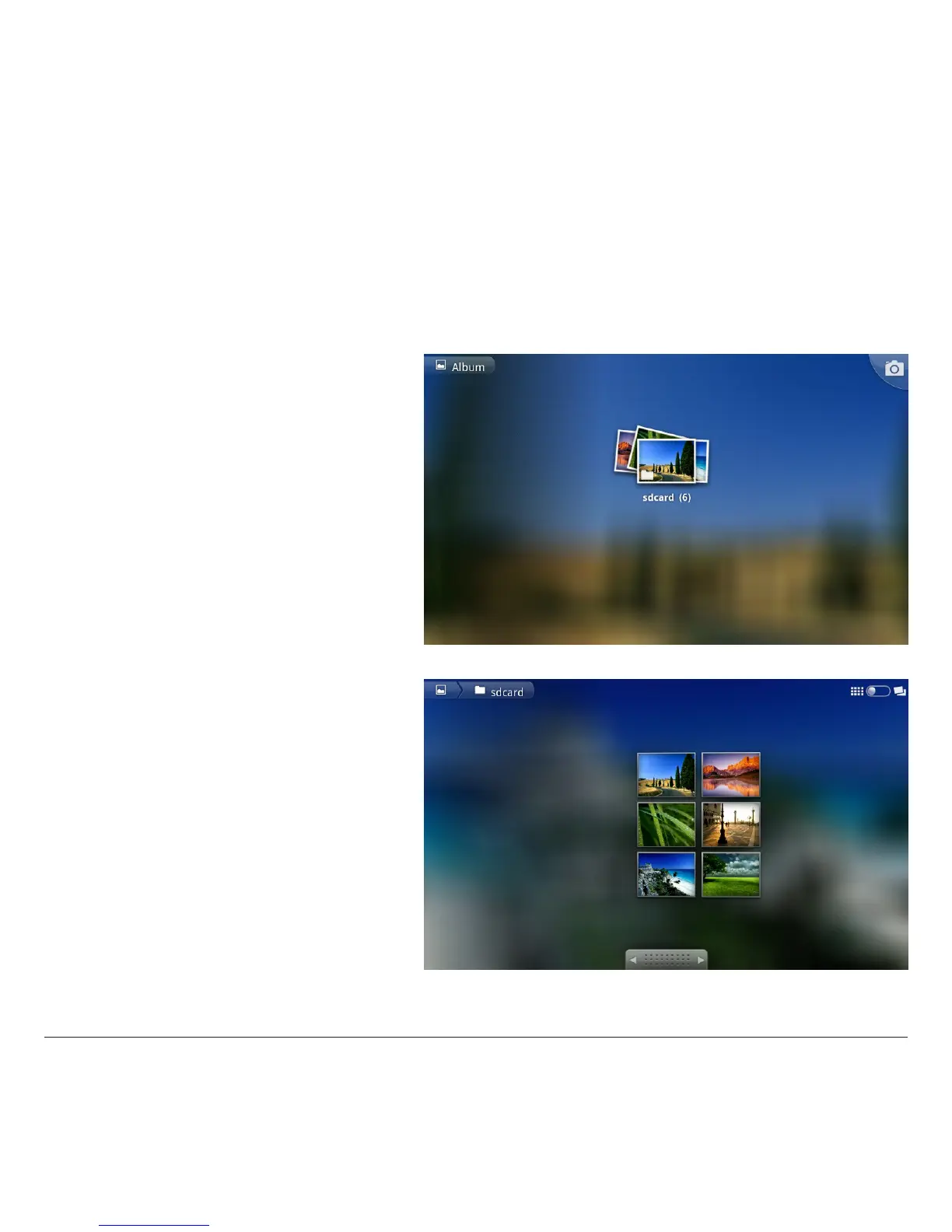
7.1 ALBUM
This application facilitates access to images saved on the device (internal memory), on the Sdcard (external memory) and import of images
from your Picasa/Google account.
Note: you must already have a Picasa/Google account or create this from the Picasa/Google web site.
Photos
This application permits display of images on your Tablet.
Album display
Select an album to display its contents and carry out
various operations on the images it contains.
The controls for the various operations are located to the
top right:
Slide show: to display the album as a slide show
Eliminate: to eliminate the current image;
Share: for example, to send the image to an email address.
7.2 VIDEOS
Access this environment to view lms or videos saved in the internal memory or on the external memory card.
Select the video desired to view this. In addition to the usual play, stop, pause functions, a cursor permits for fast playback with a simple tap.



 To Next Page